
What to Wear for AI Headshots: Outfit, Color, and Styling Tips for Professional Photos
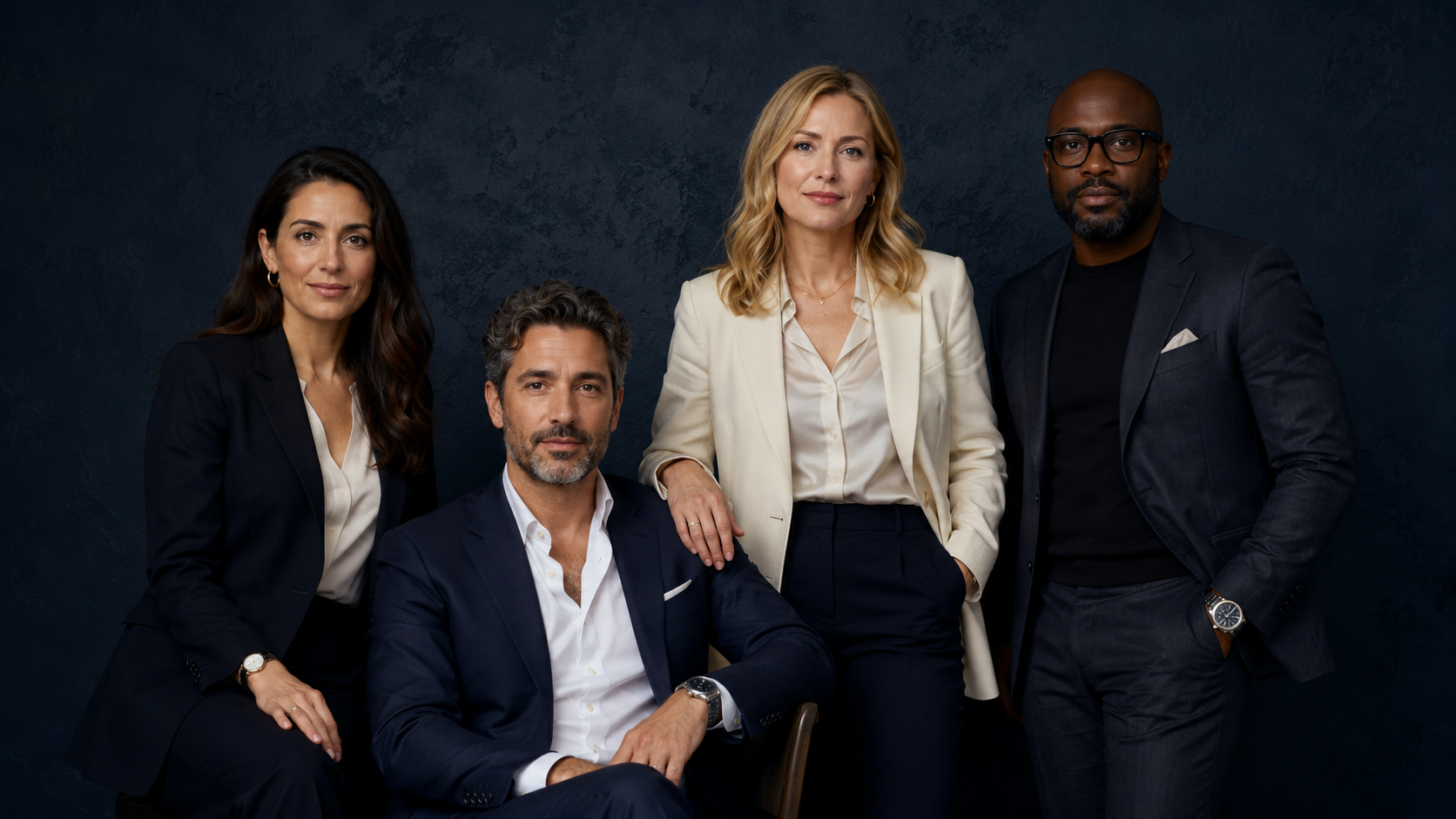
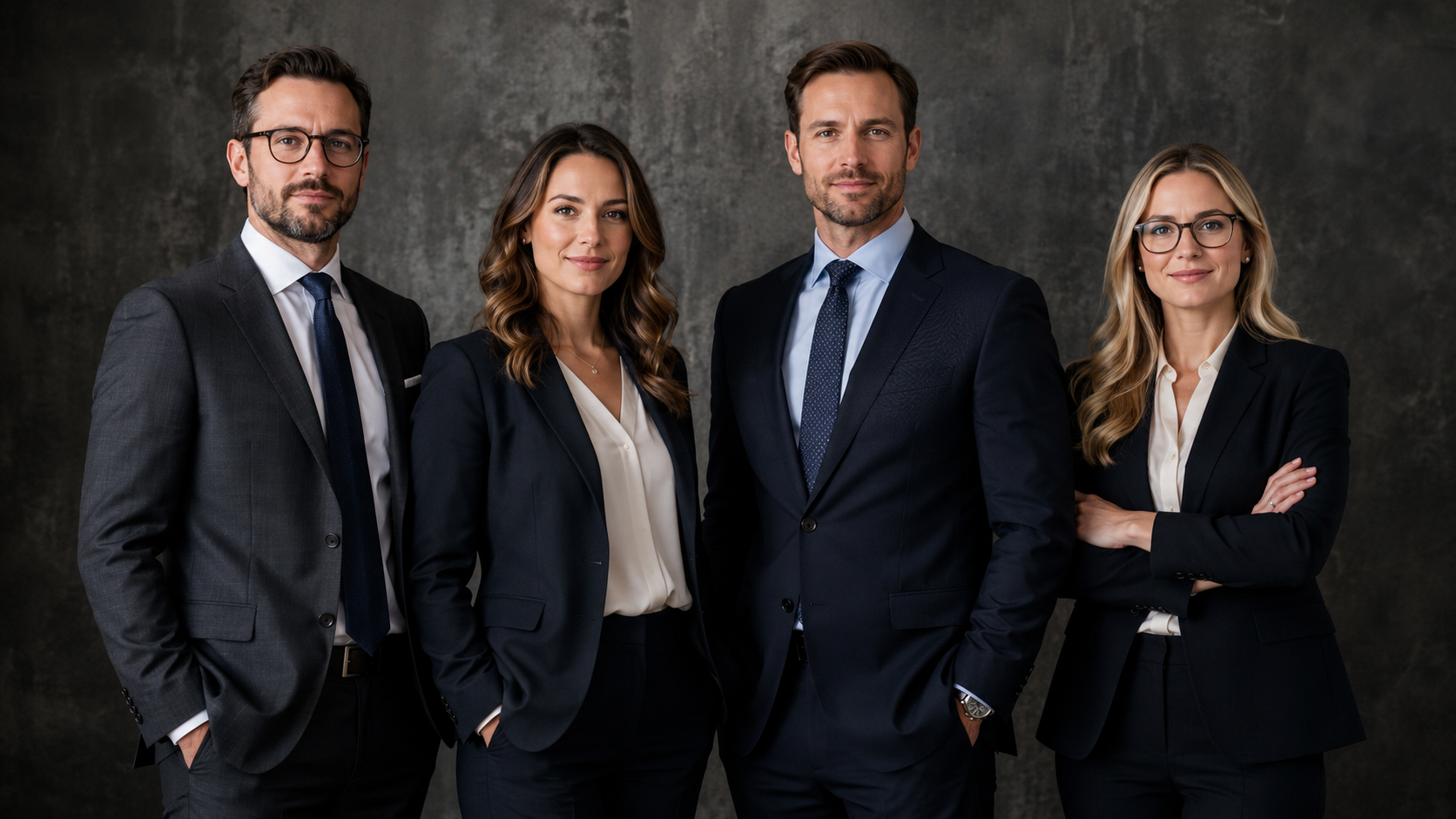
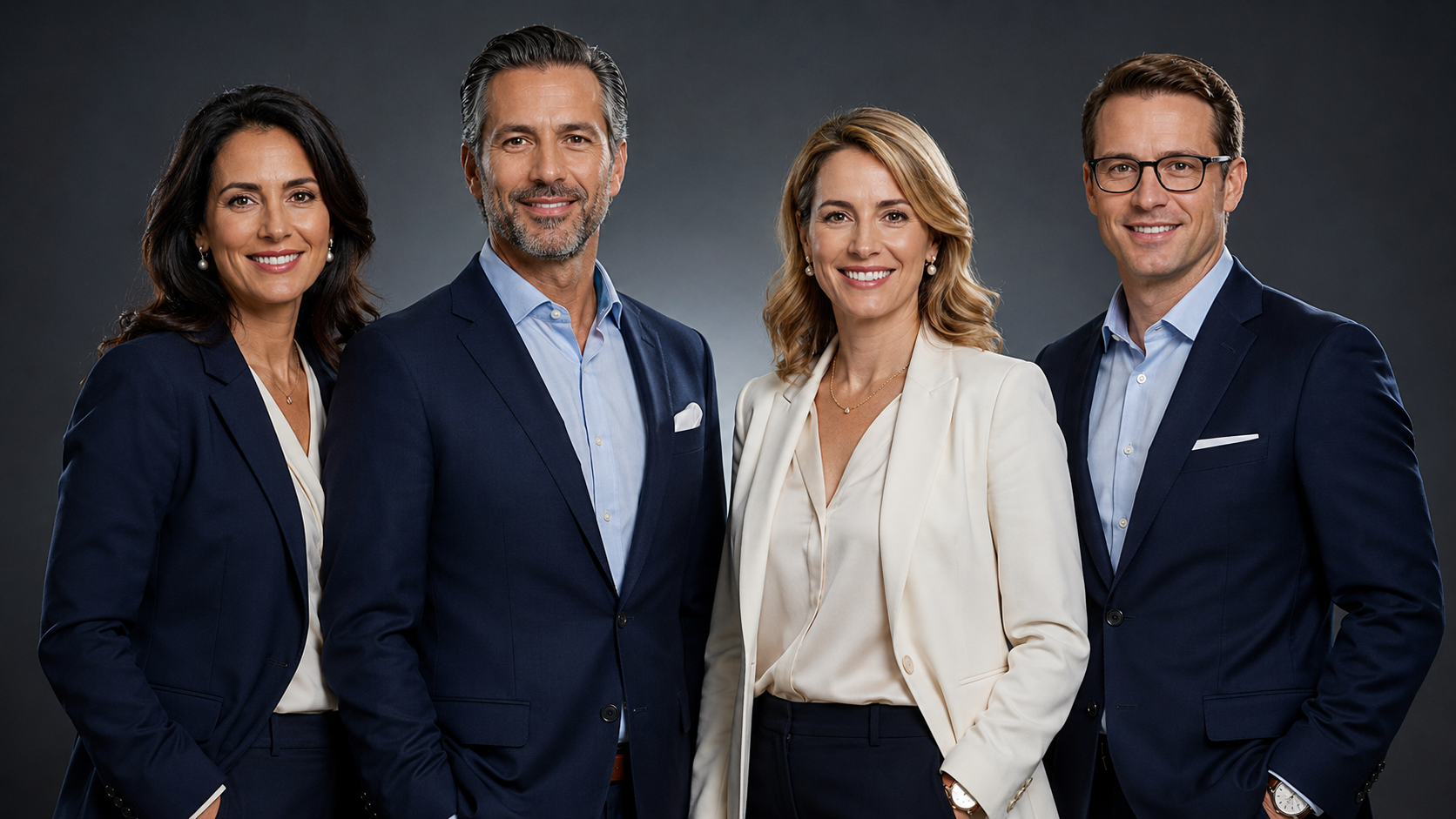
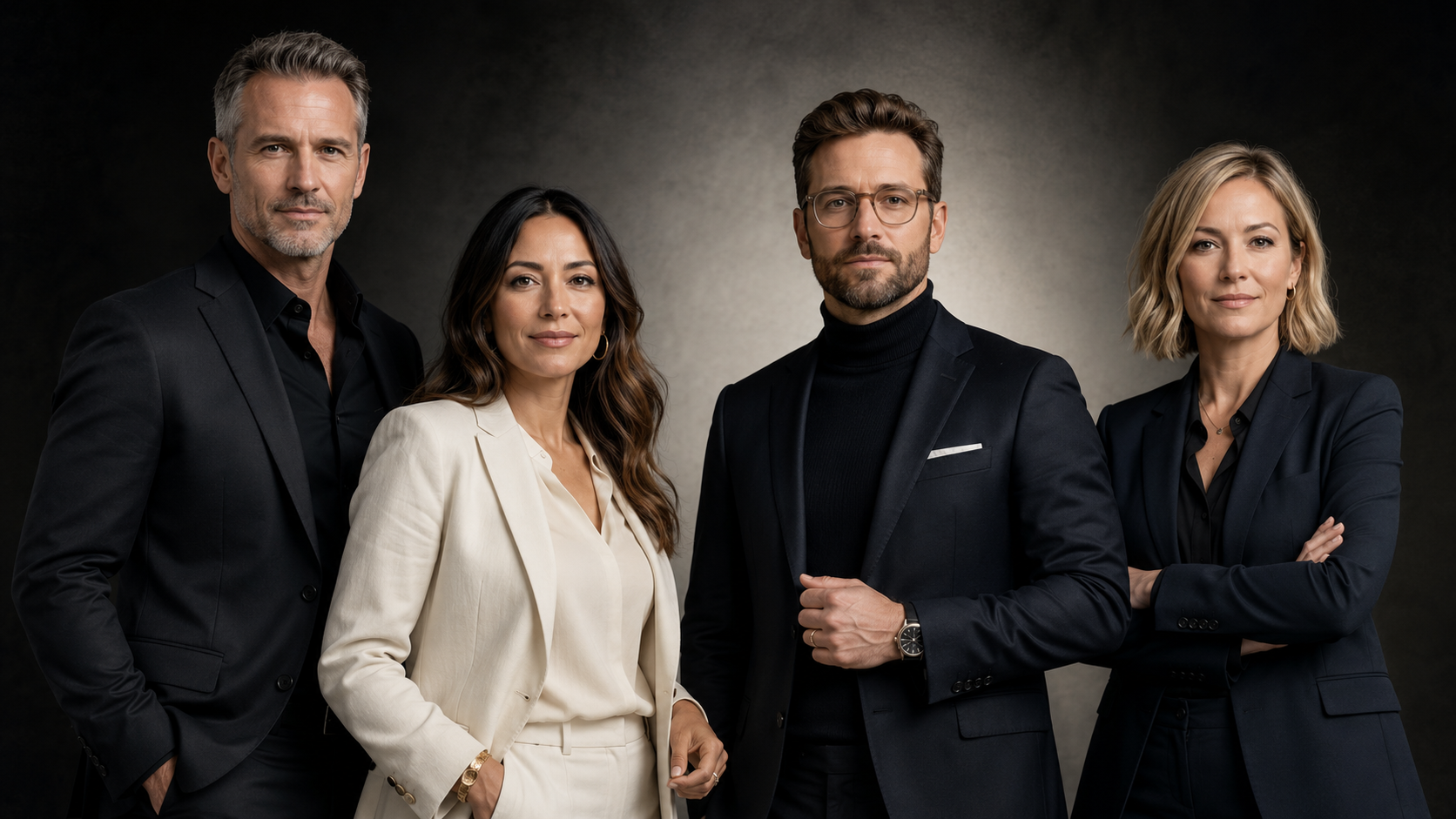
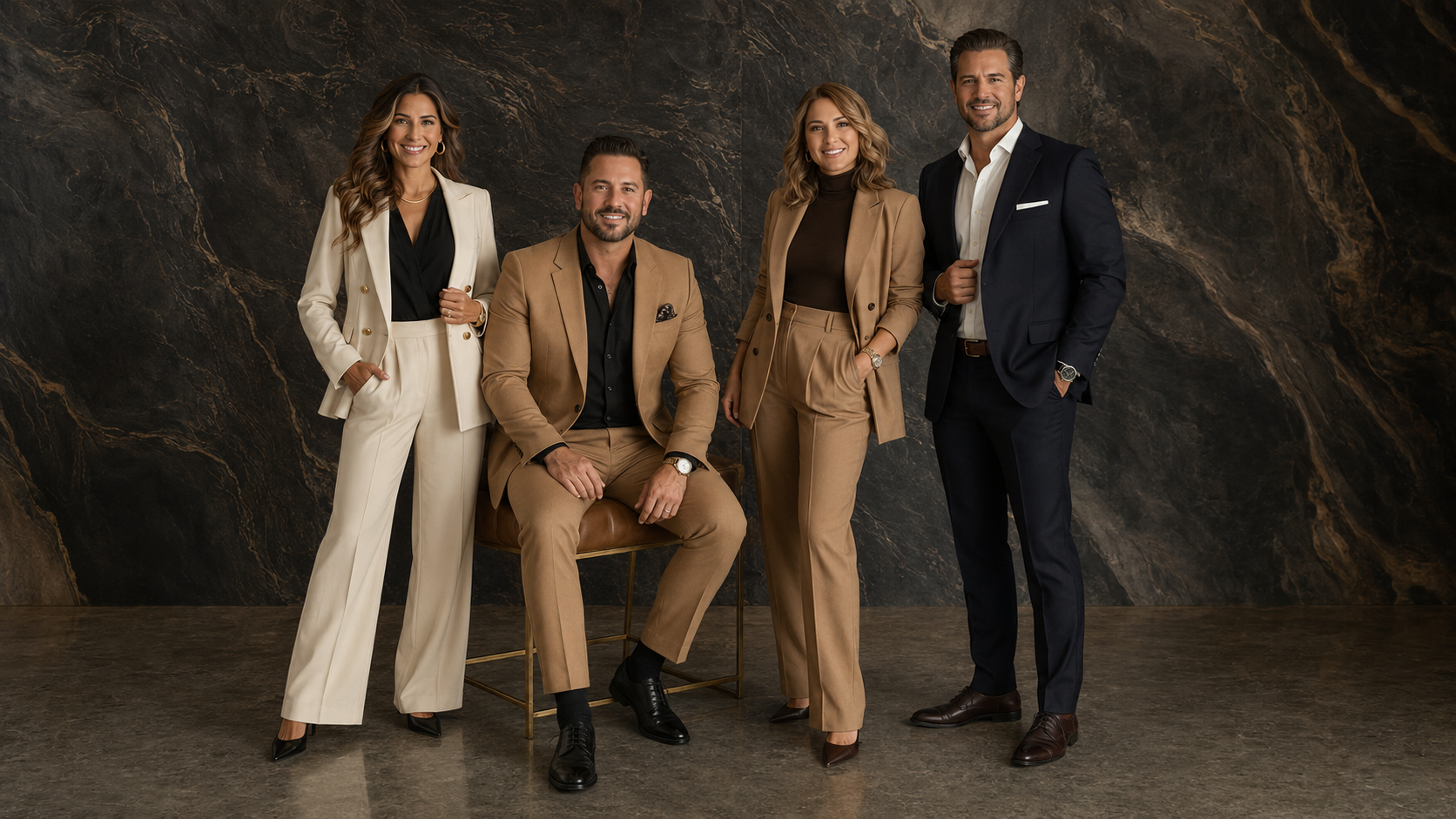
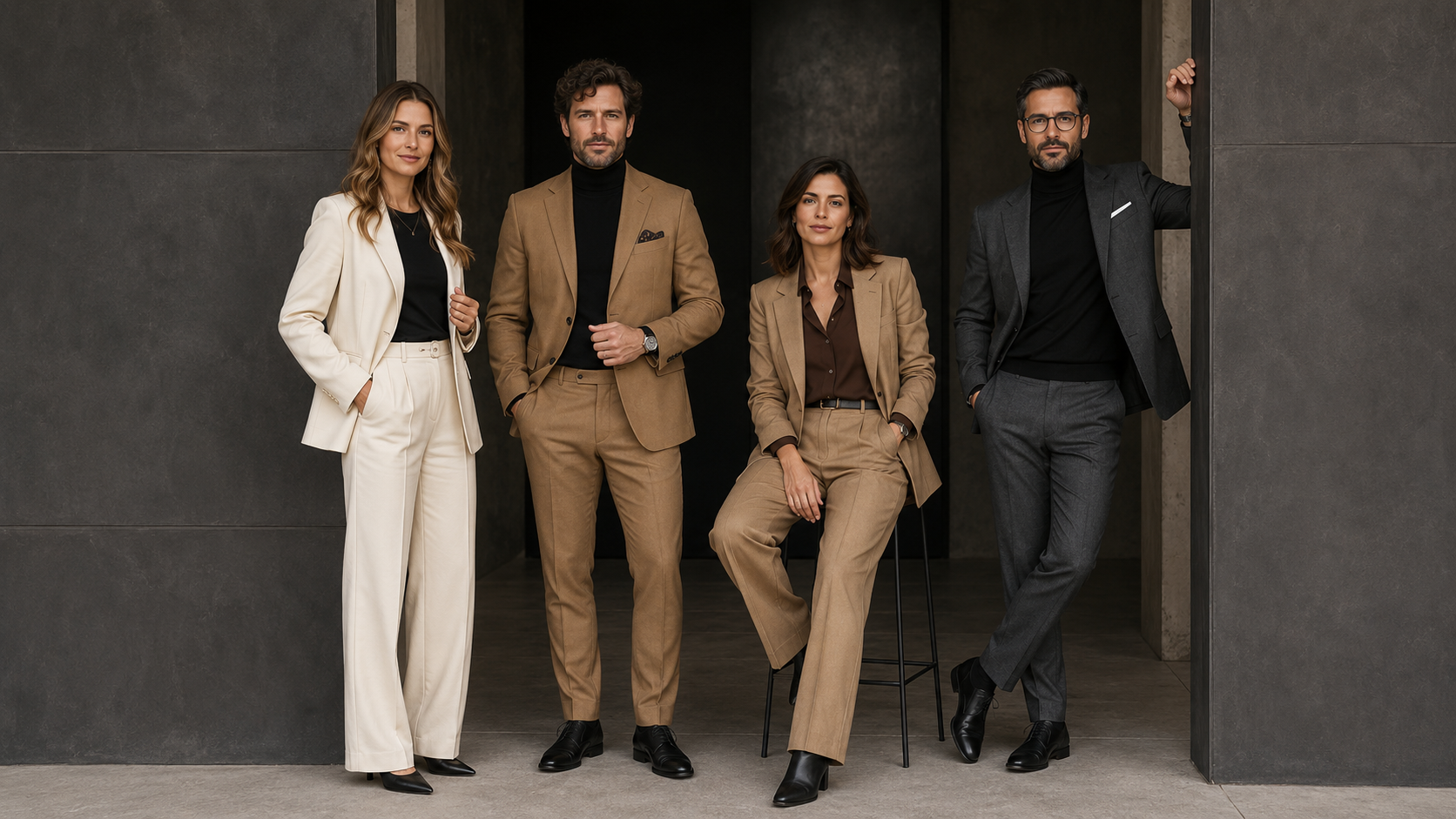
What to Wear for AI Headshots: Outfit, Color, and Styling Tips for Professional Photos
Your AI headshot starts before the AI.
The clothes you wear, the colors you choose, the way your hair is styled, and the quality of your source photos all give the system visual information to work with.
A clean blazer with visible lapels is easier to interpret than a wrinkled jacket under harsh bathroom light. A simple necklace is easier to reproduce than five tangled chains. A solid blouse creates fewer problems than a tiny geometric pattern that turns into digital confetti.
That does not mean every AI headshot needs to look conservative or corporate.
It means your styling should be intentional.
The goal is to create a professional image that still feels like you, fits the work you do, and holds up when someone views it on LinkedIn, your website, a team page, a proposal, or a speaker bio.
What Should You Wear for AI Headshots?
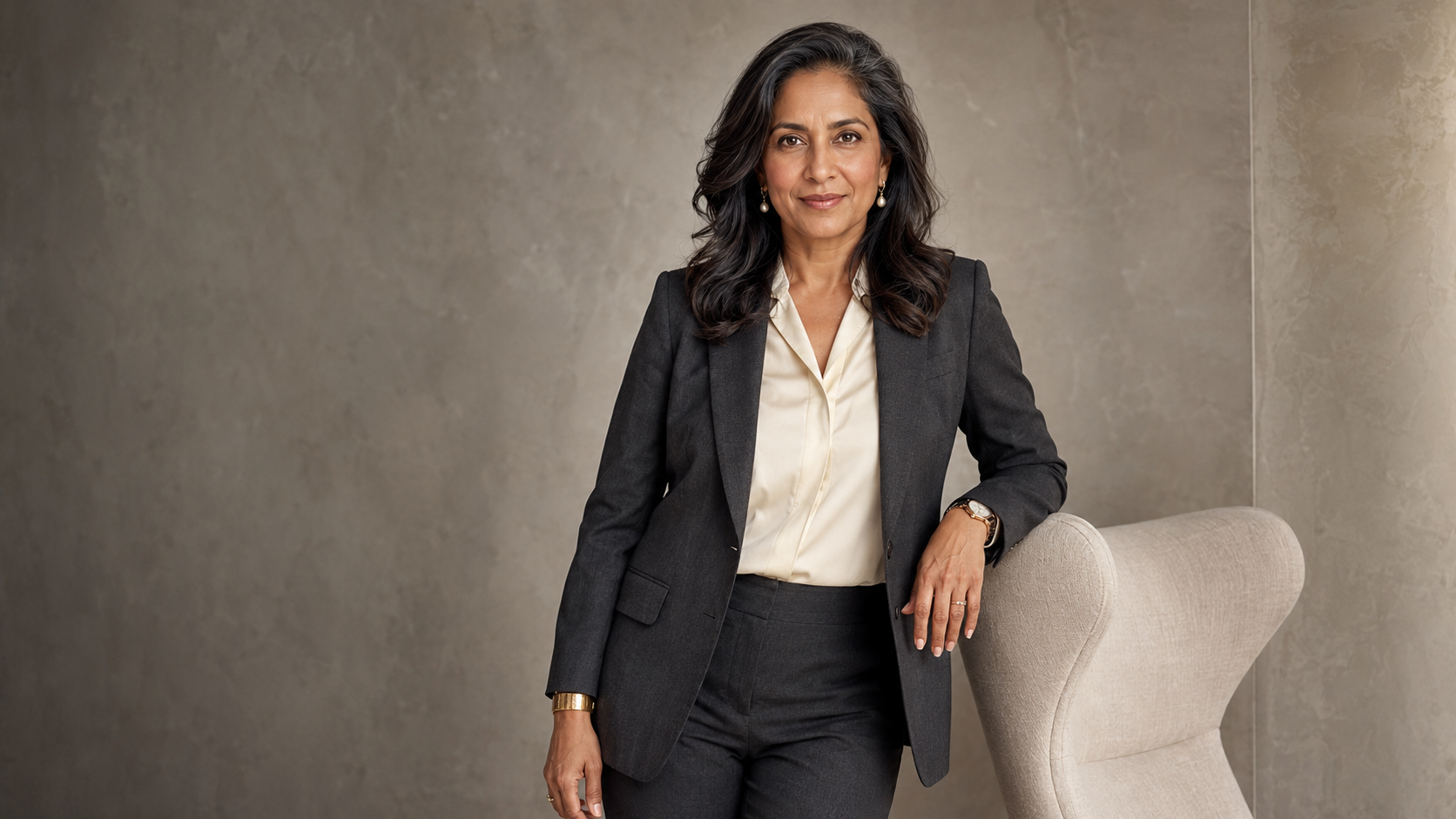
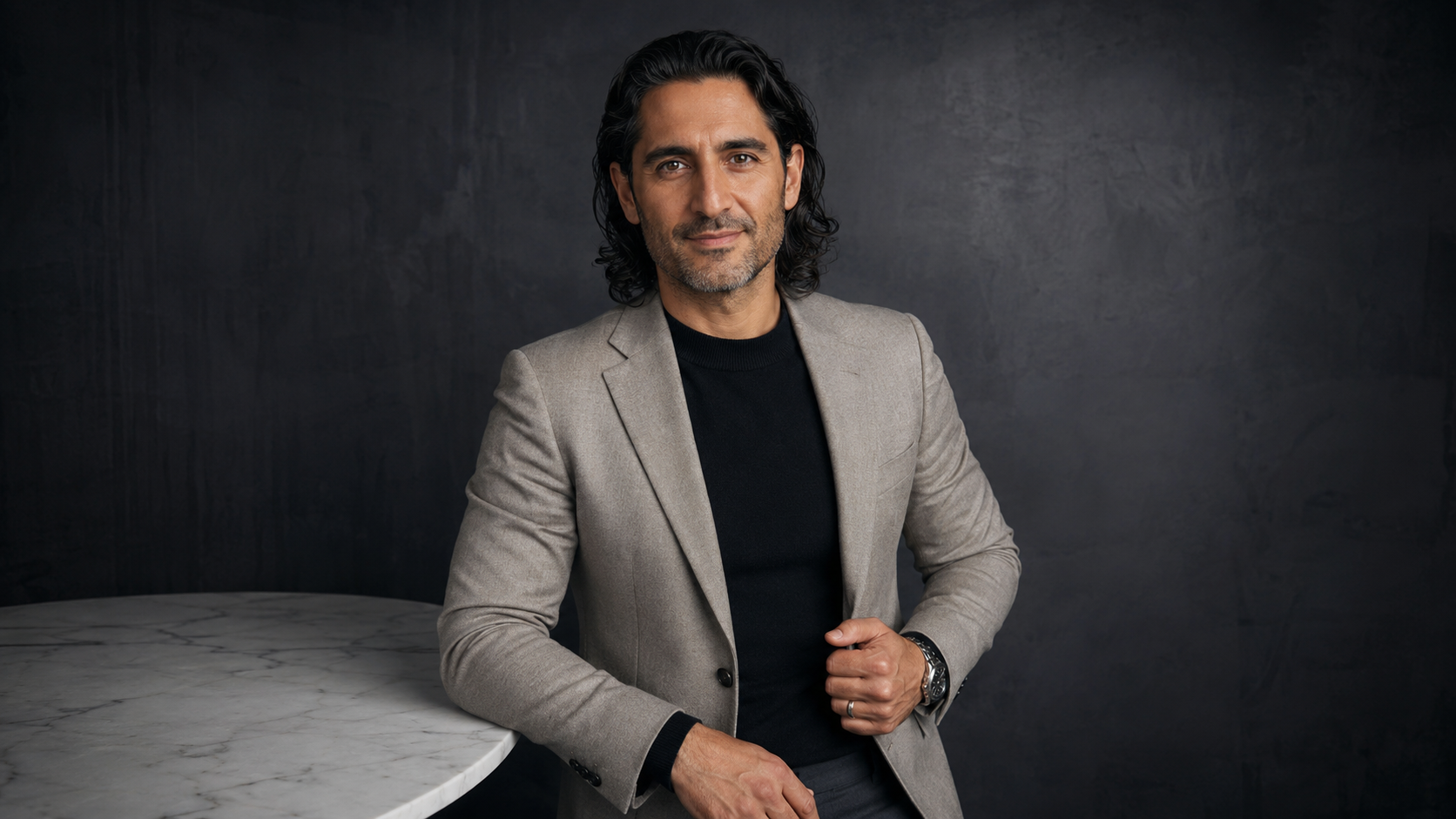
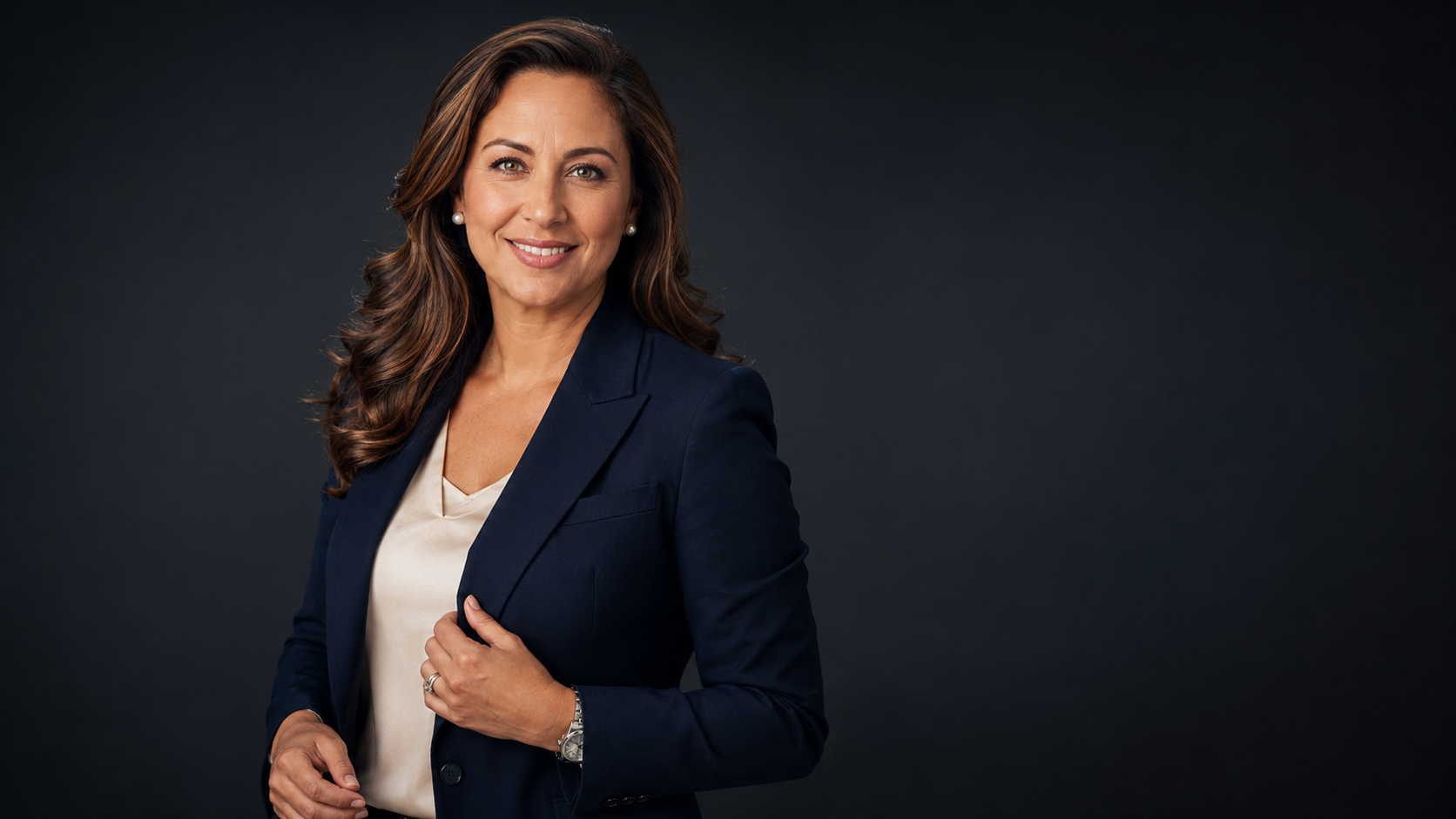
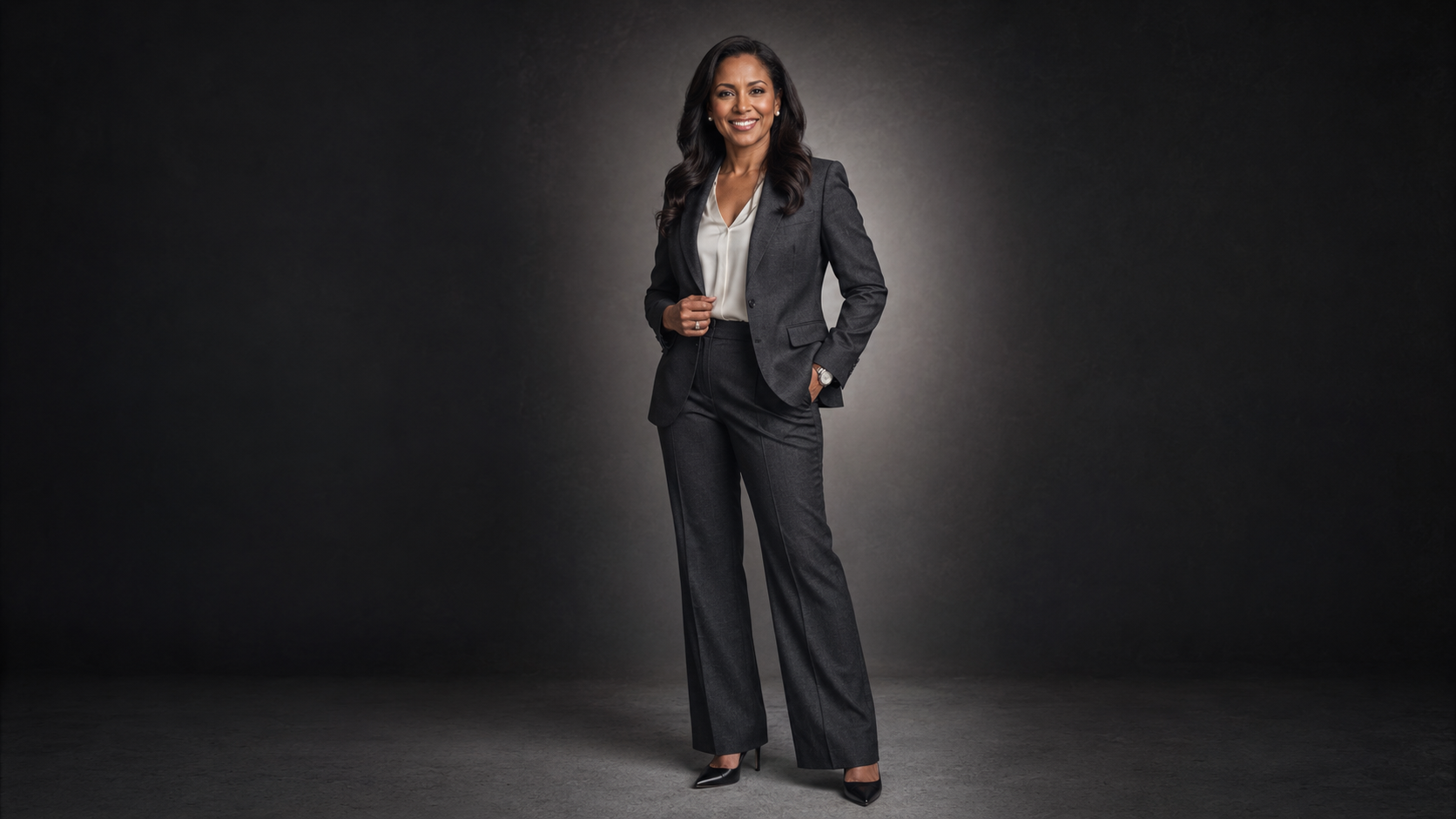
For most professional AI headshots, wear solid colors, clean lines, simple necklines, and clothing that reflects the level of formality you use in your real work.
Reliable options include:
A tailored blazer
A structured blouse
A crisp button-down shirt
A fine-knit sweater
A solid-color dress
A clean jacket
A polished business-casual top
A simple monochrome outfit
Minimal, familiar accessories
Your clothing should frame your face without overpowering it.
The safest rule is to dress one step more polished than your everyday work style. You should still look like yourself, just prepared for the meeting, interview, speaking engagement, or client call that matters.
Why Wardrobe Matters for AI Headshots
Different AI portrait workflows handle clothing in different ways. Some use the visible outfit as a strong reference. Others generate new wardrobe based on the selected style.
Either way, the source images matter.
Clothing gives the system information about:
Shoulder shape
Neckline
Body proportions
Fabric structure
Color contrast
Personal style
Level of formality
Complicated clothing creates more places for the image to break.
Tiny patterns may warp. Logos may become unreadable symbols. Layered necklaces can fuse together. Sheer fabric may disappear or attach itself to the background. An oversized blazer may confuse the shoulder line.
Simple does not mean boring.
Simple means controlled.
That control makes it easier to create AI headshots that look polished, believable, and appropriate for professional use.
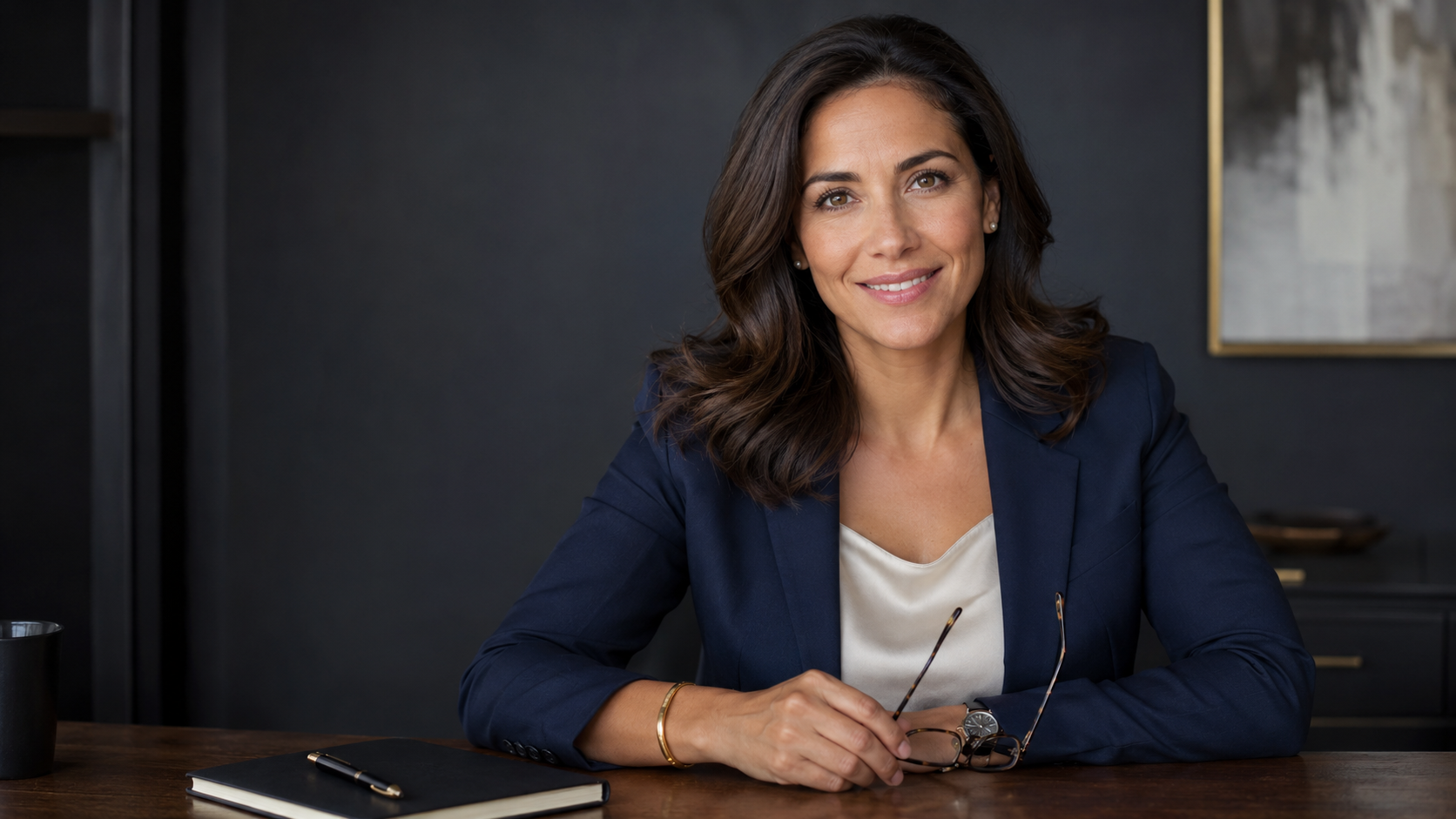
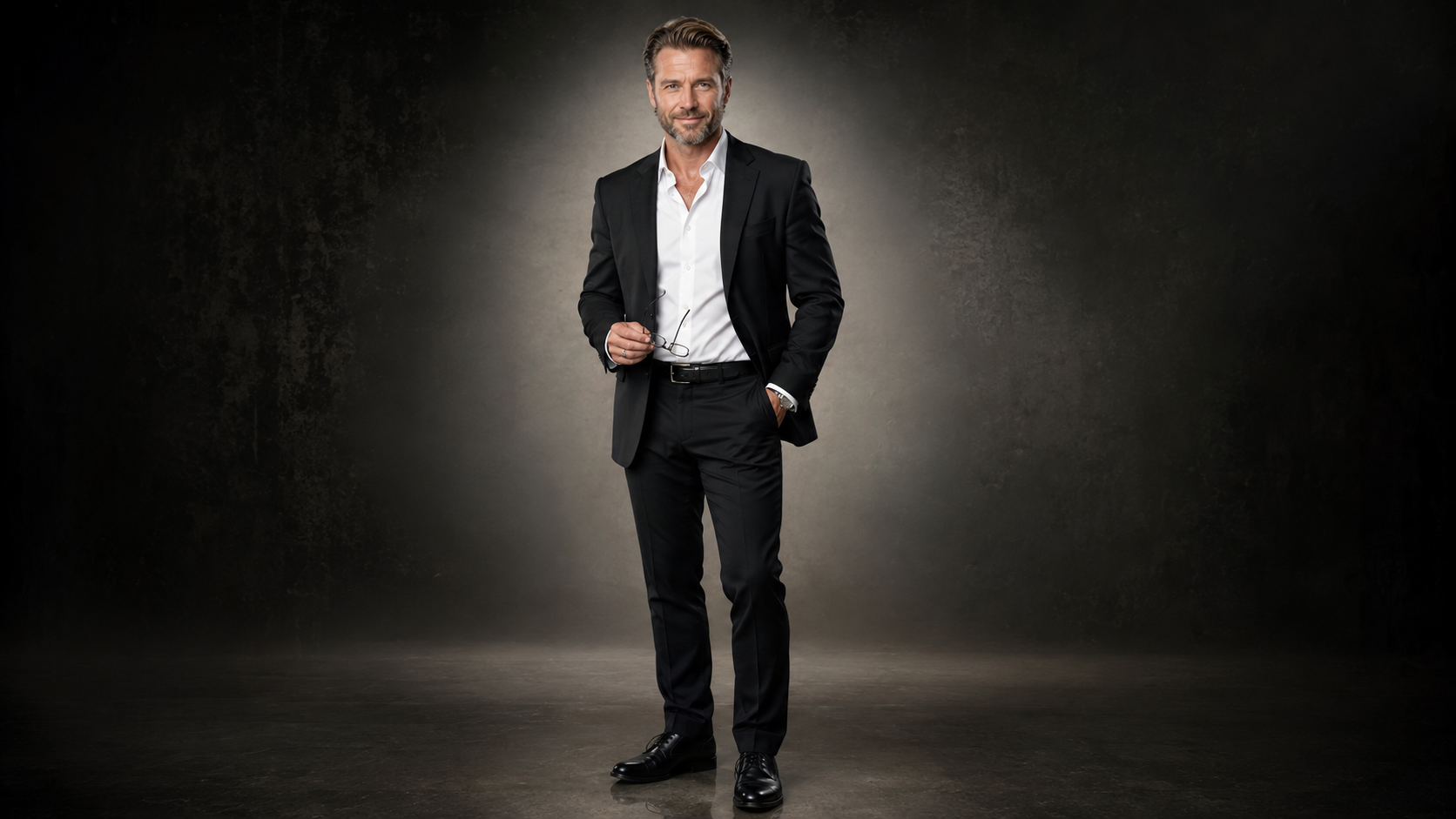
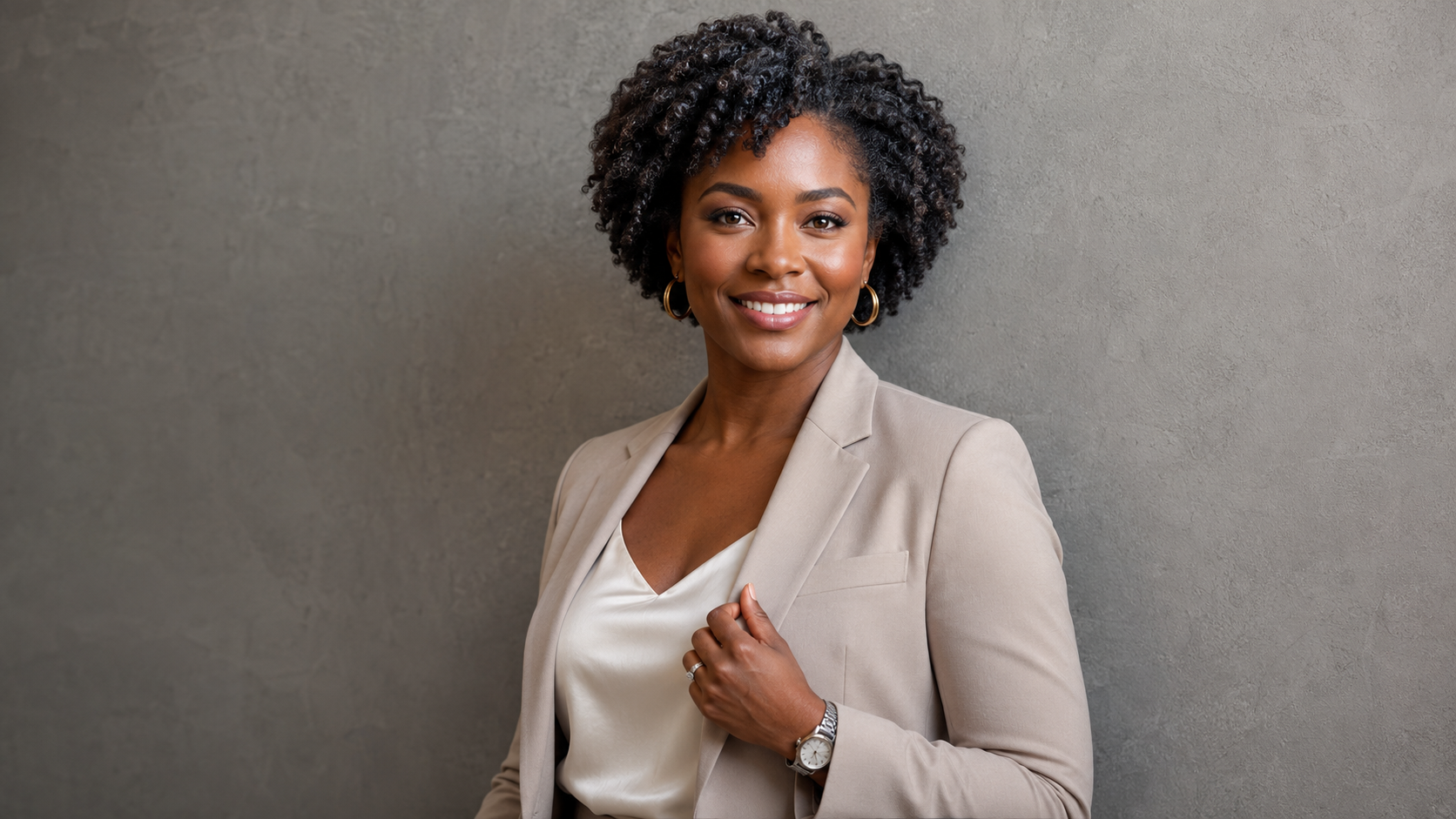
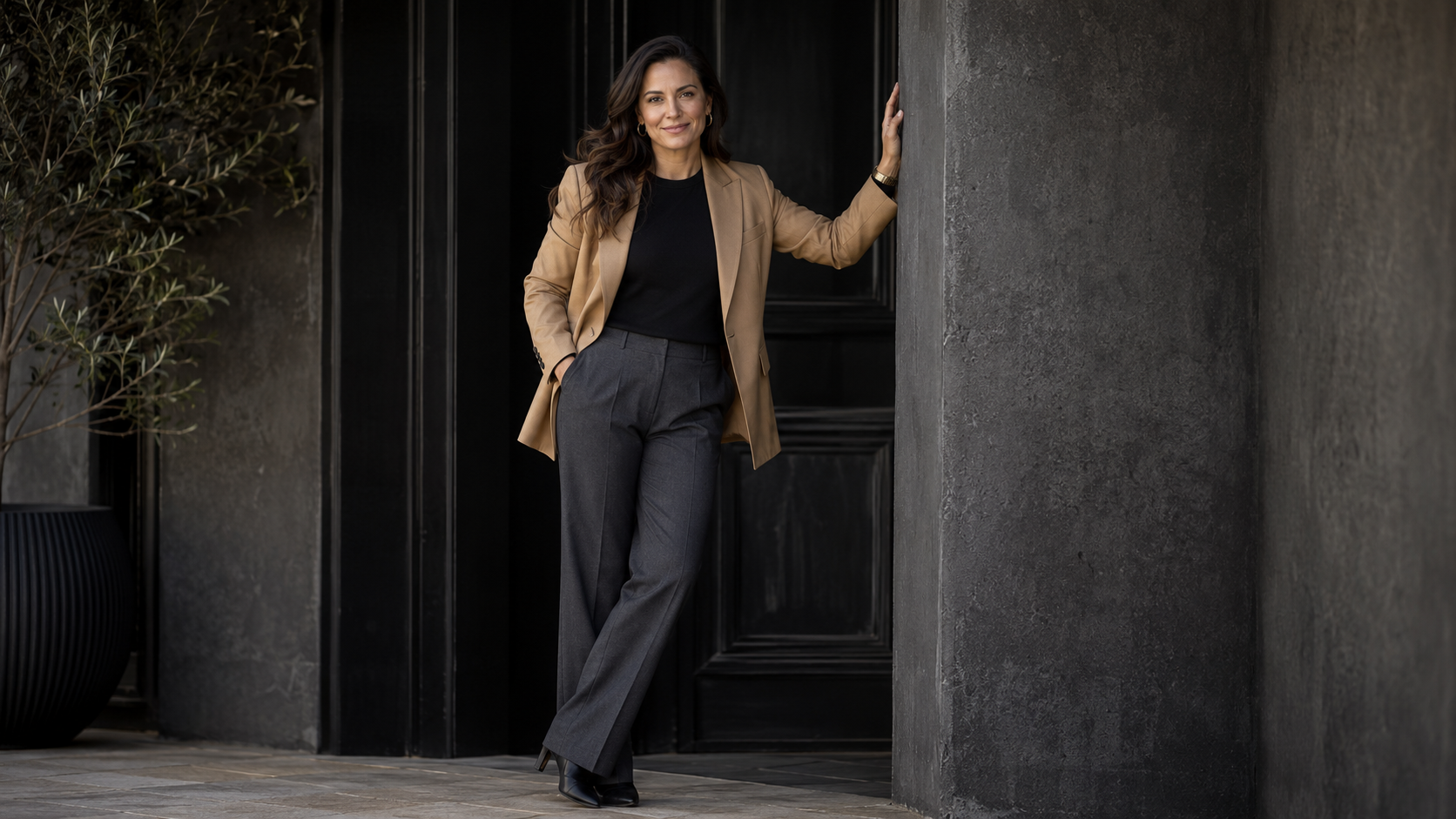
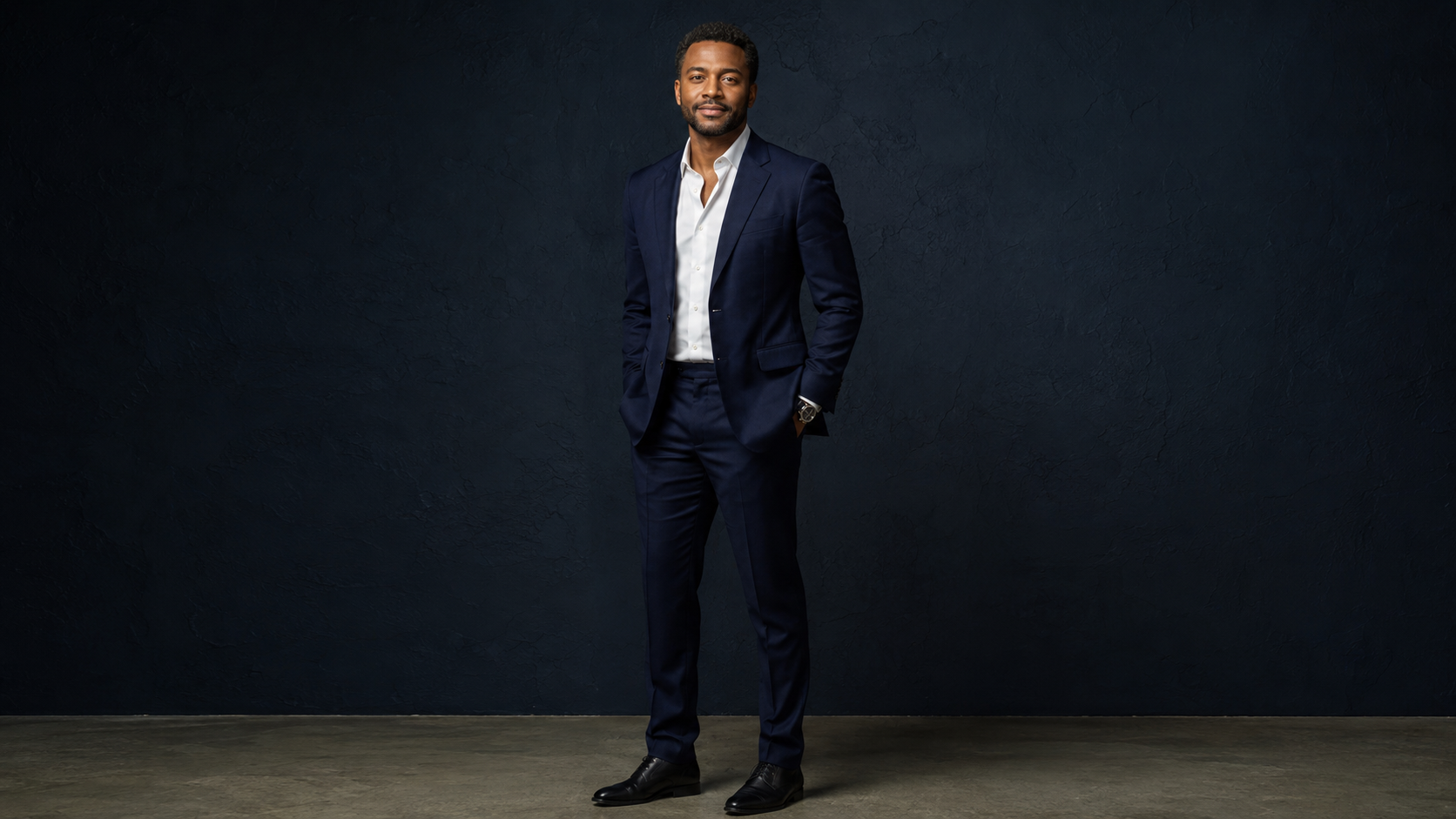
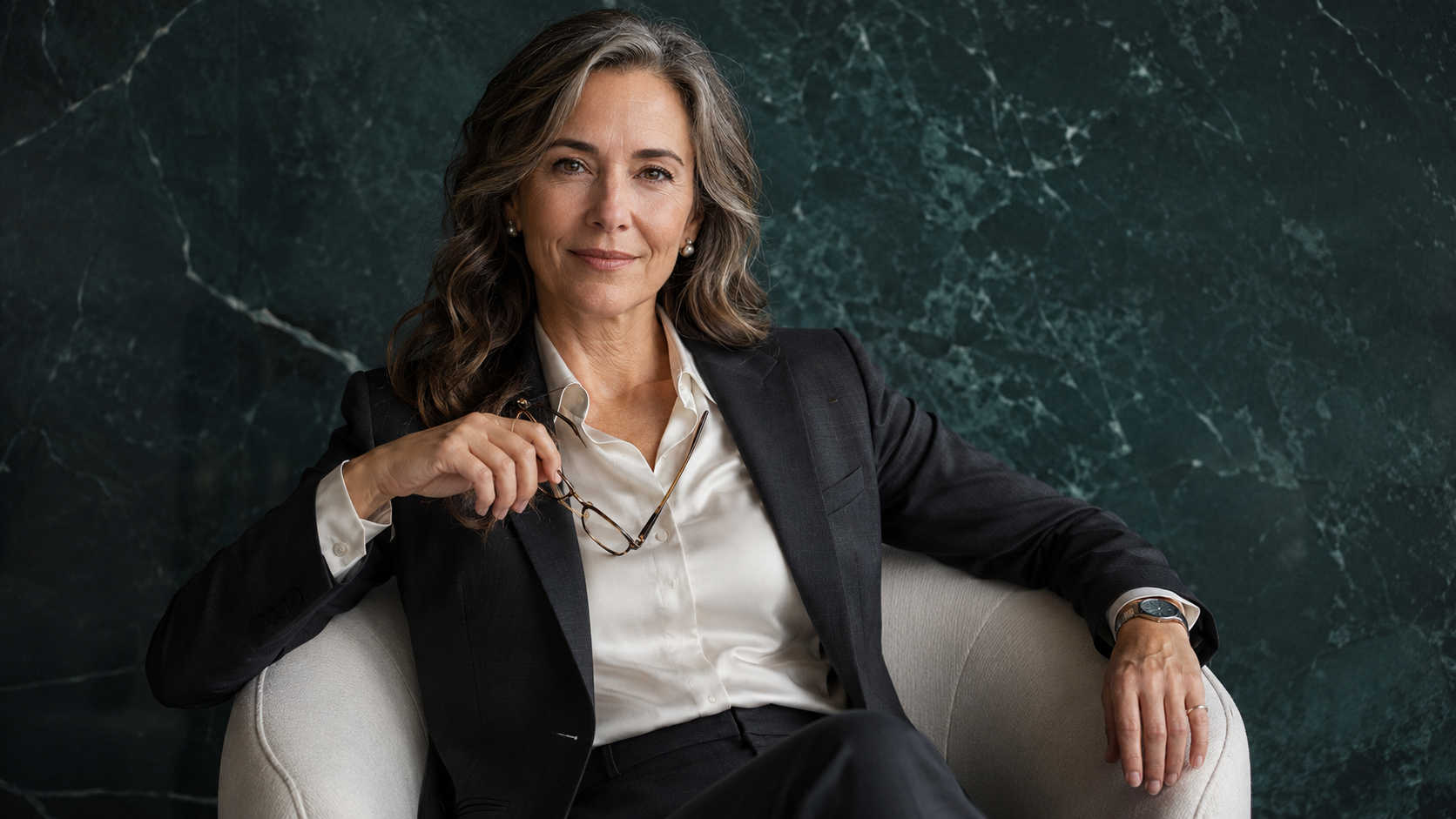
Best Colors for AI Headshots
The best color for an AI headshot is one that supports your complexion, separates you from the background, and makes sense for your professional brand.
Strong options include:
Navy
Charcoal
Cream
Ivory
Camel
Taupe
Black
Soft blue
Deep green
Bordeaux
Burgundy
Chocolate brown
Dusty rose
Muted jewel tones
These colors tend to work well because they feel professional without creating too much visual noise.
Navy for Professional AI Headshots
Navy is one of the most flexible wardrobe colors for AI headshots.
It works for founders, consultants, executives, real estate agents, lawyers, financial professionals, job seekers, and remote teams.
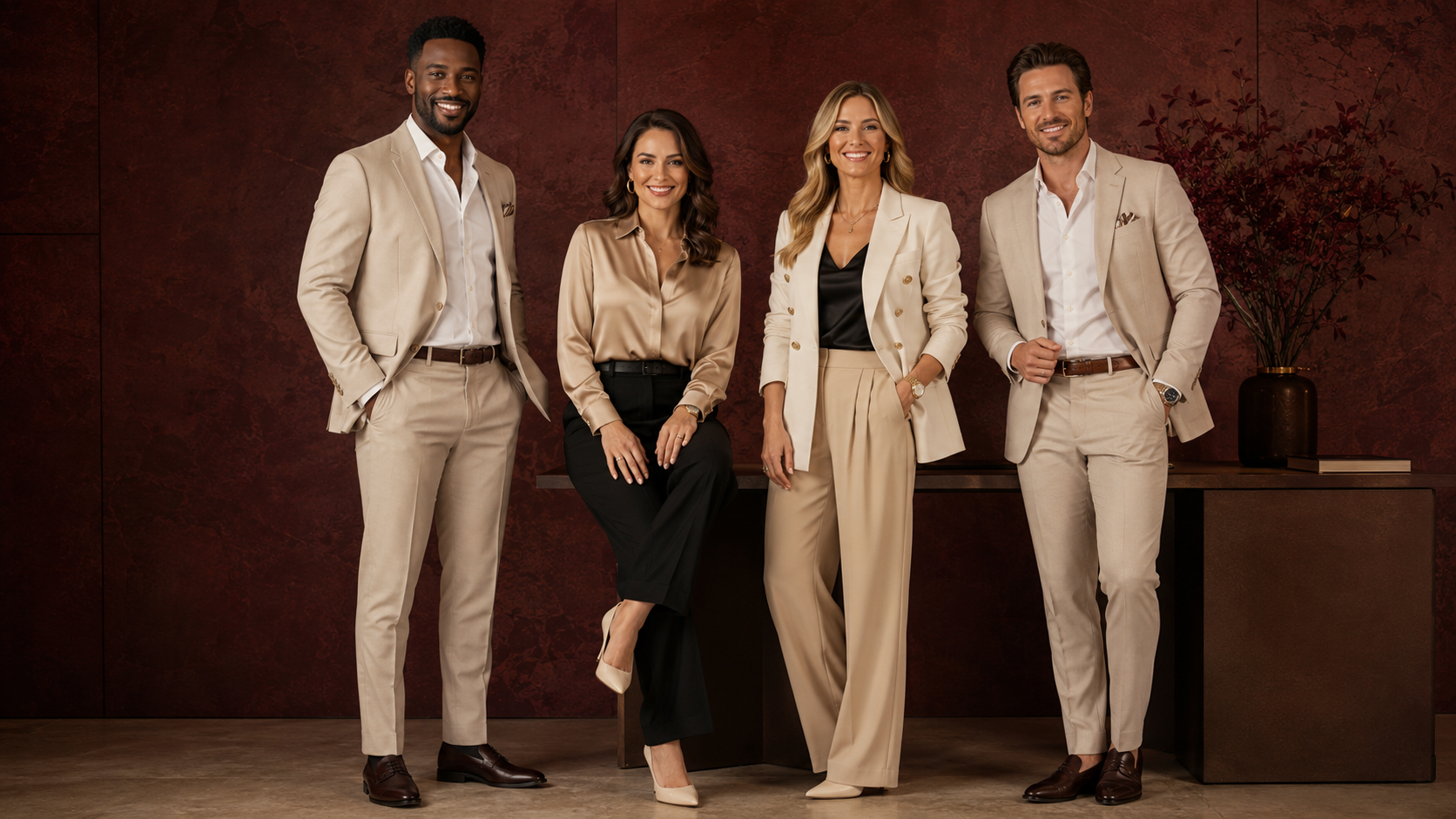
Navy feels structured without being as severe as black. It also pairs well with cream, white, soft blue, camel, and gray backgrounds.
Cream and Ivory for Warm Professional Portraits
Cream and ivory can make an AI headshot feel softer and more approachable.
These colors work well for coaches, consultants, speakers, personal brands, wellness professionals, and founders who want a lighter visual direction.
The background needs enough contrast so the clothing does not disappear into the image.
Charcoal and Black for Authority
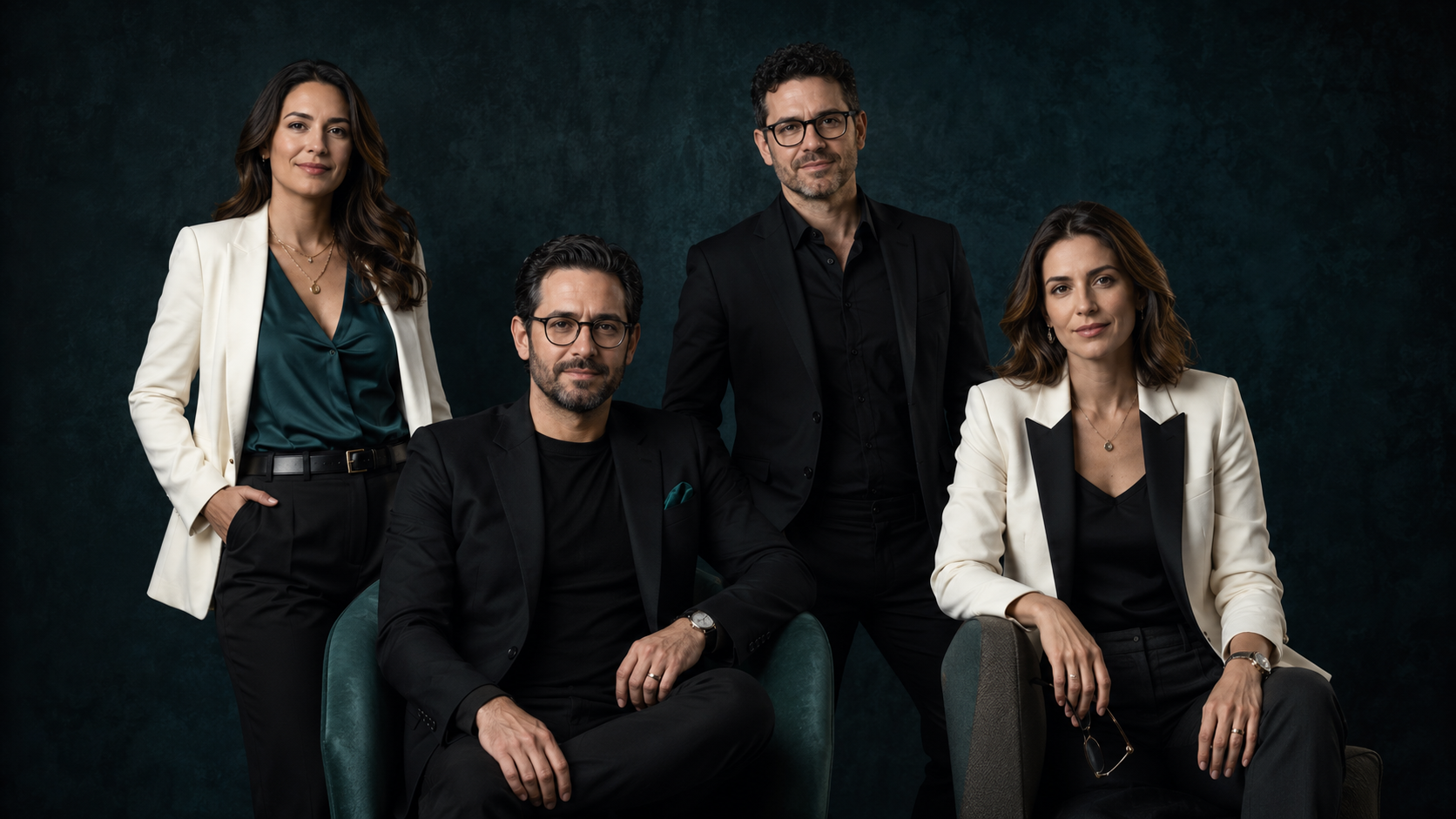
Charcoal and black can create a stronger, more executive image.
They work especially well for:
Corporate leaders
Attorneys
Financial professionals
Creative directors
Consultants
Speakers
Luxury service providers
Dark clothing needs thoughtful lighting. A black blazer against a graphite background can lose its lapels, seams, and shape if there is not enough separation.
Deep Green, Burgundy, and Jewel Tones
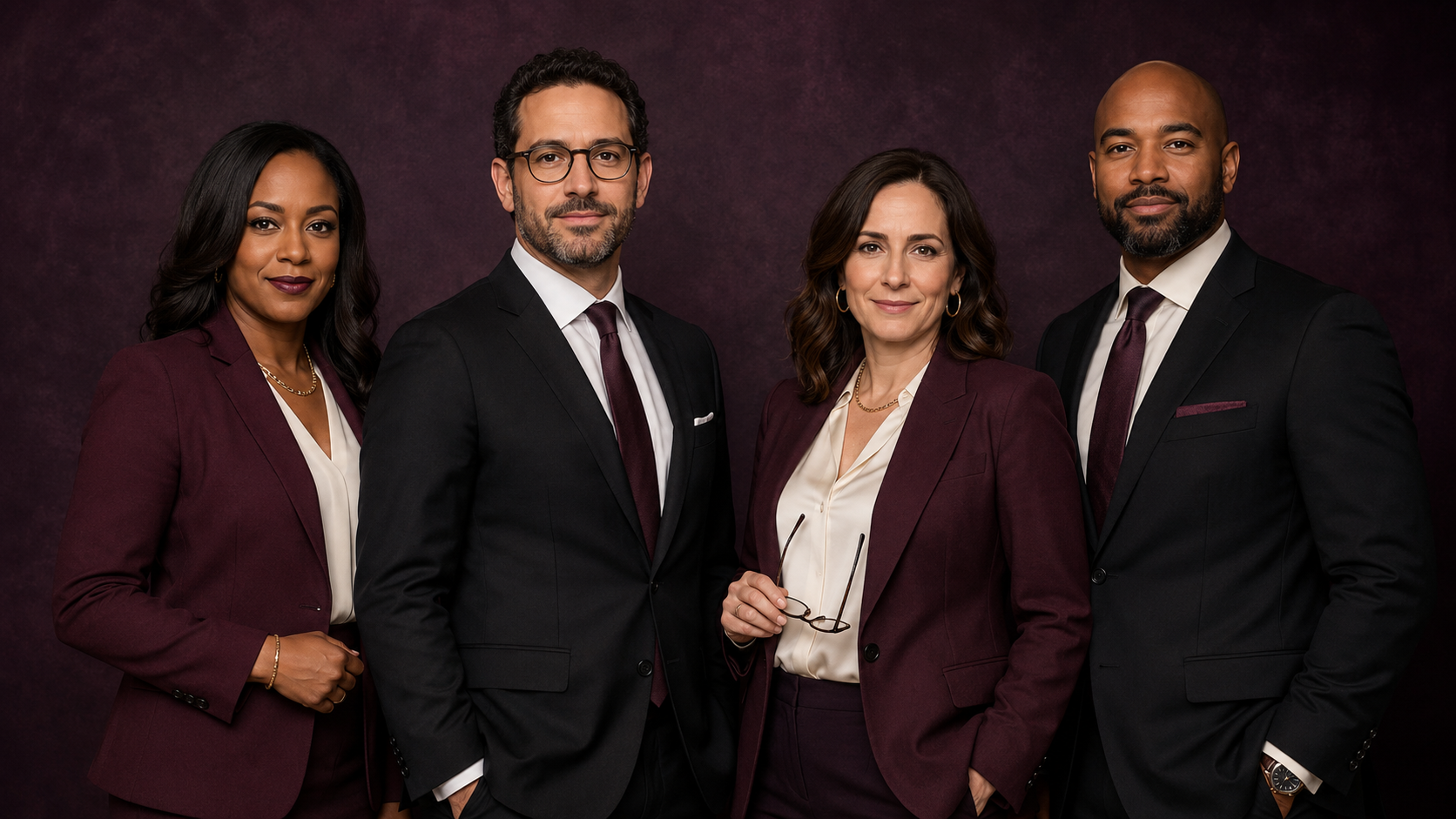
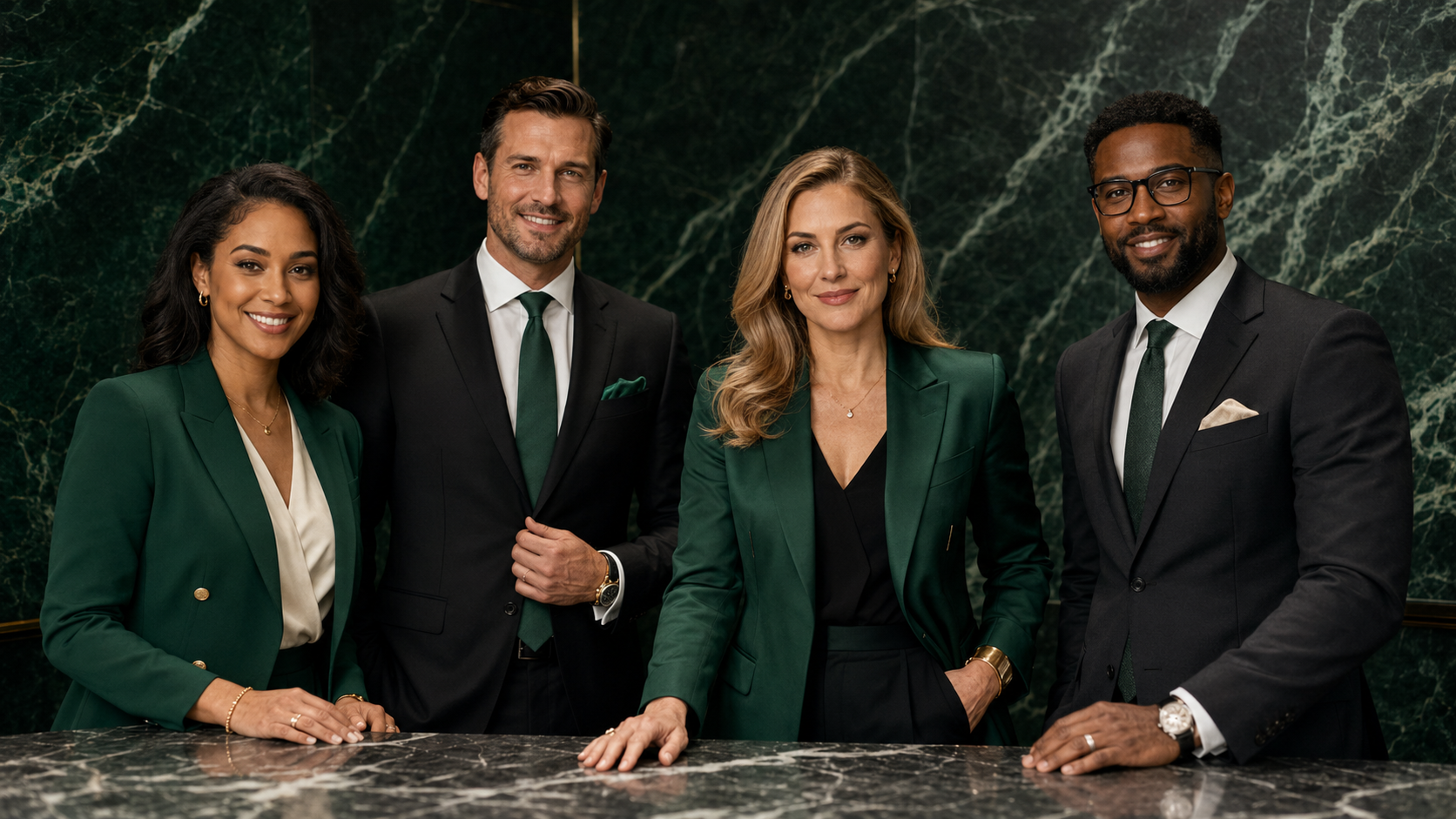
Deep green, burgundy, bordeaux, sapphire, and other restrained jewel tones can add personality while remaining professional.
These colors are useful for founders, coaches, real estate professionals, speakers, and creators who want more visual identity than a standard navy-and-gray portrait.
The key word is restrained.
A rich emerald blazer can look intentional. A fluorescent lime jacket may look like the AI is trying to direct traffic.
What Colors Should You Avoid for AI Headshots?
No color is automatically forbidden. Some colors simply require more control.
Use caution with:
Neon shades
Extremely saturated colors
Bright reflective white under harsh light
Clothing that exactly matches the background
Very pale colors with no edge contrast
Chroma-green clothing
Highly reflective metallic fabrics
Strong color-blocking with many hard edges
Pure white can work beautifully, but it needs soft lighting and a background that preserves the garment’s outline.
Black can also work well, but it needs enough light to keep the clothing from becoming a flat dark shape.
Bright colors are appropriate when they are part of your real brand. The goal is not to drain every professional image into beige. The goal is to use color on purpose.
Best Outfit Ideas for AI Headshots
The best outfit depends on where the headshot will be used and what the image needs to communicate.
Professional LinkedIn Headshot Outfit
For a clean LinkedIn image, try:
Navy blazer with an ivory top
Charcoal blazer with a white or light blue shirt
Black blazer with a cream blouse
Fine-knit sweater in navy, taupe, or deep green
Solid dress with a simple neckline
Crisp button-down shirt without visible logos
A LinkedIn photo needs to remain clear at a small size. Simple wardrobe choices keep attention on the face.
Read AI Headshots for LinkedIn for more profile-specific guidance.
Founder Headshot Outfit
Founders usually need polish with enough personality to avoid looking like generic corporate stock photography.
Strong options include:
Tailored monochrome suit
Black blazer with ivory shell
Camel blazer with cream top
Deep jewel-tone blazer
Structured shirt with minimal accessories
Clean knit under a tailored jacket
Statement color used in one controlled piece
The outfit should support authority without turning into executive cosplay.
Coach or Consultant Headshot Outfit
Coaches and consultants often need a balance of warmth and expertise.
Try:
Soft blazer over a simple top
Cream, sage, taupe, navy, or muted blue knit
Structured blouse with delicate jewelry
Tailored jacket with a softer neckline
Solid dress in a calm brand-aligned color
The outfit should match the relationship you are asking clients to enter.
A leadership consultant may need more structure. A wellness coach may need more softness. A business coach may sit somewhere between the two.
Real Estate Agent Headshot Outfit
Real estate professionals need client-facing polish.
Useful combinations include:
Camel blazer with ivory blouse
Navy blazer with soft blue shirt
Black blazer with cream shell
Deep green dress or tailored jacket
Charcoal suit with white shirt
Solid-color wrap dress
Professional knit with restrained jewelry
The image should feel current, approachable, and recognizable.
See AI Headshots for Real Estate Agents for role-specific examples.
Creative Professional Headshot Outfit
Creative professionals can use stronger color, texture, and styling.
Options include:
Black layered wardrobe
Deep jewel-tone blazer
Structured statement jacket
High-quality textured knit
Clean monochrome look
Controlled metallic accessory
Brand color used as an accent
Creative does not require visual chaos.
One distinctive element usually creates more impact than five competing ones.
What Women Can Wear for AI Headshots
Women can build strong professional AI headshot outfits from a few reliable pieces:
Tailored blazer
Structured blouse
Solid-color dress
Fine-knit top
Simple jacket
Silk or matte-finish shell
Clean monochrome suit
Soft cardigan blazer
Minimal earrings or necklace
Necklines should frame the face and remain easy for the AI to interpret.
Crew, V-neck, scoop, collared, mock-neck, square, and simple wrap necklines can all work. Avoid highly complicated ruffles, layered ties, heavy bows, or fabric crossing the neck in several directions unless that styling is essential to your brand.
For soft glam or personal brand portraits, makeup and wardrobe can carry more polish. The final image should still look credible for its intended use.
A founder portrait can be stylish.
A LinkedIn image should still look like someone who might answer the Zoom call.
What Men Can Wear for AI Headshots
Men’s AI headshot wardrobe works best when the garment structure is clear.
Strong options include:
Navy suit jacket
Charcoal blazer
Crisp button-down shirt
Fine-gauge crew-neck sweater
Polo with clean collar
Structured overshirt
Dark jacket over a solid shirt
Open-collar dress shirt
Suit with a simple tie
Avoid shirts with tiny checks, dense stripes, large logos, or highly reflective fabric.
If wearing a tie, choose a solid color or restrained pattern. Complicated diagonal prints can distort during generation.
Check that collars sit evenly in the source photos. A folded collar or hidden lapel can become surprisingly ambitious once AI gets involved.
What Founders Should Wear for AI Headshots
Founder headshots need to work across several contexts.
The same person may need images for:
LinkedIn
Website
Pitch deck
Speaker bio
Press feature
Podcast guest page
Media kit
Investor materials
Social content
A founder wardrobe should create authority while leaving room for personality.
Strong founder directions include:
Founder Authority
Use a tailored blazer, controlled color palette, clean neckline, and direct expression.
Modern Founder
Use a fine knit, relaxed blazer, clean shirt, or elevated business-casual layer.
Creative Founder
Use deeper color, editorial texture, a statement jacket, or a controlled monochrome look.
Luxury Founder
Use cream, camel, black, ivory, charcoal, chocolate, or deep jewel tones with restrained accessories.
Your founder headshot should match the level of the work you are selling now.
For a broader personal brand strategy, read AI Headshots for Founders, Coaches, and Consultants.
What Coaches and Consultants Should Wear for AI Headshots
Coaches usually benefit from warmth. Consultants often need more structure.
That is a starting point, not a law.
Wardrobe Ideas for Coaches
Cream or camel blazer
Soft blue or sage top
Fine-knit sweater
Solid wrap dress
Warm neutral blouse
Delicate jewelry
Clean, natural styling
Wardrobe Ideas for Consultants
Navy or charcoal blazer
Black jacket with ivory top
Structured button-down shirt
Tailored monochrome look
Restrained jewelry
Clean business-casual layers
The image should feel aligned with the type of trust you are building.
A career coach, AI consultant, wellness practitioner, operations strategist, and executive adviser should not all look like they were issued the same digital blazer at orientation.
What Real Estate Agents Should Wear for AI Headshots
Real estate agents need wardrobe that works across client introductions, brokerage pages, LinkedIn, email signatures, referral materials, and listing presentations.
The safest direction is polished and approachable.
Use:
Tailored blazer
Solid dress
Crisp shirt
Structured blouse
Fine knit
Professional jacket
Minimal jewelry
Clean neckline
Luxury real estate professionals may prefer cream, black, camel, charcoal, deep green, or navy.
Community-focused agents may choose softer color, brighter expressions, and warmer wardrobe.
Commercial real estate professionals often benefit from sharper structure and restrained styling.
The image should look like the person a client will meet.
What Teams Should Wear for Remote AI Headshots
Teams do not need identical outfits.
They need a shared level of formality and a controlled color direction.
A useful team wardrobe guide might approve:
Navy
Charcoal
Black
Cream
Soft blue
Taupe
Camel
Deep green
Then ask everyone to choose from:
Blazers
Collared shirts
Structured blouses
Fine knits
Solid dresses
Clean professional layers
Avoid having one person in a full suit while another appears in a faded concert T-shirt unless that contrast is a deliberate expression of company culture.
For a cohesive team page, standardize:
Crop
Background family
Lighting
Wardrobe formality
Image quality
Individuality can remain inside that system.
Read Remote Team Headshots for Small Businesses for the complete remote workflow.
Should You Wear Glasses in AI Headshots?
Wear glasses in your AI headshots if glasses are part of how clients, colleagues, or employers normally recognize you.
The source photos should show the frames clearly.
Before taking source images:
Clean the lenses
Avoid strong window glare
Use your current everyday frames
Photograph the glasses from several angles
Include some images without glare
Keep the frames consistent across the source set
AI can distort frame shape, duplicate hinges, misalign arms, or create strange reflections.
Every final image should be checked closely.
If you sometimes wear glasses and sometimes do not, include both options in your source material and mention your preference during intake.
Jewelry, Makeup, Hair, and Grooming Tips
Jewelry for AI Headshots
Simple jewelry is easier to reproduce consistently.
Good options include:
Stud earrings
Small hoops
A single pendant
Simple chain
Pearl earrings
Minimal bracelet
Familiar watch
Use caution with:
Layered necklaces
Intricate statement earrings
Text pendants
Reflective gemstones
Very thin chains
Multiple stacked bracelets
Jewelry does not need to disappear. It needs to remain believable.
Makeup for AI Headshots
Wear makeup at the level you would normally choose for an important professional appearance.
A polished source look may include:
Even complexion
Defined brows
Natural lashes
Controlled shine
Familiar lip color
Soft contour
Professional finish
Avoid changing your facial structure through extreme contouring or using filters that alter your eyes, nose, jaw, or skin texture.
The AI needs accurate information about your real face.
Hair for AI Headshots
Use your current hairstyle.
Make sure the source photos show:
Hairline
Part
Texture
Length
Volume
Color
How the hair falls around the face
Avoid having hair cover the eyes in every image. Include several angles so the system has enough information to interpret shape and texture.
If you regularly wear protective styles, locs, braids, wigs, head wraps, extensions, or another signature style, represent that consistently in the source set.
Facial Hair and Grooming
Facial hair should be consistent across source photos.
If half the images show a full beard and the other half show a clean-shaven face, the system may create an awkward compromise that no one requested.
Use source photos that match your current appearance.
If a religious or cultural head covering is part of how you present, keep it consistent and clearly visible. The same applies to hearing aids, mobility devices, facial piercings, or other visible elements that matter to your identity.
What Not to Wear for AI Headshots
Avoid clothing and accessories that introduce unnecessary visual confusion.
Use caution with:
Tiny checks
Dense stripes
Houndstooth
Complicated geometric prints
Large logos
Text-heavy shirts
Sequins
Highly reflective fabrics
Sheer lace
Layered necklaces
Oversized statement jewelry
Wrinkled clothing
Distorted collars
Heavy scarves covering the neckline
Hats that hide key facial features
Clothing that blends completely into the background
Also avoid wearing something that you would never choose in real professional life.
A generated tuxedo may look polished.
That does not make it the right image for a wellness coach’s LinkedIn profile.
Believability comes from alignment.
How to Prepare Source Photos for Better AI Headshots
Wardrobe is only one part of the source-photo process.
Use recent, clear images with:
Natural window light
Eye-level camera placement
Full facial visibility
Multiple angles
Several natural expressions
Minimal filters
Current hair and grooming
Clothing edges that are easy to see
A clean background
Consistent appearance
Avoid:
Screenshots from video calls
Heavy beauty filters
Motion blur
Dark rooms
Strong shadows across the face
Sunglasses
Group photos
Images that are several years old
Extreme high or low camera angles
Photos where the face is very small
You do not need to stage a professional photo shoot at home.
You need to give the system accurate visual information.
The final realism also depends on curation. Read Why Cheap AI Headshots Look Fake for the common problems that should be rejected before delivery.
AI Headshot Outfit Checklist
Before taking your source photos, check the following:
Does this outfit match my professional role?
Is the clothing clean and wrinkle-free?
Is the neckline easy to see?
Does the outfit contrast with the background?
Are the colors aligned with my brand?
Are there any tiny patterns or distorted logos?
Is the jewelry simple enough to reproduce?
Are my glasses clean and free from heavy glare?
Does my hair match how I currently wear it?
Am I using filters that change my face?
Would someone who knows me recognize this styling?
Would I realistically wear this to meet a client, employer, investor, or audience?
If the answer to the last question is no, choose another outfit.
How Booths by Christy Curates Professional AI Headshots
Booths by Christy creates human-curated AI headshots for founders, teams, job seekers, coaches, consultants, real estate professionals, speakers, creators, and professional brands.
The process starts with the image’s job.
A LinkedIn headshot needs a different crop and level of restraint than a personal brand portrait. A remote team needs shared visual direction. A founder may need several images across a website, media kit, and speaker bio.
The process can include:
Defining where the images will be used
Selecting a style direction
Providing source-photo and wardrobe guidance
Creating AI-assisted portrait options
Reviewing identity and realism
Rejecting distorted or unfamiliar images
Curating the strongest final selections
Preparing images for professional use
For larger image systems, explore AI Headshots at Scale for Teams, Founders, and Professional Brands.
The final result should look intentional.
It should also look like you.
Final Takeaway: Your AI Headshot Starts Before the AI
A polished AI headshot begins with clear choices.
Choose clothing that reflects your professional identity. Use colors that support your complexion and background. Keep patterns controlled. Make accessories believable. Show your current hair, grooming, and glasses clearly.
Then curate hard.
The best AI headshot does not look like a digital stranger dressed for a job you never applied for.
It looks like you on a polished, well-lit, professionally styled day.
Ready for AI Headshots That Match Your Professional Brand?
Booths by Christy creates AI Headshots at Scale for professionals, founders, teams, coaches, consultants, real estate agents, speakers, creators, and personal brands.
Use them for LinkedIn, websites, team pages, speaker bios, proposals, media kits, launches, and client-facing profiles.
FAQ: What to Wear for AI Headshots
What is the best thing to wear for an AI headshot?
Wear solid colors, clean lines, simple necklines, and clothing that matches your professional role. Blazers, structured blouses, button-down shirts, fine knits, and solid-color dresses are reliable choices.
What colors work best for AI headshots?
Navy, charcoal, cream, ivory, camel, taupe, black, soft blue, deep green, burgundy, and muted jewel tones are strong professional options. Choose a color that contrasts with the intended background.
Should I wear black or white for an AI headshot?
Both can work. Black needs enough light and background contrast to preserve clothing detail. White needs controlled lighting so it does not lose texture or blend into a pale background.
Should I wear patterns for an AI headshot?
Simple, low-contrast patterns may work, but solid colors are more reliable. Tiny checks, dense stripes, text, and complex geometric prints can distort during AI generation.
Can I wear glasses in an AI headshot?
Yes. Wear your usual glasses if they are part of how people recognize you. Clean the lenses, reduce glare, and provide source photos from several angles so the frame shape can be reviewed for accuracy.
How should a remote team coordinate outfits for AI headshots?
Choose a shared level of formality and an approved color family. Team members can wear different outfits within that direction. Coordinated wardrobe creates consistency without making everyone look identical.
What should I avoid wearing for AI headshots?
Avoid tiny patterns, large logos, wrinkled clothing, reflective fabrics, layered jewelry, complex collars, and outfits that do not match your real professional identity.
Do my source-photo clothes have to appear in the final AI headshot?
Not always. Some AI workflows can generate a new wardrobe. Your source clothing still provides visual information about your neckline, shoulders, proportions, and personal presentation, so clean source styling remains useful.
Suggested Internal Links