
AI Headshots at Scale for Teams, Founders, and Professional Brands
How to Update Professional Photos Without a Studio Day
Professional headshots used to mean one thing: find a photographer, schedule a studio day, coordinate outfits, get everyone in the same place, wait for proofs, pick favorites, wait for edits, and hope nobody joins the team two weeks later.
That workflow still has its place.
But it does not match how many teams, founders, consultants, creators, and professional brands actually work now.
Teams are remote. Founders are launching fast. Consultants need updated bios for proposals. Coaches need brand photos for websites and sales pages. Small businesses need team pages that do not look like a collage of old LinkedIn screenshots.
That is where AI headshots at scale become useful.
Not random AI portraits.
Not a pile of fake-looking faces.
Not a “generate 200 images and good luck” situation.
AI headshots at scale work best when they are directed like a real visual system: source photo guidance, wardrobe direction, background consistency, realistic styling, platform-ready cropping, and human curation before anything gets delivered.
The goal is simple:
Help people look polished, current, and recognizable without forcing everyone into a studio day.
What Are AI Headshots at Scale?
AI headshots at scale are professional AI-assisted headshots created for multiple people, platforms, or use cases using a consistent visual direction.
Instead of treating each image like a one-off experiment, the process creates a repeatable headshot system.
That system can be used for:
company team pages
LinkedIn profiles
founder bios
consultant bios
speaker pages
media kits
proposal bios
remote team directories
course creator profiles
real estate team pages
coaching websites
event or conference profiles
The important word is scale.
Scale does not always mean 500 people.
For a small business, scale might mean 6 team members.
For a founder, it might mean 12 usable images across LinkedIn, a website, a speaker bio, a podcast guest sheet, and a sales page.
For a consultant, it might mean a professional image set that works across proposals, LinkedIn, decks, and media appearances.
AI headshots at scale are not just about volume.
They are about consistency, speed, and usability.
Why Teams and Professional Brands Need a Headshot System
Most people do not have a headshot problem.
They have a visual consistency problem.
One photo looks corporate. One looks casual. One looks outdated. One looks too filtered. One was cropped from a wedding. One was taken in a car. One person has no photo at all.
For a single profile, that may not feel like a big issue.
For a company page, team directory, proposal, or brand campaign, it becomes obvious fast.
Your visuals start telling the reader:
This business is organized.
Or:
This business has been duct-taping its online presence together since 2018.
A headshot system fixes that.
It gives everyone a consistent visual baseline, even when they are not photographed in the same place.
AI Headshots at Scale Are Not Just for Big Companies
The word “scale” can sound enterprise-y.
Very conference badge. Very fluorescent carpet. Very “let’s circle back.”
But small businesses often need scalable headshots more than anyone.
A 7-person team does not always have the budget, time, or logistics for a traditional photo day. A founder-led company may need professional visuals before a launch. A consulting group may need updated bios for a proposal this week. A real estate team may need consistent agent photos without sending everyone to separate photographers.
AI headshots at scale are useful for:
small businesses
remote teams
hybrid teams
founders
coaches
consultants
real estate teams
agencies
law firms
finance professionals
speaker groups
event teams
creator-led brands
professional service firms
The common thread is simple:
The business needs polished, usable images without turning the process into a full production.
AI Headshots at Scale vs. One-Off AI Headshots
A one-off AI headshot can work if one person needs a quick profile refresh.
But once you need multiple people, multiple platforms, or multiple image styles, a one-off approach gets messy.
AI headshots at scale require more structure.
A one-off AI headshot asks:
Does this photo look good?
An AI headshot system asks:
Does this image look realistic, match the person, fit the platform, align with the brand, work beside the other images, and support the business goal?
That is a better question.
Because a headshot is not just an image.
It is a small trust signal.
And when you multiply that across a team, website, campaign, or professional brand, the details matter.
What Makes AI Headshots Look Professional at Scale?
AI headshots look professional at scale when the visual rules are decided before the images are created.
That includes:
source photo quality
wardrobe guidance
lighting direction
background family
crop style
expression range
realism standards
retouching restraint
platform use
final curation
Without those rules, AI headshots can drift.
One image looks like a studio portrait. Another looks like a fake office render. Another looks too glam. Another looks like the person’s cousin from a different timeline.
That inconsistency is what makes AI feel cheap.
A professional AI headshot system keeps the output controlled.
Not identical.
Controlled.
That difference matters.
Why Human Curation Matters for AI Headshots at Scale
AI can generate images quickly.
That does not mean every generated image is usable.
A human-curated AI headshot workflow reviews the images before delivery and rejects anything that weakens trust.
That includes:
identity drift
plastic skin
fake teeth
dead eyes
warped jewelry
strange collars
distorted hands
melted hair
unrealistic glasses
pasted-looking backgrounds
inconsistent lighting
overly generic styling
This is especially important when the headshots are for a business.
A single weird image can make a person hesitate.
A full team page of almost-right images can make the whole brand feel off.
Human curation is the difference between “AI made these” and “these are actually usable.”
How AI Headshots at Scale Work
A strong AI headshot workflow should feel simple for the client and structured behind the scenes.
Here is the clean version.
Step 1: Choose the Use Case
Before creating anything, decide where the images need to work.
A LinkedIn profile photo has different needs than a website hero image.
A team page has different needs than a speaker bio.
A proposal bio has different needs than a personal brand portrait.
The use case shapes the crop, background, styling, expression, and level of polish.
Step 2: Pick the Visual Direction
The visual direction is the style system.
For example, a remote team may need clean, consistent, neutral headshots.
A founder may need a stronger authority portrait.
A coach may need warmth and approachability.
A consultant may need structure and credibility.
A real estate team may need bright, friendly, polished images.
The style should match the business goal.
Not the trend of the week.
Step 3: Send Source Photo Guidelines
Good AI headshots start with good source images.
Participants need clear instructions for lighting, angles, expressions, what to wear, what not to wear, and what kinds of photos to upload.
Bad source photos create bad outputs.
No prompt can fully rescue a blurry, filtered, shadowy selfie taken under bathroom lighting.
The prep matters.
Step 4: Create the AI-Assisted Images
Once the source photos and direction are clear, the images can be created in a consistent style.
This is where the AI tool does useful work.
But the tool is not the whole product.
The tool creates options.
The direction shapes the options.
The curation chooses what is actually usable.
Step 5: Review for Realism and Brand Fit
Every final image should be reviewed before delivery.
The review should ask:
Does this still look like the person?
Does the lighting make sense?
Does the outfit look real?
Does the background belong?
Does the expression fit the use case?
Would this work on LinkedIn, a website, a proposal, or a team page?
If the image only looks good as a tiny thumbnail, it is not ready.
Step 6: Deliver Platform-Ready Images
The final images should be organized for actual use.
That may include:
square LinkedIn crops
website headshots
team page versions
speaker bio images
profile images
horizontal brand portraits
proposal-ready crops
small team sets
Delivery should make implementation easy.
A good headshot system does not end with “here are 100 files.”
It ends with images people know how to use.
AI Headshots for Teams
AI headshots at scale are especially useful for teams because team photos are where inconsistency becomes obvious.
A team page should not look like every person was pulled from a different decade, device, and lighting situation.
Remote AI team headshots can help create a consistent look across:
founders
employees
contractors
leadership teams
sales teams
real estate teams
consultant groups
event teams
remote workers
The strongest team sets usually share a background family, similar crop, coordinated wardrobe guidance, and consistent lighting.
They should not make everyone look like the same person.
They should make everyone look like they belong to the same brand.
AI Headshots for Founders
Founders often need more than one image.
A founder may need:
a LinkedIn headshot
a website portrait
a speaker bio image
a podcast guest image
a media kit portrait
a launch graphic photo
a proposal bio image
a pitch deck portrait
One headshot rarely covers all of that.
AI headshots at scale can create a founder image set that feels consistent while still giving enough variety for different platforms.
The founder does not need to look like a fake CEO in a synthetic office.
The image should communicate:
I know what I am building.
That can be done with strong lighting, clear eye contact, structured wardrobe, a clean background, and a little warmth.
Authority without stiffness.
Polish without cosplay.
AI Headshots for Coaches and Consultants
Coaches and consultants sell expertise, trust, and relationship.
That means their images need to work harder.
A coach may need warmth and credibility.
A consultant may need structure and competence.
A creative strategist may need taste and originality.
An executive coach may need calm authority.
AI headshots at scale can create a small visual system that supports multiple touchpoints:
LinkedIn
website
course page
webinar bio
proposal
podcast appearance
media kit
sales page
email signature
The goal is not to look like a different person.
The goal is to make the current level of the work visible.
If the offer has evolved, the visuals should catch up.
AI Headshots for Real Estate Teams and Sales Professionals
Real estate agents and sales professionals use headshots everywhere.
LinkedIn. Zillow. Broker pages. Business cards. Listing presentations. Email signatures. Social media. Referral pages. Yard signs. Client packets.
The photo has to be recognizable, friendly, and polished.
AI headshots at scale can help create consistent images across a team without sending every agent into a separate studio workflow.
For real estate and sales, the strongest images usually feel:
approachable
confident
current
polished
client-ready
trustworthy
Not overly glam.
Not stiff.
Not fake.
The person should look like someone a client would feel comfortable calling.
AI Headshots for Events and Conferences
AI headshots at scale can also support event experiences.
For corporate events, conferences, networking events, career fairs, and brand activations, an AI headshot experience can give attendees something genuinely useful: a polished professional image they can use after the event.
This can work for:
recruiting events
professional conferences
internal company events
sales kickoffs
association meetings
creator events
entrepreneur events
sponsor activations
For events, the workflow needs extra care around consent, image use, and data handling.
Attendees should understand how their images will be used, how they will receive them, and whether AI tools are part of the process.
The experience should feel valuable, not vague.
AI Headshots at Scale vs. Traditional Headshots
AI headshots and traditional headshots are not enemies.
They solve different problems.
Traditional photography is still a strong choice when you need:
real location photography
team culture photos
in-person posing direction
documentary workplace images
high-end editorial campaigns
specific lighting setups
exact real-world captures
AI headshots are a strong choice when you need:
remote participation
faster turnaround
consistent team images
multiple platform crops
brand portrait variety
lower scheduling friction
scalable updates for new hires
professional images without a studio day
The question is not which option is universally better.
The better question is:
What do you need the images to do?
If you need a real office culture shoot, hire a photographer.
If you need polished, consistent, professional headshots for remote people, AI headshots at scale may be the cleaner path.
What to Wear for AI Headshots at Scale
Wardrobe matters more when images are created at scale because inconsistency becomes obvious.
The safest direction is coordinated but not identical.
For teams, that usually means:
solid colors
simple necklines
blazers or structured layers
clean knits
collared shirts
minimal jewelry
no large logos
no tiny high-contrast patterns
no wrinkled clothing
no neon colors unless intentionally branded
For founders and personal brands, wardrobe can be more expressive, but it still needs to behave on camera.
Strong color families include:
navy
charcoal
cream
camel
taupe
black
deep green
bordeaux
soft blue
graphite
warm neutrals
The outfit should support the face.
Not fight it.
Not become the main character.
Unless the outfit is the brand, in which case: fine, but make it intentional.
Where to Use AI Headshots at Scale
A good AI headshot set can be used across far more than one profile page.
Use it for:
LinkedIn profiles
website team pages
about pages
founder bios
speaker bios
podcast guest sheets
sales pages
media kits
proposal bios
pitch decks
email signatures
company directories
course platforms
social launch graphics
event profiles
internal onboarding materials
This is where scale becomes practical.
Instead of creating one image and stretching it across every possible use, you can create a set of images with different crops, tones, and use cases.
That makes the brand feel more complete.
When AI Headshots at Scale Are a Good Fit
AI headshots at scale are a good fit when you need consistent professional images and the old workflow would slow everything down.
They work well when:
your team is remote
your company page looks inconsistent
your founder photos are outdated
your consultants need proposal bios
your sales team needs profile photos
your coaches need brand images
your website launch needs visuals
your event needs attendee value
your new hires need matching headshots
your brand needs multiple image crops
They are especially useful when speed, consistency, and remote access matter.
When AI Headshots Are Not the Right Fit
AI headshots are not right for every use case.
Do not use AI headshots for:
passports
government IDs
legal identification
medical documents
official credentials
compliance photos
anything requiring exact documentary likeness
AI headshots are best for professional branding and business visibility.
That includes LinkedIn, websites, team pages, bios, proposals, media kits, speaker profiles, and client-facing materials.
If the image needs to document reality exactly, traditional photography is the better choice.
If the image needs to support a professional brand consistently, AI headshots can be a strong option.
How Booths by Christy Creates AI Headshots at Scale
Booths by Christy creates AI Headshots at Scale for teams, founders, consultants, coaches, creators, small businesses, and professional brands.
The process is built around direction and curation.
That means the work is not just generating images.
It includes:
choosing the use case
selecting the style direction
guiding source photo uploads
shaping wardrobe and background choices
creating AI-assisted image options
reviewing realism and likeness
rejecting weak outputs
delivering usable final images
The final goal is not a huge folder of random portraits.
The final goal is a clean set of professional images people can actually use.
For LinkedIn.
For websites.
For team pages.
For proposals.
For speaker bios.
For personal brands.
For the places where trust starts before the conversation does.
Final Takeaway: AI Headshots at Scale Need Direction, Not Just Generation
AI headshots at scale work when they are treated like a visual system.
Not a shortcut.
Not a novelty.
Not a button.
The difference is direction.
The right source photos.
The right styling.
The right backgrounds.
The right lighting logic.
The right realism checks.
The right human curation.
The right delivery format.
That is what turns AI-generated images into professional assets.
A good headshot should look like the person on a polished, well-lit, professionally styled day.
A good scaled headshot system should make the whole brand feel more consistent.
That is the point.
Ready for AI Headshots at Scale?
Booths by Christy creates AI Headshots at Scale for teams, founders, coaches, consultants, creators, real estate professionals, event teams, and professional brands.
Use them for LinkedIn, websites, speaker bios, media kits, team pages, proposals, company directories, and personal brand visibility.
Explore AI Headshots at Scale:
https://www.boothsbychristy.com/ai-headshots
Contact Booths by Christy:
https://www.boothsbychristy.com/contact
FAQ: AI Headshots at Scale
What are AI headshots at scale?
AI headshots at scale are AI-assisted professional headshots created with a consistent visual direction for multiple people, platforms, or business use cases. They are useful for teams, founders, consultants, coaches, real estate professionals, and professional brands.
Are AI headshots at scale good for remote teams?
Yes, AI headshots at scale can work well for remote teams because participants can submit source photos from different locations while the final images are curated into a consistent style for team pages, LinkedIn profiles, and company directories.
Can AI headshots be used for company websites?
Yes, AI headshots can be used for company websites when they are realistic, recognizable, and professionally curated. They work especially well for team pages, founder bios, consultant profiles, and small business websites.
How are AI headshots at scale different from regular AI headshots?
Regular AI headshots are often created for one person. AI headshots at scale use a repeatable system for multiple people, platforms, or image types. The focus is consistency, usability, and brand fit.
Do AI headshots replace traditional photography?
No. AI headshots do not replace traditional photography in every situation. Traditional photography is still better for real workplace culture photos, documentary images, specific locations, and exact real-world captures. AI headshots are better for scalable professional branding, remote teams, and fast profile updates.
What should teams wear for AI headshots?
Teams should wear coordinated but not identical clothing. Solid colors, simple necklines, blazers, clean knits, collared shirts, and minimal jewelry usually work well. Everyone should dress at a similar level of formality.
Can AI headshots be used for official IDs?
No. AI headshots should not be used for passports, government IDs, legal identification, medical documents, official credentials, or compliance photos. They are best for professional branding and business visibility.
Suggested SEO Image Alt Text
AI Headshots at Scale Team Example
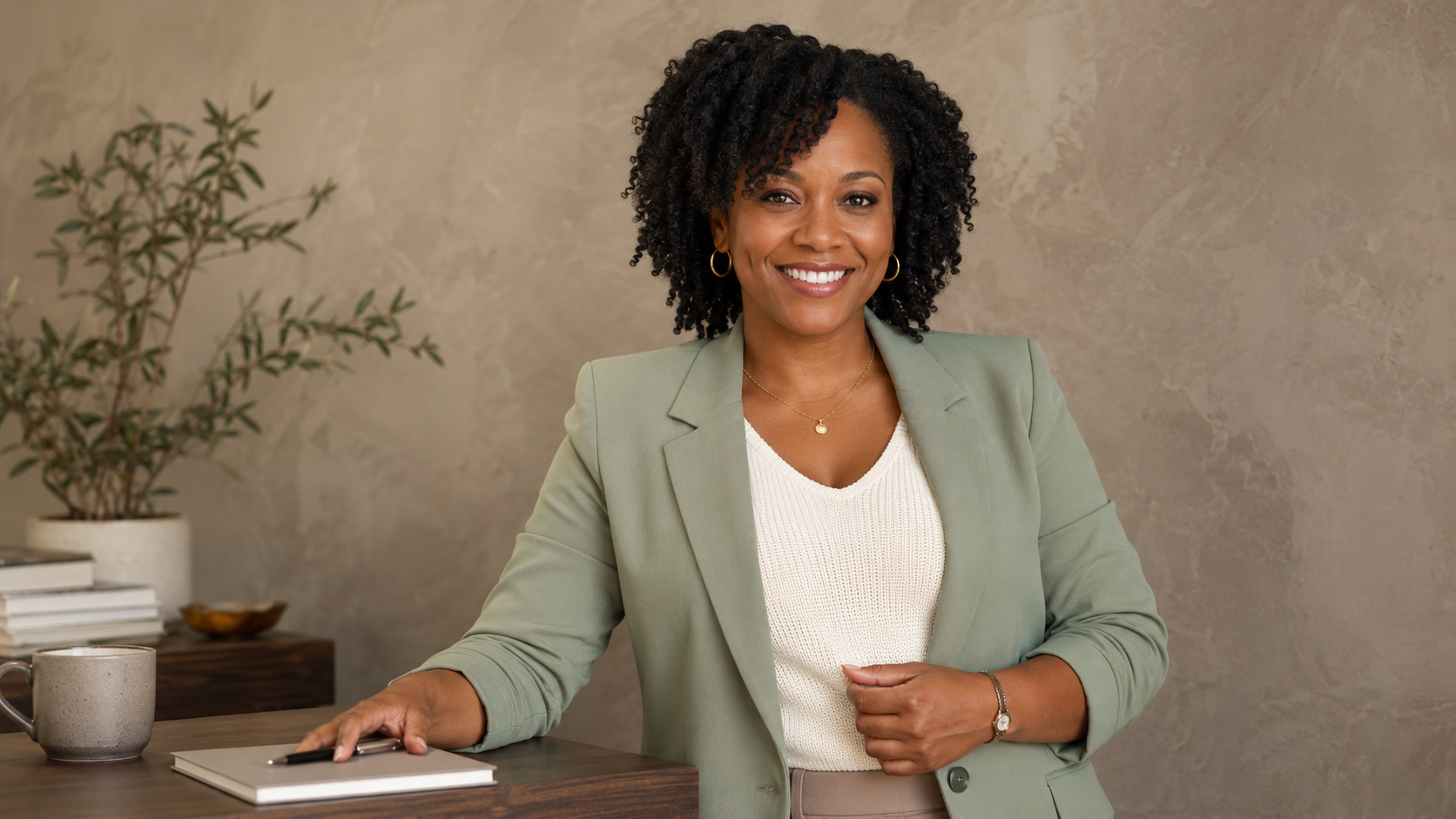
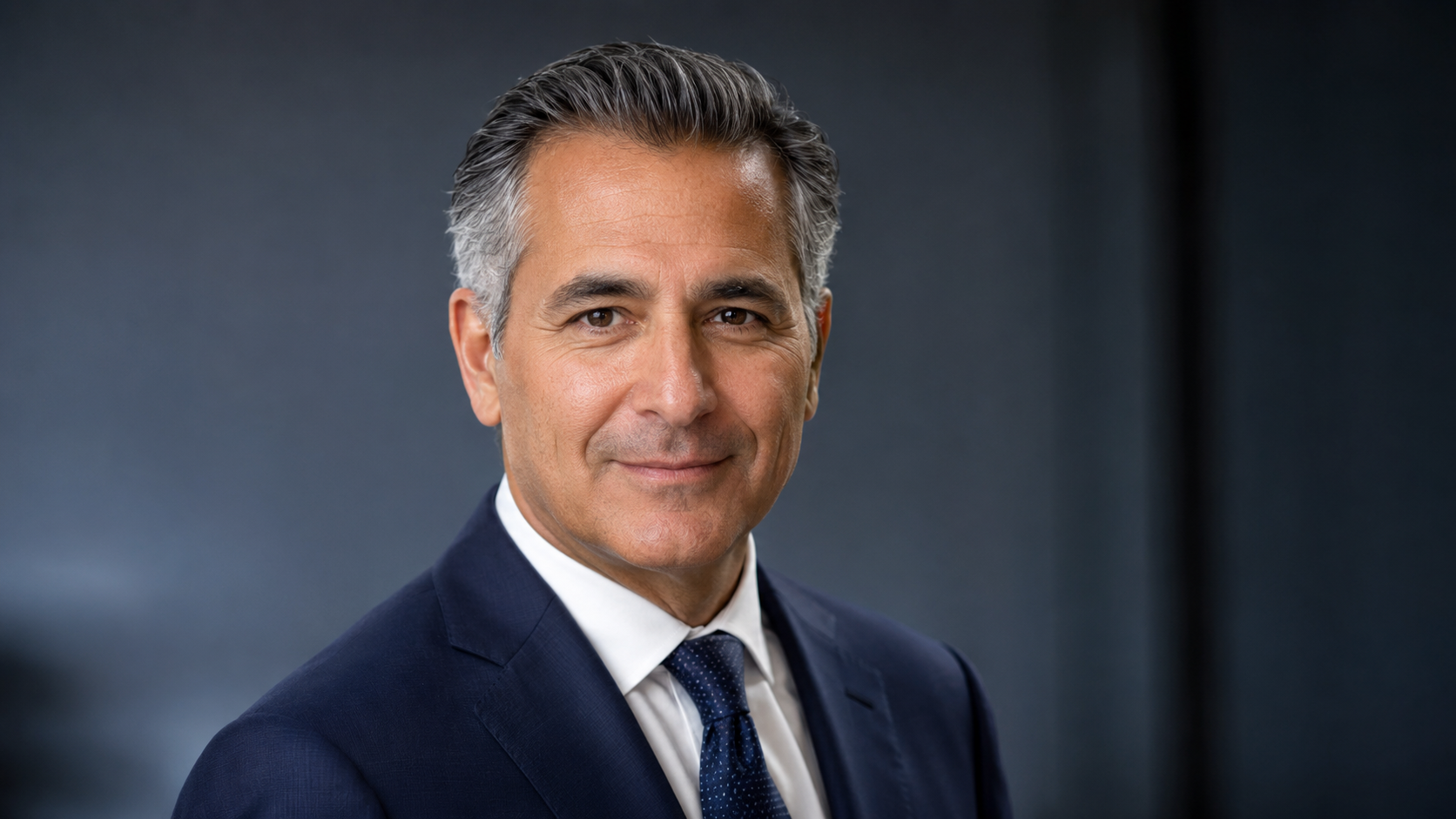
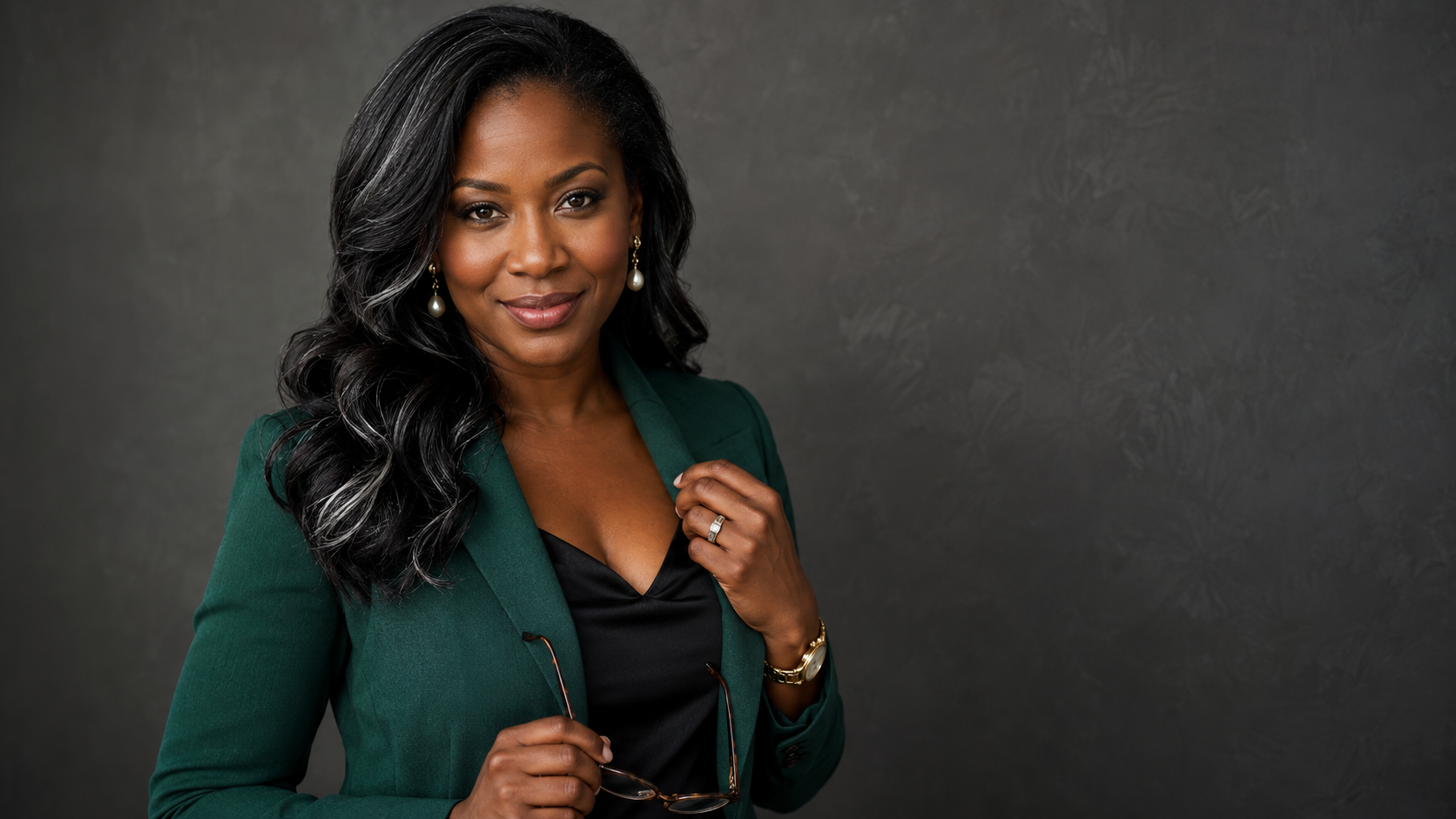
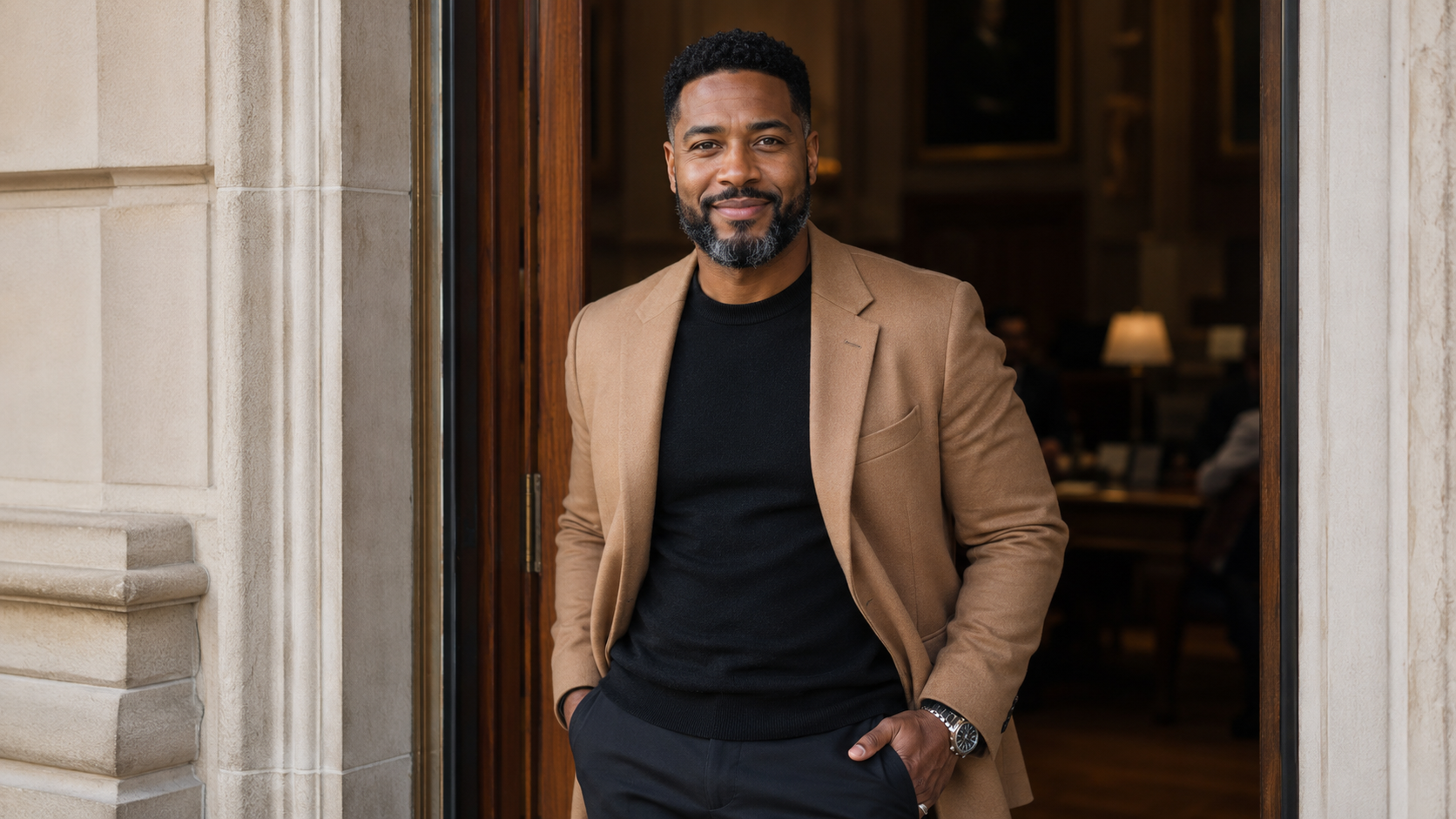
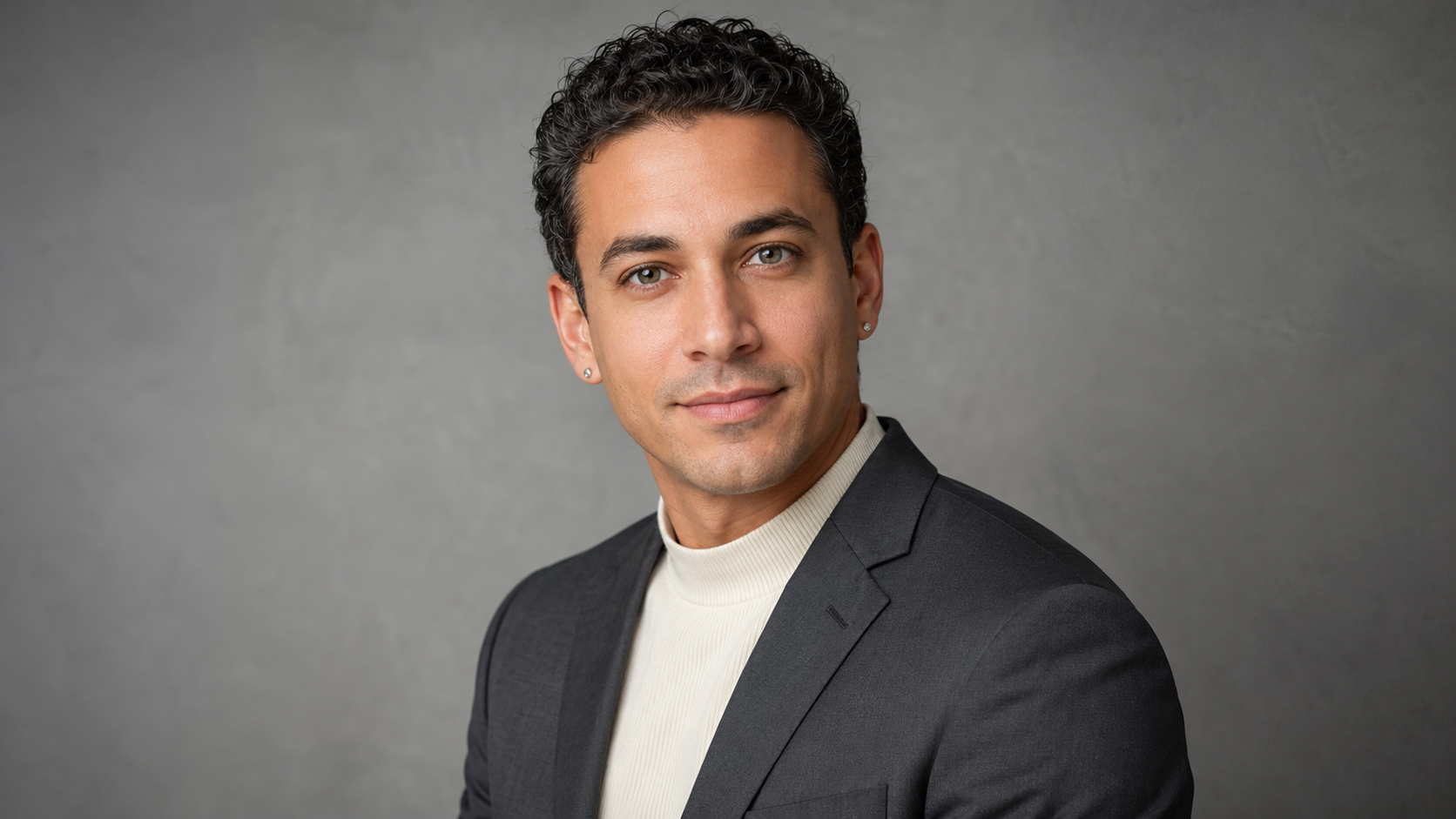
AI headshots at scale for professional team with consistent crop, neutral background, and polished business styling.
Founder AI Headshot Alt Text
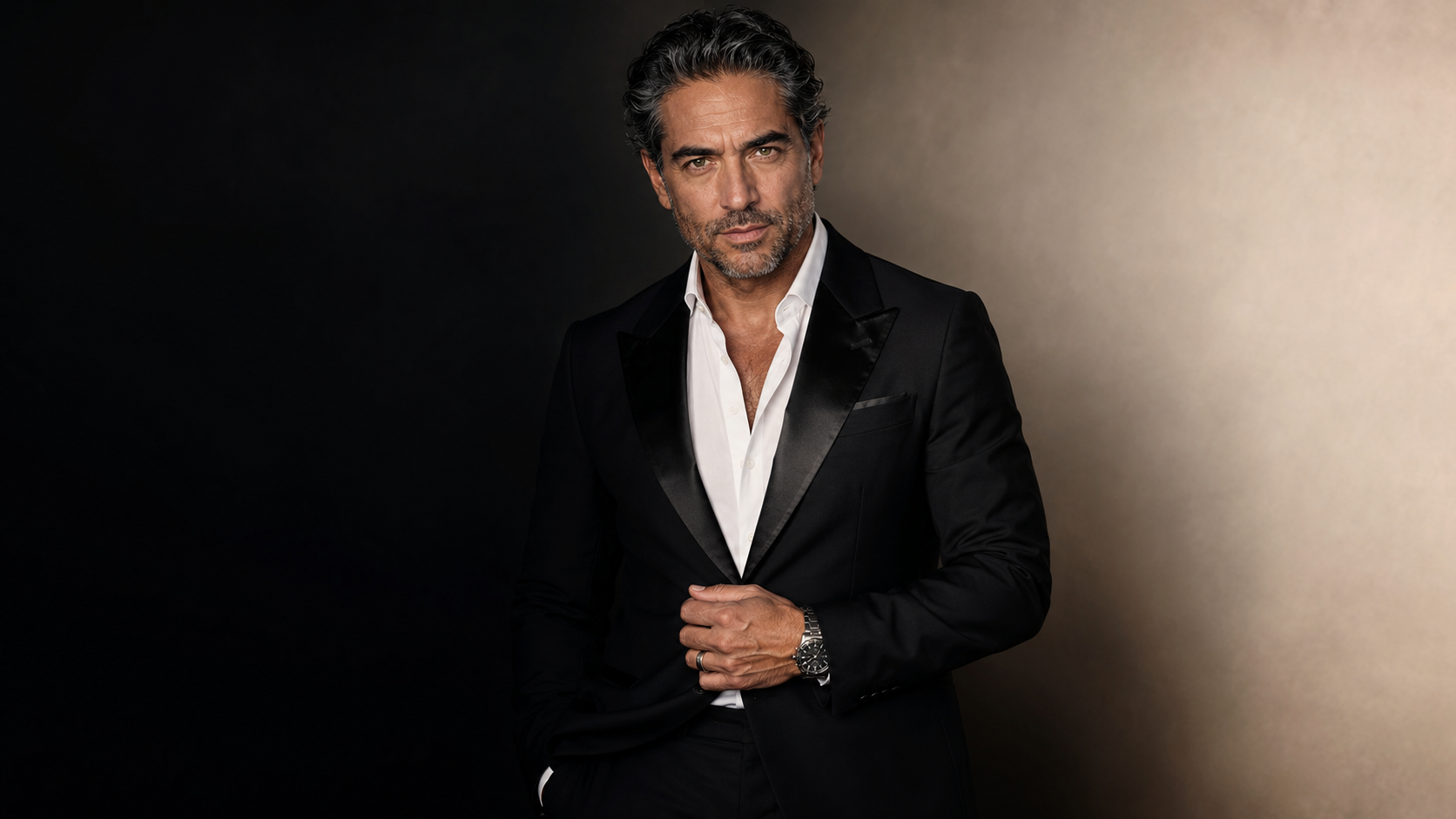
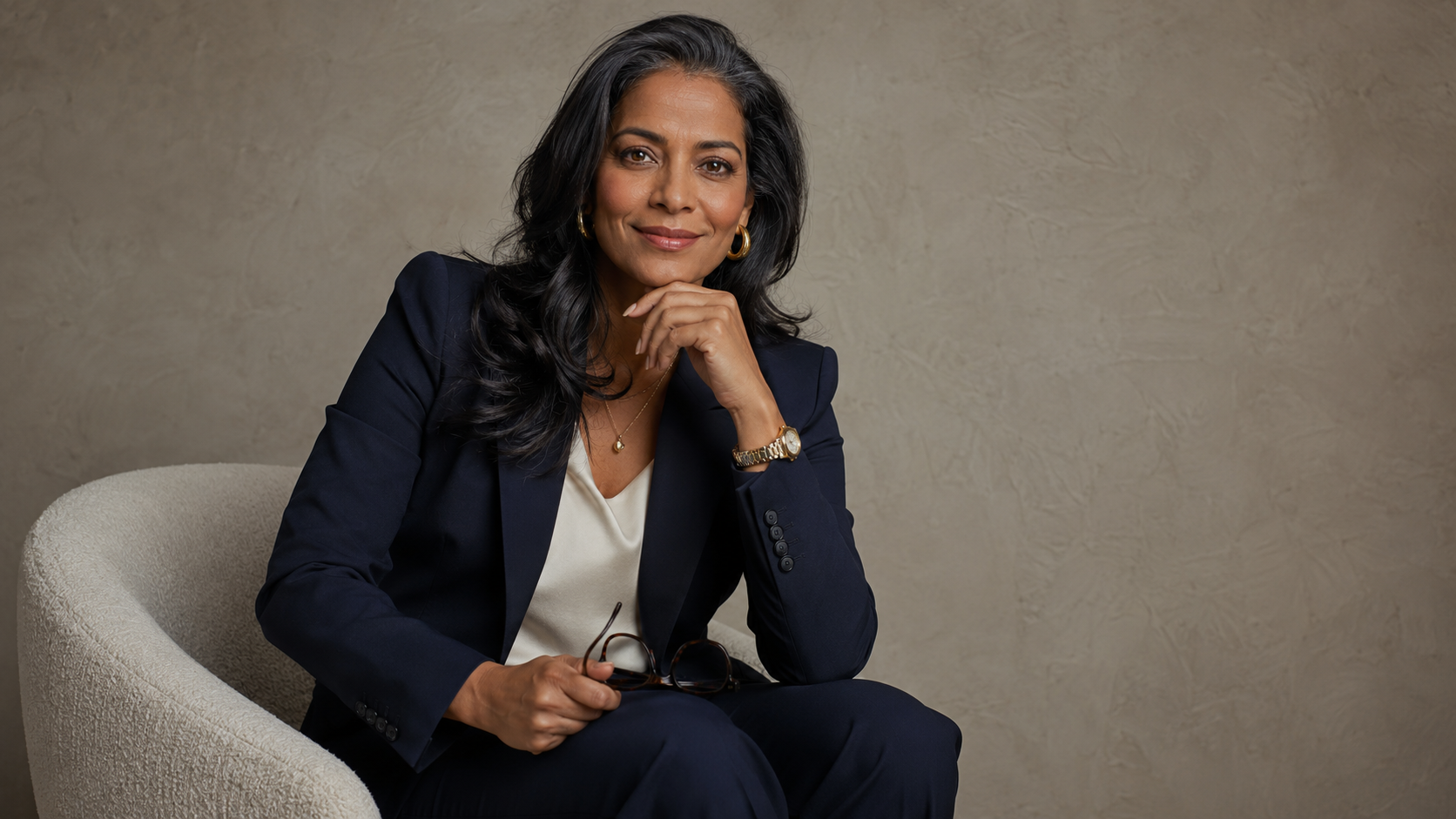
AI founder headshot with structured blazer, editorial lighting, and professional brand portrait style.
Consultant AI Headshot Alt Text
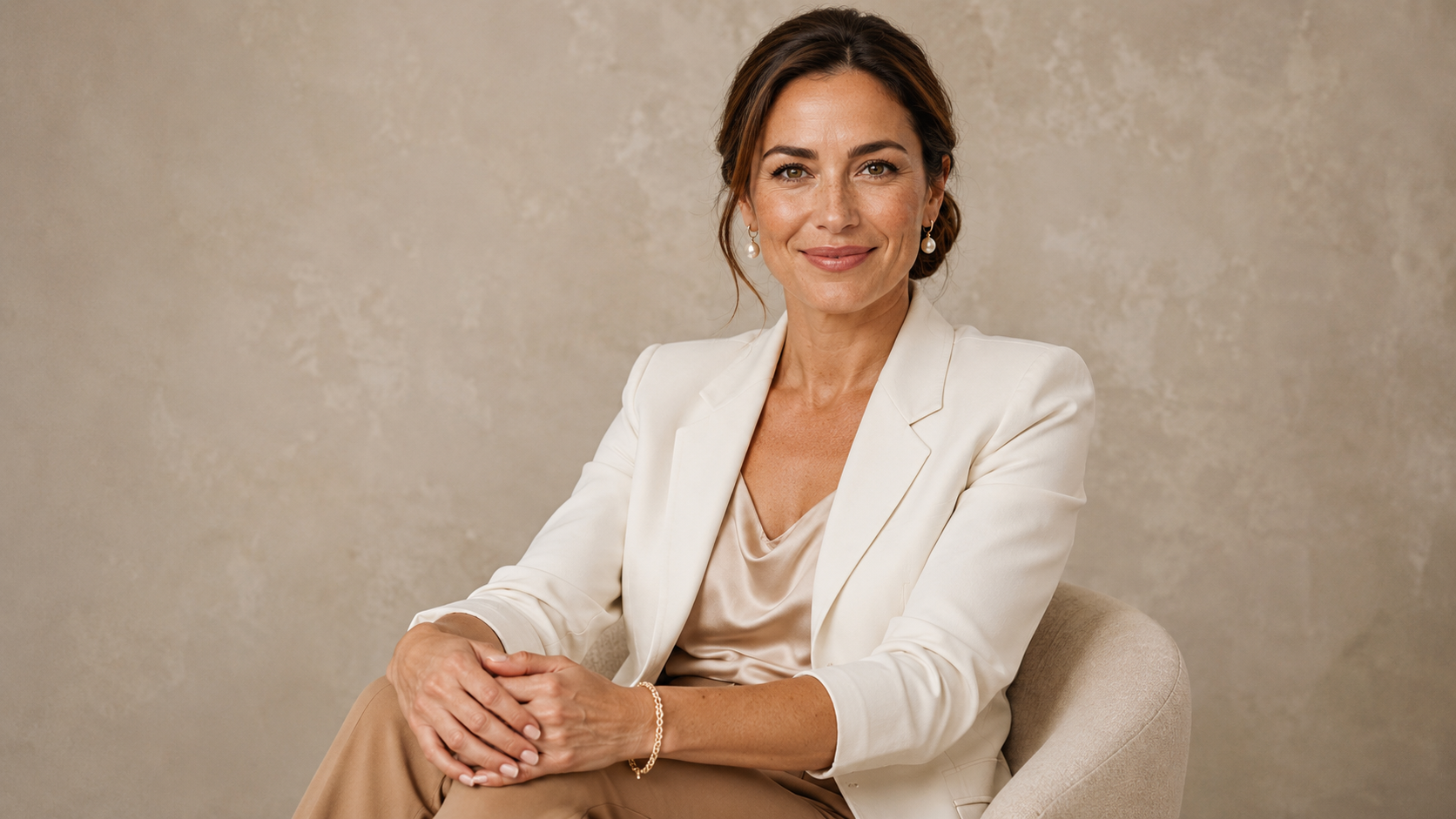
Professional AI headshot for consultant with clean lighting, neutral wardrobe, and LinkedIn-ready crop.
Remote Team AI Headshot Alt Text
Remote AI team headshots with coordinated wardrobe, consistent background, and company website-ready style.
AI Brand Portrait Alt Text
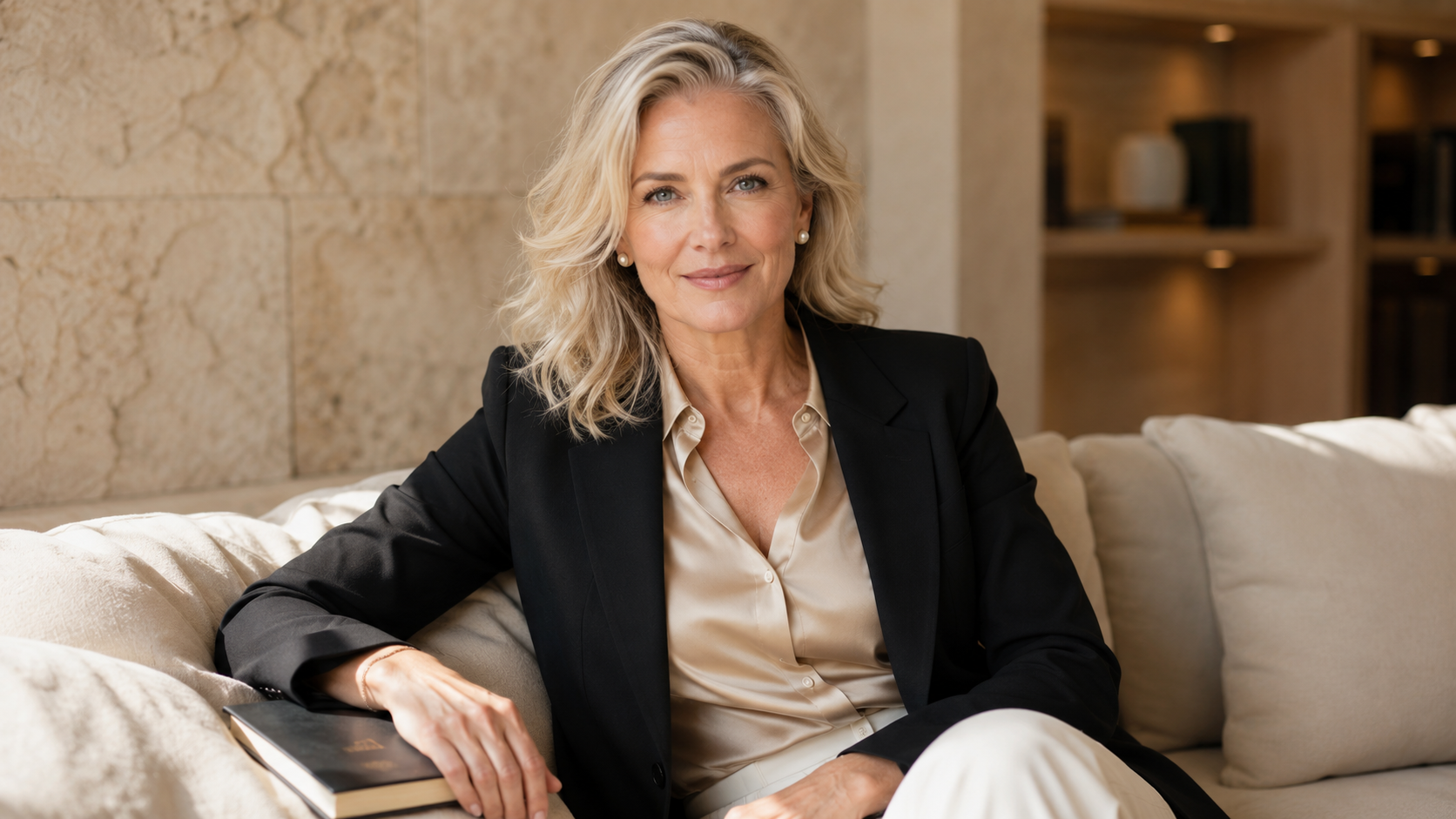
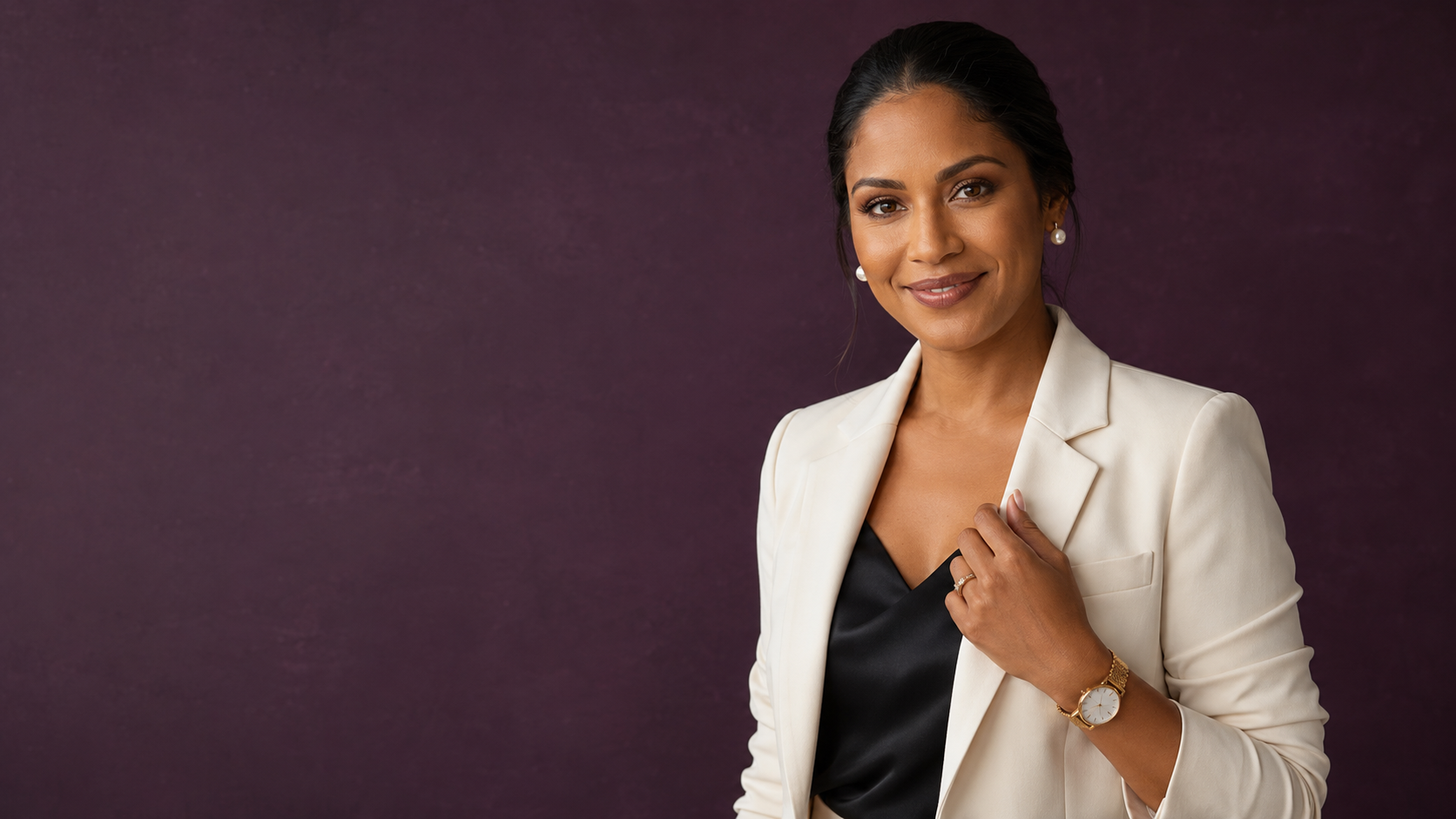
AI brand portrait for personal brand with polished styling, realistic skin texture, and premium background.
Speaker Bio AI Headshot Alt Text
AI headshot for speaker bio with confident expression, clean crop, and media-ready professional style.
Suggested Internal Links
Add these naturally inside the article:
AI Headshots at Scale: https://www.boothsbychristy.com/ai-headshots
AI headshots for founders, coaches, and consultants: https://www.boothsbychristy.com/blog/ai-headshots-for-founders-coaches-consultants
remote team headshots: https://www.boothsbychristy.com/blog/remote-team-headshots-small-businesses
why cheap AI headshots look fake: https://www.boothsbychristy.com/blog/why-cheap-ai-headshots-look-fake
contact Booths by Christy: https://www.boothsbychristy.com/contact
Pinterest Pin Titles
AI Headshots at Scale
AI Headshots for Teams and Founders
Professional AI Headshots Without a Studio Day
AI Team Headshots for Remote Businesses
AI Headshots for LinkedIn, Websites, and Speaker Bios
Remote AI Headshots for Professional Brands
AI Brand Portraits for Teams and Consultants
Scalable AI Headshots for Small Businesses
AI Headshots That Look Professional
How to Update Team Headshots Without a Photo Day