
AI Headshots for LinkedIn: How to Get Professional Photos Without a Studio
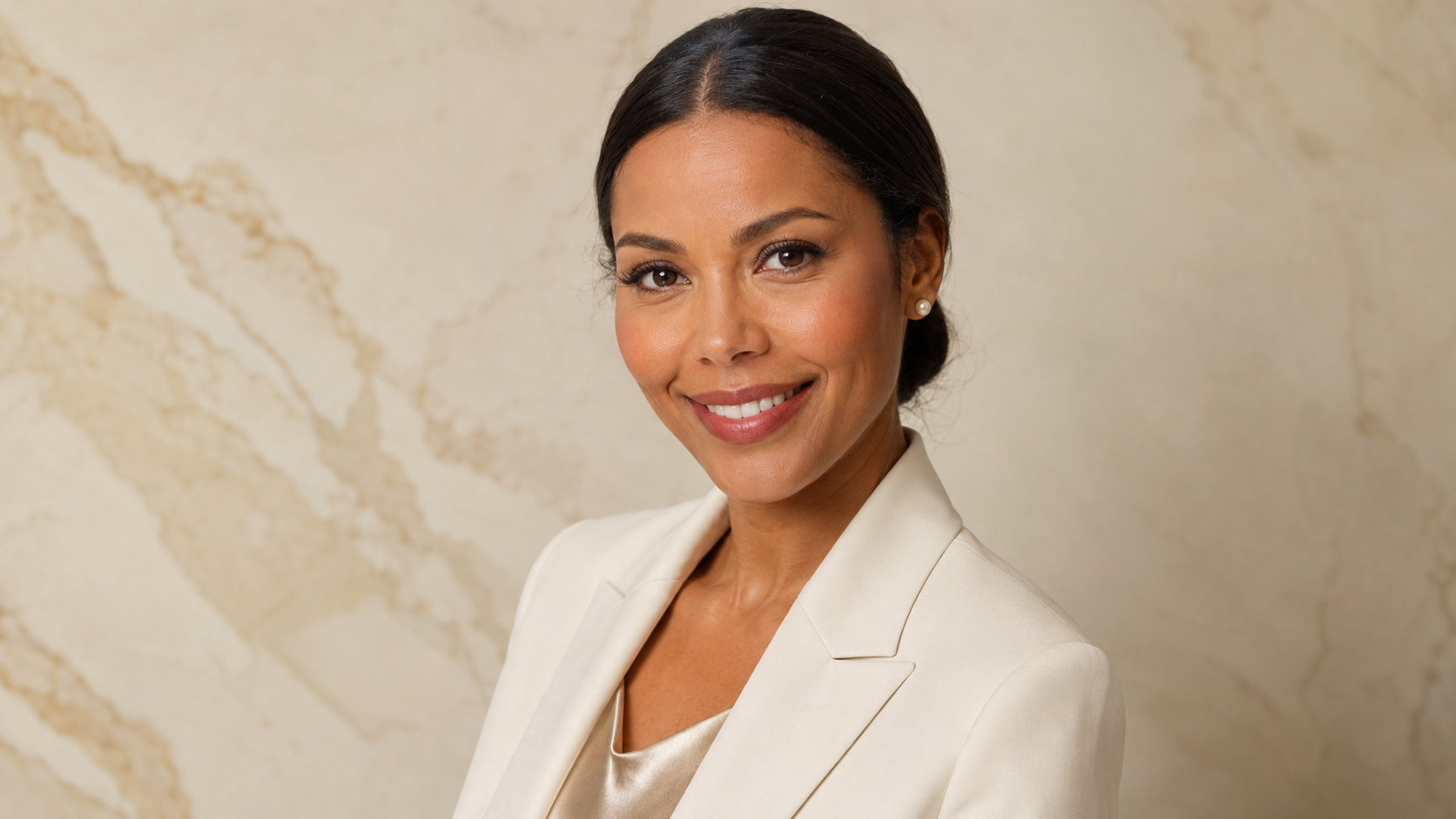
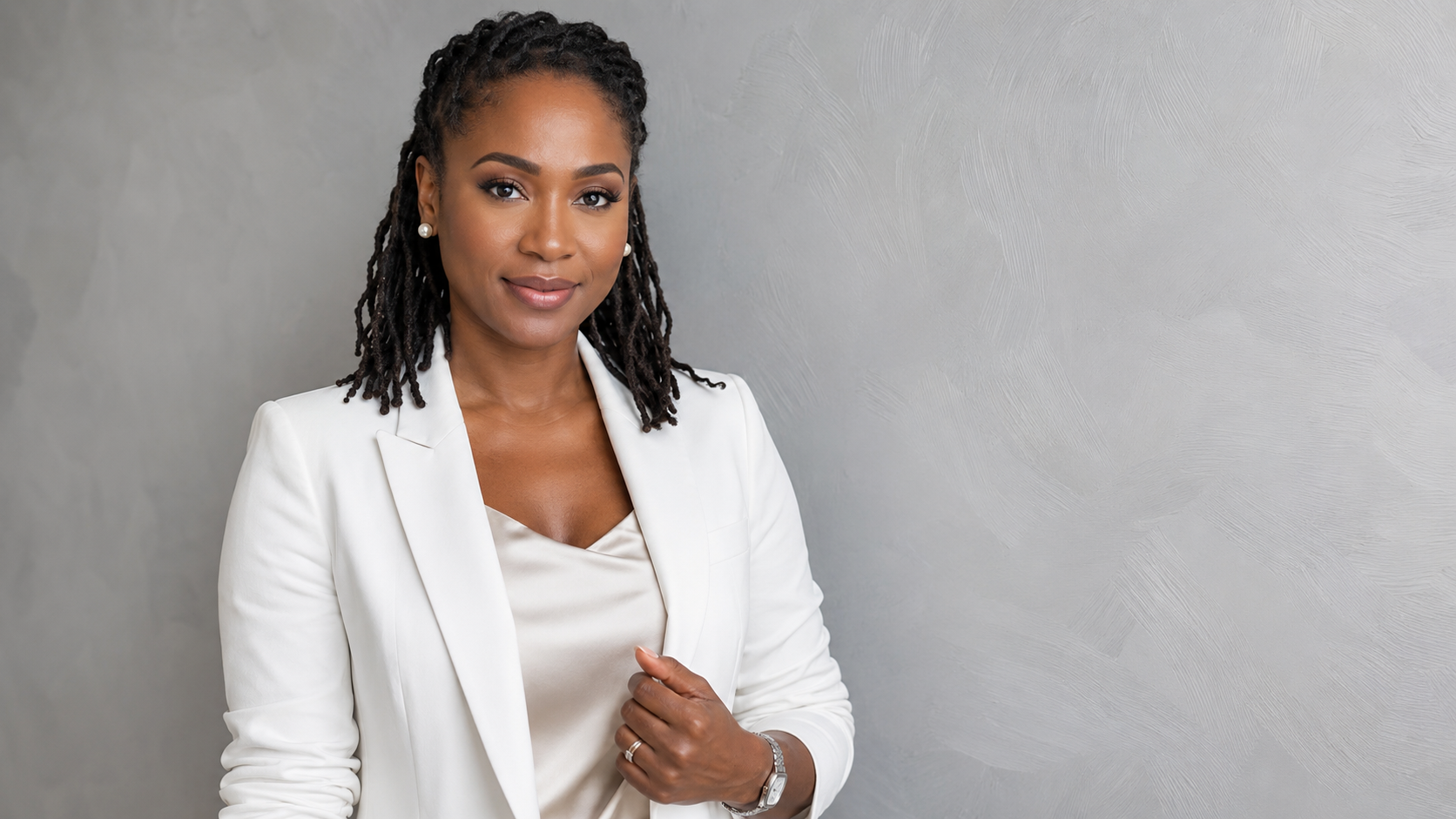
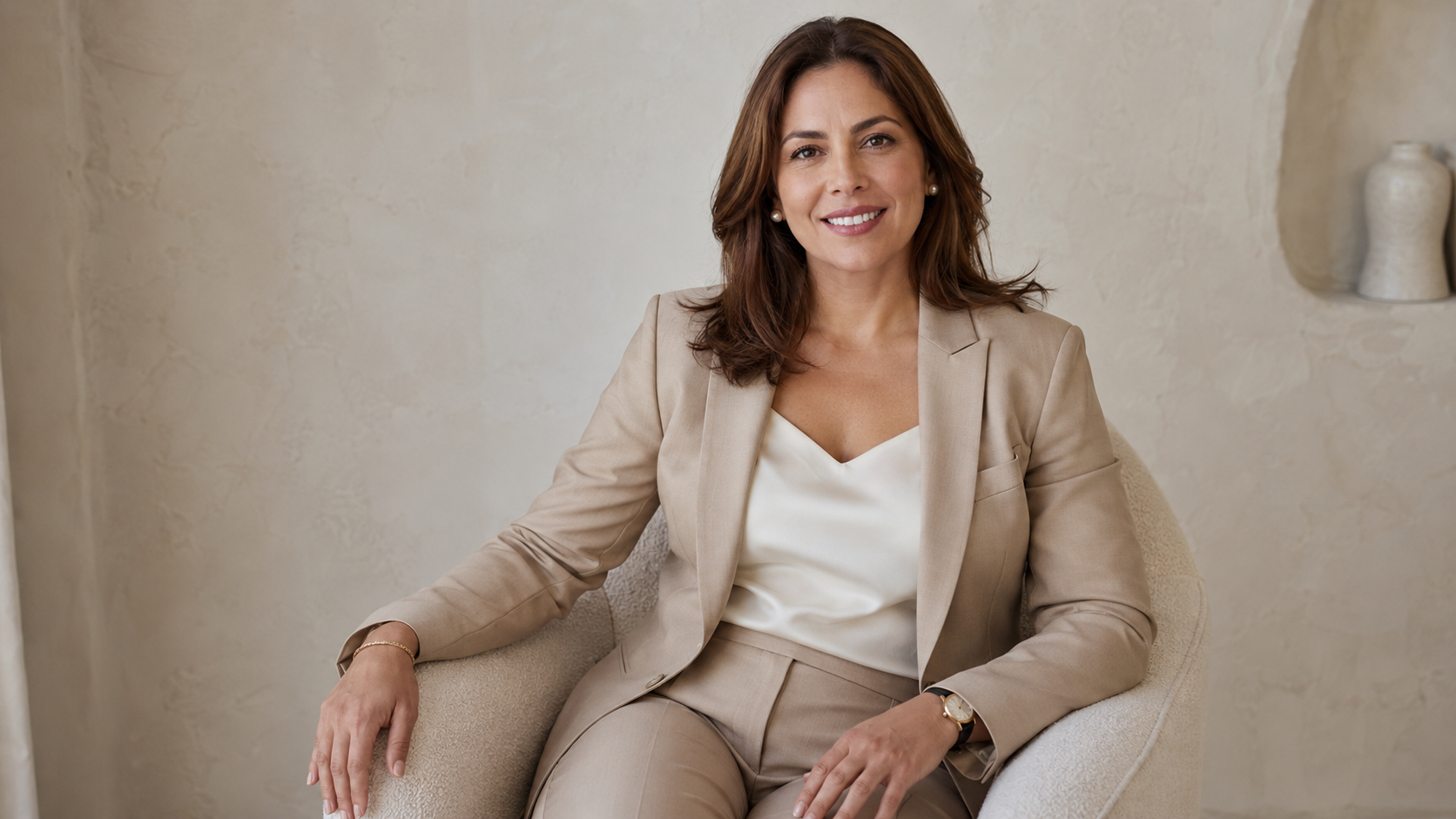
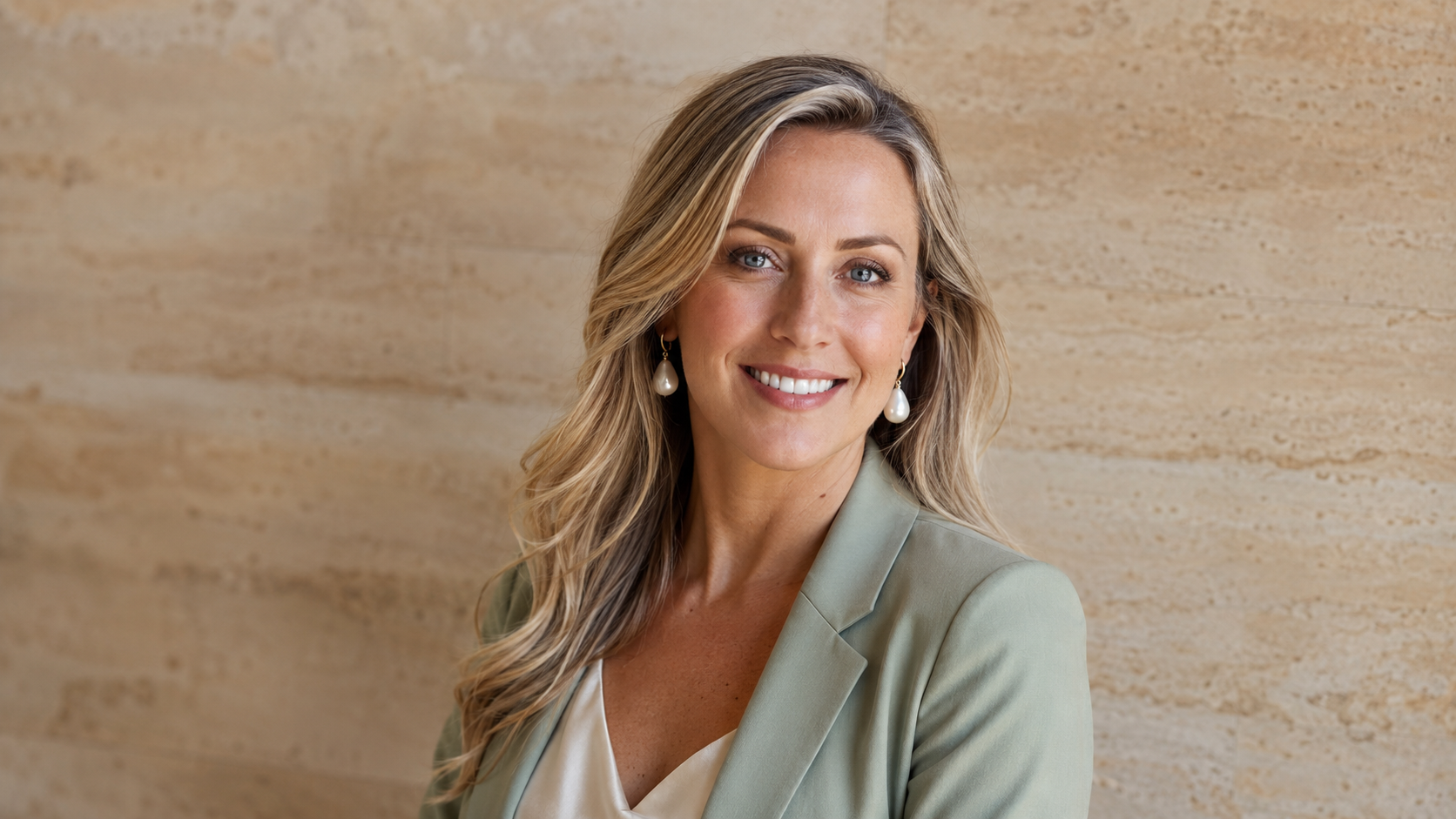
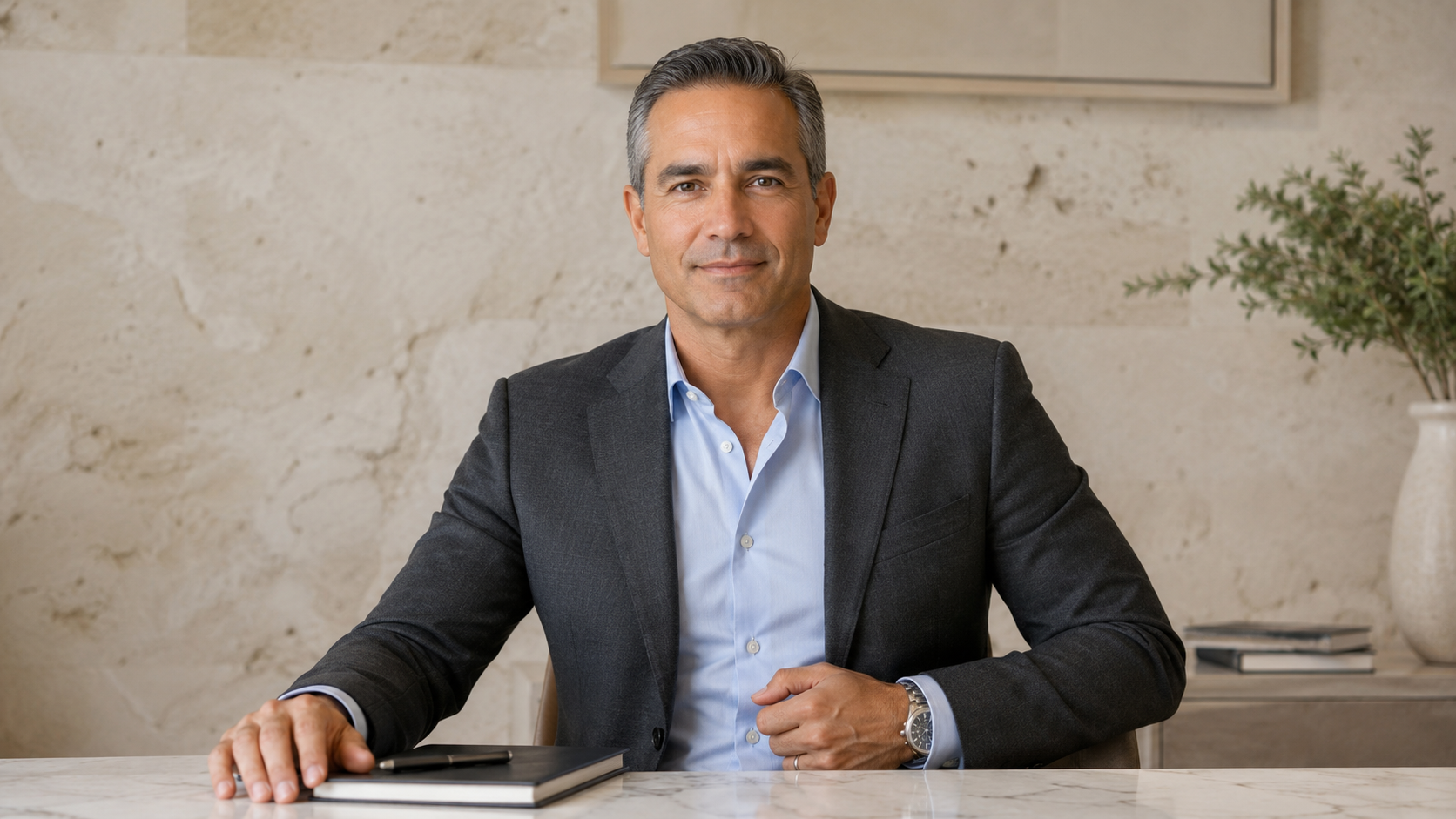
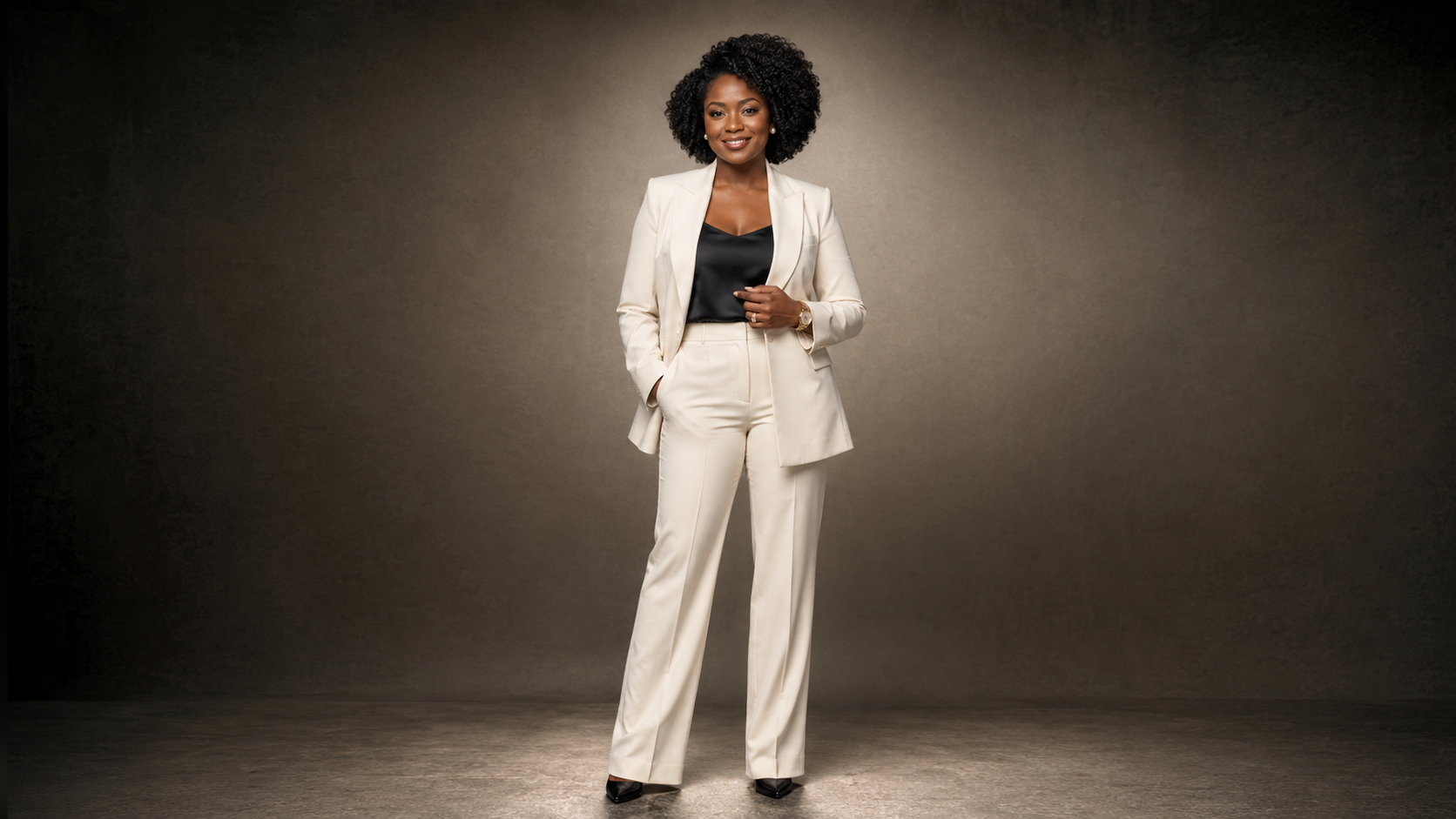
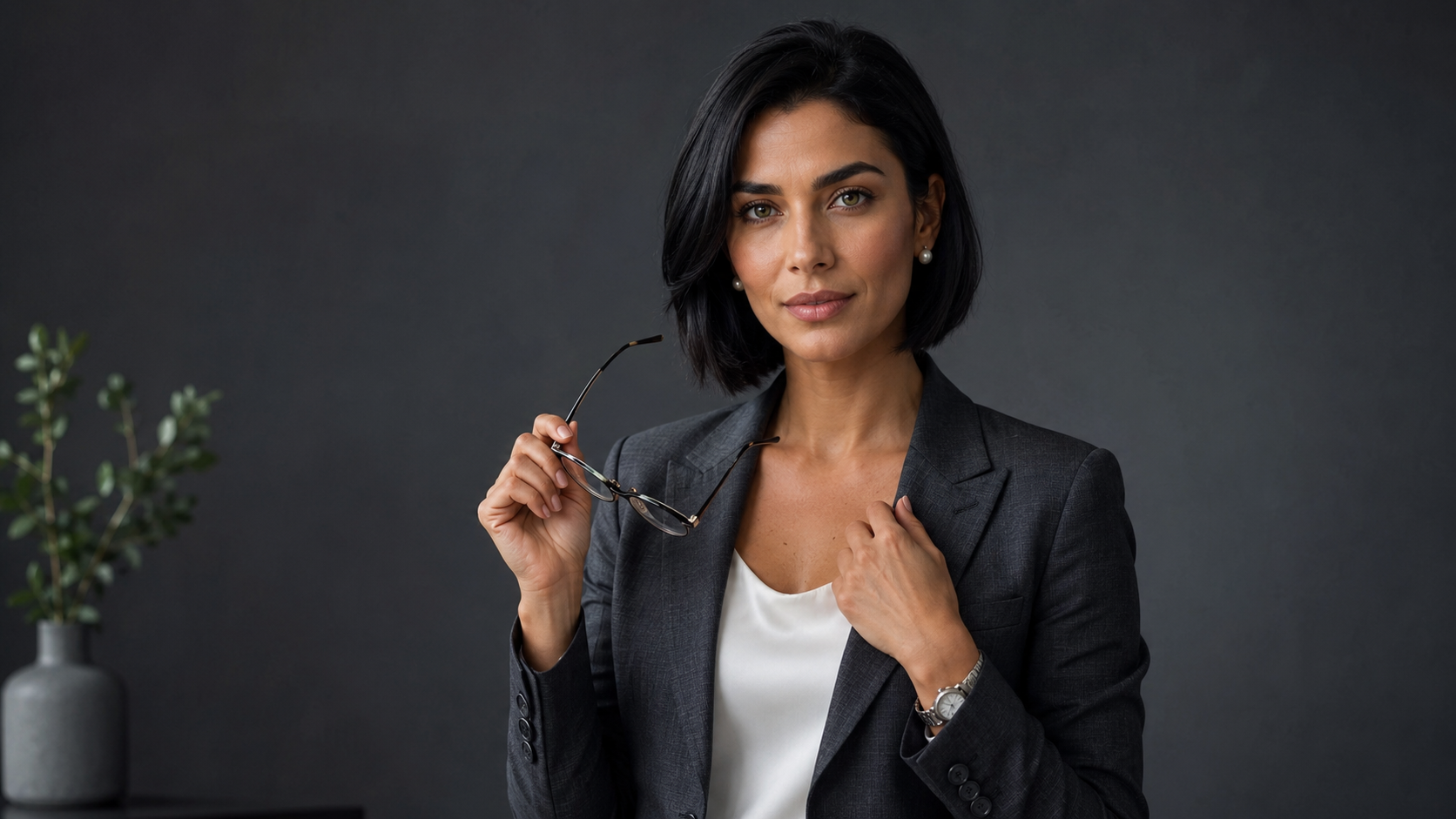
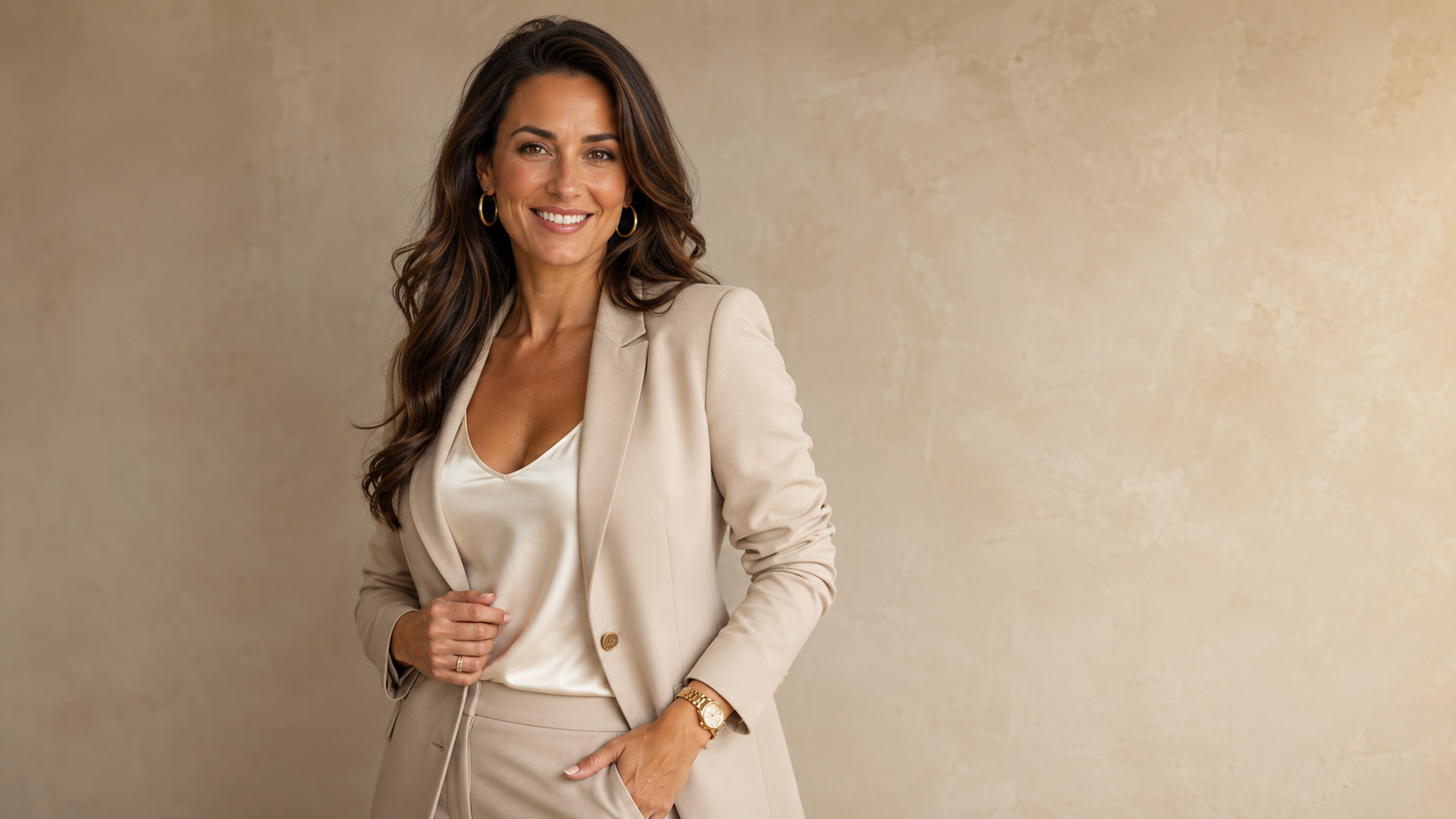
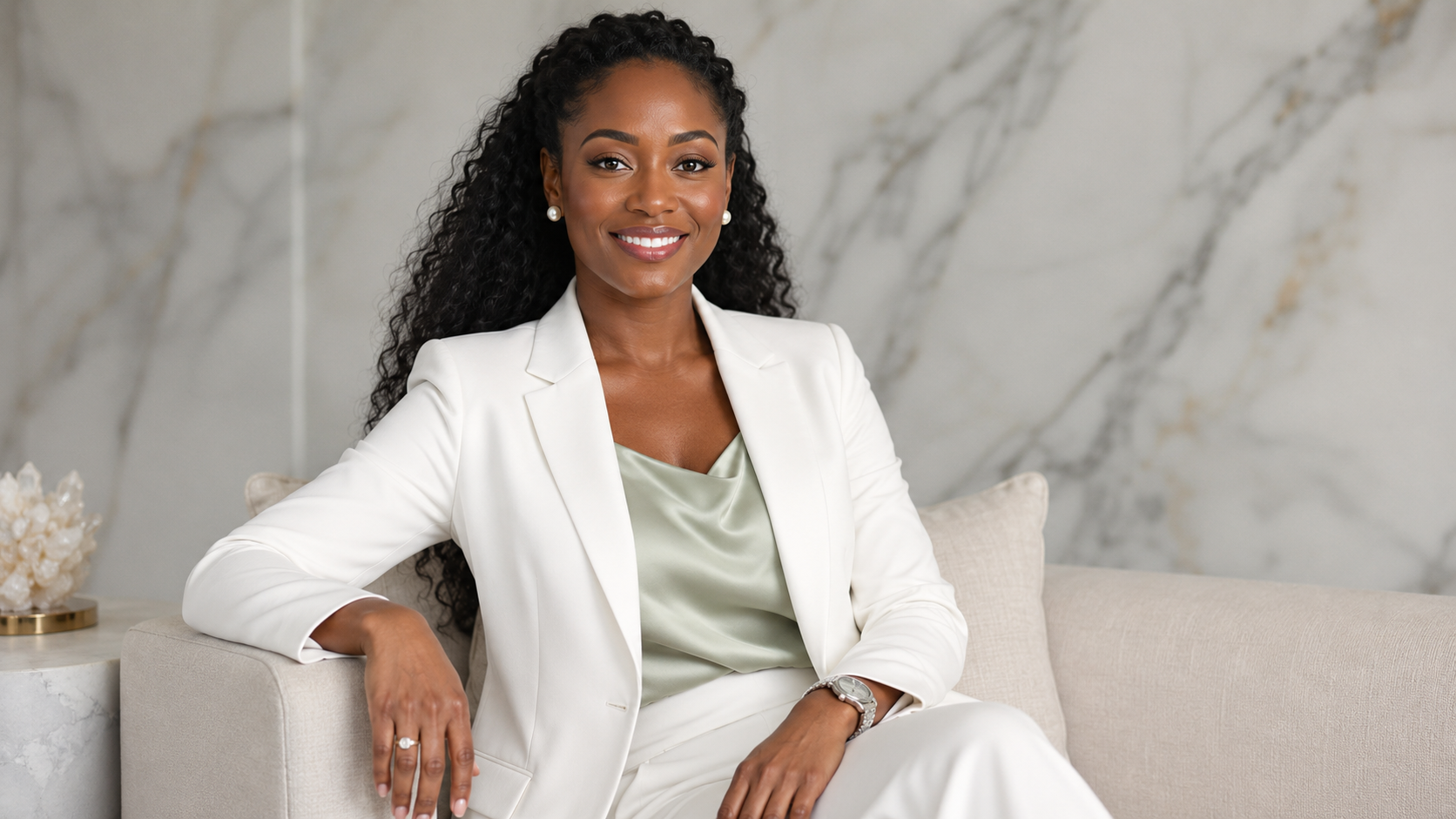
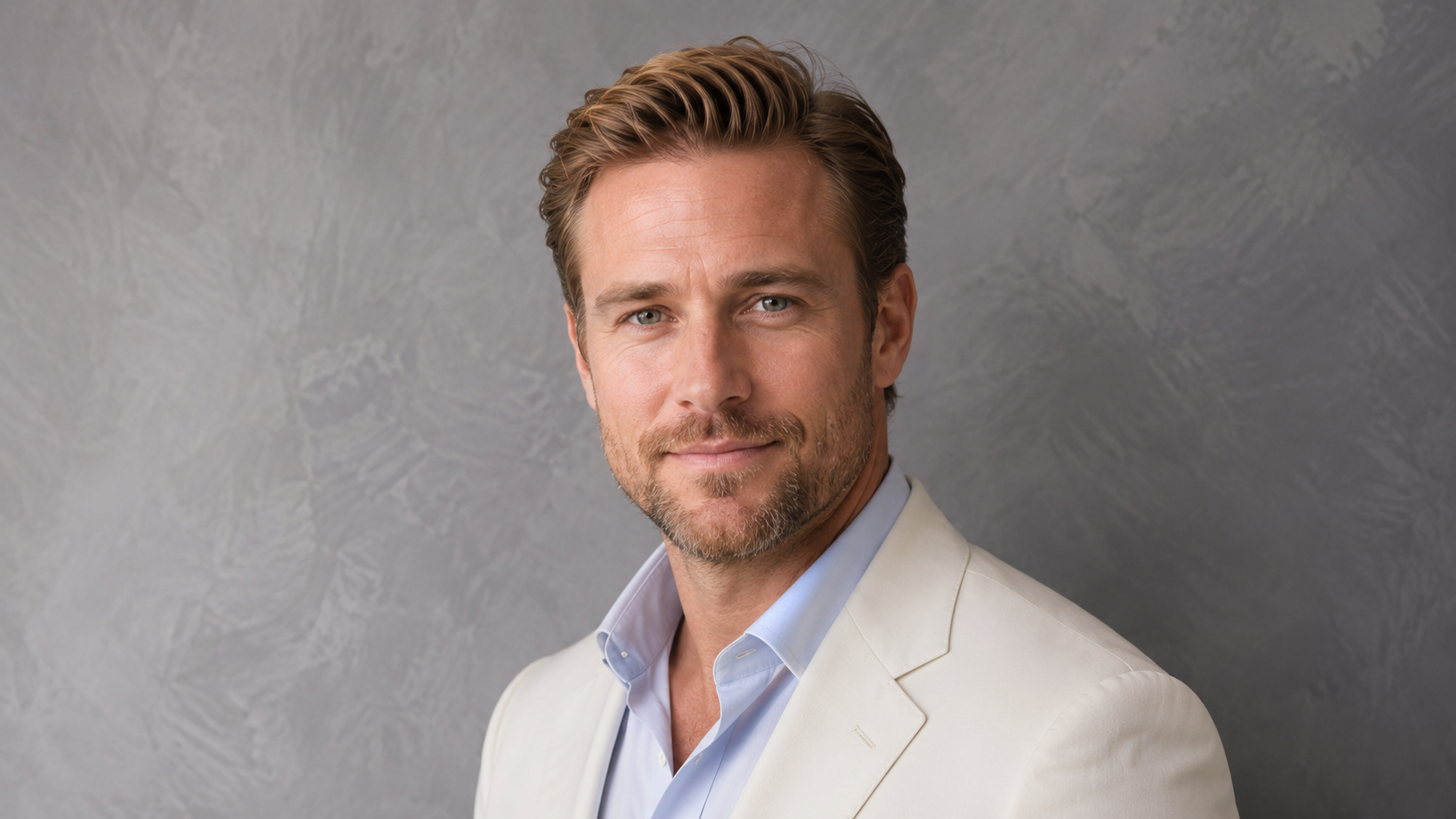
Your LinkedIn photo has a small footprint and a large job.
It appears beside your name when people view your profile, receive a connection request, read your comments, or consider contacting you. The image needs to make you recognizable, current, and professionally aligned with the work you do now.
That is difficult when your available options are an outdated company headshot, a cropped event photo, a filtered selfie, or an image taken before your career changed direction.
AI headshots offer another path.
With recent source photos, clear style direction, and human review, professionals can create polished LinkedIn headshots remotely. No studio booking. No commute. No struggle to select one usable frame from a ten-minute posing session.
The important part is the process.
A professional AI headshot should still look like you. LinkedIn allows artistic representations, but its current profile-photo guidance says the image must reflect the member’s likeness. LinkedIn may remove images that use someone else’s appearance, stock photography, fictional characters, logos, or unrelated imagery.
AI can assist with the portrait.
It should not replace the person.
Quick Answer: Can You Use an AI Headshot on LinkedIn?
Yes. An AI-assisted headshot can work on LinkedIn when it accurately reflects your likeness, looks professionally appropriate, and does not misrepresent another person.
The strongest LinkedIn AI headshots usually include:
Clear facial visibility
A recognizable likeness
Natural skin texture
Direct or gently angled eye contact
A professional expression
Simple wardrobe
Clean lighting
An uncluttered background
A crop that reads clearly at a small size
Human review before use
The safest standard is simple:
Your AI headshot should look like you on a polished, well-lit, professionally styled day.
Why Your LinkedIn Headshot Matters
LinkedIn describes profile photos as a way for current and potential connections to recognize you. Its help guidance also connects a visible profile photo with profile credibility and clearer identification when you send connection requests.
That does not mean your headshot has to look formal, expensive, or aggressively corporate.
It does mean the image should feel intentional.
A LinkedIn profile photo may be seen by:
Recruiters
Hiring managers
Prospective clients
Referral partners
Investors
Podcast hosts
Event organizers
Future collaborators
Current colleagues
People reading your posts or comments
Each person arrives with a different reason for looking at your profile. Your headshot needs to support the professional identity connecting those contexts.
What Should a Professional LinkedIn Headshot Communicate?
A strong LinkedIn headshot should answer three quiet questions:
Is this the person I expect to meet?
Does this person look current and professionally credible?
Does the image make sense for the work described on the profile?
The answer should be visible without theatrical styling.
A founder may need clarity and authority.
A coach may need warmth and steadiness.
A consultant may need structure and confidence.
A real estate agent may need approachability.
A creative professional may need more personality without sacrificing credibility.
A job seeker may need a versatile image that fits several professional contexts.
The image should match the role, audience, and next opportunity.
AI Headshots for LinkedIn Job Seekers
Job seekers often postpone updating LinkedIn because they do not have a recent professional photo.
That delay creates an unnecessary mismatch. The resume may be current. The profile language may be polished. The photo may still belong to another chapter.
A useful LinkedIn headshot for a job seeker should feel:
Current
Recognizable
Approachable
Professionally neutral
Appropriate across likely employers
Easy to read at a small size
Avoid styling the image around one imaginary dream job unless your search is highly specialized.
A clean blazer, blouse, button-down shirt, knit top, or structured business-casual layer usually gives you more flexibility than an overly specific costume.
The goal is not to look like a generic applicant.
The goal is to look ready for the kind of conversations your profile is designed to start.
AI Headshots for Founders and Executives on LinkedIn
Founder and executive headshots need authority without unnecessary distance.
A stiff portrait can make a founder feel inaccessible. A casual selfie can understate the level of the work.
The strongest founder-style LinkedIn headshots usually use:
Structured wardrobe
Clear eye contact
Restrained backgrounds
Intentional lighting
Natural facial detail
Calm expression
Enough warmth to feel human
A founder may also need more than one image.
The LinkedIn profile photo should remain simple and recognizable. A website portrait, speaker bio, media kit, and pitch deck can carry more environment, styling, or editorial presence.
That is why a complete personal brand often needs a visual system rather than one image forced into every placement.
For a deeper breakdown, see AI Headshots for Founders, Coaches, and Consultants.
AI Headshots for Coaches and Consultants on LinkedIn
Coaches and consultants sell expertise through relationships.
Their LinkedIn images need to create confidence without becoming cold or overproduced.
For coaches, useful visual signals may include:
Warm expression
Soft professional lighting
Natural posture
Calm wardrobe colors
Approachable polish
For consultants, the image may need:
More structure
A cleaner crop
Restrained styling
Direct expression
Stronger contrast
The difference is not about making one profession look friendly and another look severe.
It is about matching the image to the kind of trust the work requires.
A leadership consultant, wellness coach, AI strategist, career coach, and financial adviser should not all receive the same generic blazer treatment.
AI Headshots for Real Estate and Sales Professionals
Real estate and sales professionals use LinkedIn alongside brokerage profiles, referral pages, email signatures, proposals, and social content.
Their headshots need to remain recognizable across all of those surfaces.
An effective LinkedIn image for a client-facing sales professional should feel:
Polished
Current
Confident
Approachable
Easy to recognize offline
Avoid over-glamorizing the image.
A client should not experience a moment of confusion when the person on the profile appears at a meeting, showing, or consultation.
For more role-specific guidance, read AI Headshots for Real Estate Agents.
AI Headshots for Creatives, Speakers, and Personal Brands
Creative professionals have more room to use color, wardrobe, texture, and stronger visual direction.
LinkedIn still needs clarity.
A dramatic editorial portrait may work beautifully on a portfolio site and become unreadable when cropped into a small circular profile image.
For LinkedIn, prioritize:
Facial visibility
Strong but uncomplicated composition
Clear contrast between the person and background
Distinctive styling that does not overwhelm the face
An expression aligned with the work
Your profile photo can carry personality.
It does not need to carry the entire artistic manifesto.
How to Create AI Headshots for LinkedIn From Home
A polished remote AI headshot begins before image generation.
The workflow should control the inputs, style direction, quality review, and final crop.
Step 1: Define the Professional Goal
Decide what the LinkedIn image needs to support.
Are you:
Applying for jobs?
Building founder visibility?
Selling consulting?
Attracting speaking opportunities?
Updating a team page?
Repositioning your personal brand?
Entering a new industry?
Presenting yourself to clients?
The answer affects the wardrobe, expression, background, and level of polish.
Step 2: Choose a LinkedIn Headshot Style
A few practical style directions include:
LinkedIn Executive
Clean background, structured wardrobe, direct expression, and clear professional authority.
Warm Expert
Softer lighting, approachable expression, refined business-casual styling, and a calm neutral background.
Founder Authority
Editorial polish, confident eye contact, tailored wardrobe, and restrained visual depth.
Client-Facing Professional
Friendly expression, polished attire, bright neutral background, and accessible energy.
Creative Director
More contrast, deeper background tones, distinctive wardrobe, and controlled editorial presence.
Choose the style based on the work.
Do not choose it because the preset looked impressive on someone else.
Step 3: Take Clear Source Photos
Source photos do not need studio lighting. They need accurate visual information.
Use recent images with:
Natural window light
Eye-level camera placement
Full face visibility
Clear eyes
Several expressions
Multiple angles
Minimal filters
Simple backgrounds
Hair positioned naturally
Current appearance
Avoid:
Heavy beauty filters
Sunglasses
Group photos
Screenshots from video calls
Severe shadows
Extreme camera angles
Motion blur
Old photos that no longer resemble you
Images where another person’s face is close to yours
Good source photos give the AI more reliable information about your features.
Step 4: Direct the Wardrobe and Background
Wardrobe and background should be decided before generation.
A professional LinkedIn headshot rarely needs elaborate scenery.
Useful backgrounds include:
Soft gray
Greige
Warm taupe
Pearl gray
Deep navy
Graphite
A softly blurred office
A clean neutral interior
Your clothing should contrast enough with the background to keep your outline clear.
Step 5: Generate Options
AI generation creates a range of possible portraits.
That range is useful, but it also creates failure points.
Some images may have a strong expression and a distorted collar. Others may preserve the outfit but change facial structure. One may look excellent until you notice that the earrings do not match.
Generation is the middle of the process.
It is not the finish line.
Step 6: Curate for Likeness and Credibility
Review every candidate at full size.
Check:
Face shape
Eyes
Smile
Teeth
Skin texture
Hairline
Glasses
Earrings
Clothing seams
Collar and lapels
Background edges
Lighting direction
Reject images that look polished but unfamiliar.
A headshot that receives compliments and causes recognition problems is not doing its job.
Step 7: Create the LinkedIn Crop
LinkedIn currently accepts profile images in JPG or PNG format, up to 8 MB, with dimensions ranging from 400 by 400 pixels to 7680 by 4320 pixels. LinkedIn recommends choosing a photo that will not require excessive cropping.
For practical delivery, a larger square image gives you flexibility.
Keep enough space around the head and shoulders so the circular LinkedIn crop does not cut into the hair, chin, or clothing in an awkward place.
What Should You Wear for a LinkedIn AI Headshot?
Wear clothing that reflects how you want to be understood professionally.
Reliable choices include:
Tailored blazer
Structured blouse
Solid dress
Clean button-down shirt
Fine-knit top
Simple jacket
Polished business-casual layer
Minimal jewelry
Useful color families include:
Navy
Charcoal
Cream
Camel
Taupe
Black
Soft blue
Deep green
Bordeaux
Ivory
Avoid tiny high-contrast patterns. They can look distracting or unstable during generation.
Large logos also pull attention away from the face and may create distorted text.
The outfit should look plausible for your real professional life.
Should You Smile in a LinkedIn Headshot?
There is no single correct expression for every professional.
A broad smile may fit a real estate agent, recruiter, coach, or community-facing founder.
A more restrained expression may fit an attorney, strategist, executive, or financial professional.
The expression should feel:
Natural
Alert
Connected to the eyes
Appropriate for the role
Familiar to people who know you
AI sometimes produces a technically perfect smile that feels emotionally disconnected.
Look at the whole face.
If the eyes and mouth tell different stories, choose another image.
What Background Is Best for a LinkedIn Headshot?
The best LinkedIn background is the one that keeps attention on the person.
Strong options include:
Neutral studio tone
Subtle textured plaster
Soft office blur
Bright neutral interior
Deep executive color
Simple brand-aligned background
A background should support context without pretending to document a real location.
Avoid generated offices, properties, skylines, or conference spaces that could mislead viewers about where you work or what you represent.
Clean usually wins.
How Much Retouching Is Too Much?
Retouching becomes a problem when it removes recognition.
Watch for:
Poreless plastic skin
Changed eye shape
Narrowed nose
Altered jawline
Unrealistic teeth
Over-brightened eyes
Changed skin tone
Hair that no longer matches
Erased age or facial character
Professional polish should improve presentation.
It should not rewrite the person.
This is one of the reasons cheap AI headshots often look fake. The software may reward smoothness and symmetry while quietly sacrificing identity.
Why Human Curation Matters for LinkedIn AI Headshots
AI can generate twenty polished portraits.
That does not mean twenty should reach your LinkedIn profile.
Human curation evaluates what the image communicates, not only whether it is visually attractive.
A curator should ask:
Does this still look like the person?
Is the expression credible?
Does the style fit the stated profession?
Is the clothing believable?
Will the image read clearly at profile size?
Does it look current?
Would this image support trust in a real conversation?
The result should be a small selection of strong images, not a giant gallery that turns quality control into the client’s problem.
AI LinkedIn Headshots for Remote Teams
Remote teams often end up with profile photos taken under completely different conditions.
One person has a studio image. Another uses a laptop screenshot. Someone joined after the company photo day. The founder updated their portrait, but the rest of the team still has old images.
A remote AI headshot system can create a shared visual direction without requiring everyone to attend the same shoot.
The team can standardize:
Crop
Background family
Lighting
Wardrobe formality
Image quality
Delivery sizes
Each person should still look like themselves.
Consistency should support the team, not erase individuality.
See Remote Team Headshots for Small Businesses for the full workflow.
AI Headshots vs. AI Brand Portraits for LinkedIn
A LinkedIn headshot is usually tightly cropped and face-forward.
An AI brand portrait gives you more room for wardrobe, environment, posture, or storytelling.
You may need both.
Use a headshot for:
LinkedIn profile photo
Company directory
Zoom profile
Email signature
Proposal bio
Use a brand portrait for:
LinkedIn banner or featured content
Website hero section
Speaker page
Media kit
Launch graphics
Thought-leadership posts
A larger personal brand system gives you choices without forcing one photo into every placement.
Explore AI Headshots at Scale for Teams, Founders, and Professional Brands for a broader view of this approach.
When AI Headshots Are a Good Fit for LinkedIn
AI headshots are a practical option when:
Your current photo is outdated
You work remotely
You need multiple professional options
A studio session is difficult to schedule
You are launching a new website or offer
Your team needs consistent profile photos
Your professional positioning has changed
You need a profile update quickly
You want several crops and style variations
They are especially useful when the bottleneck is logistics.
When Traditional Photography Is the Better Choice
Traditional photography remains the stronger option when you need:
Exact documentary capture
Real workplace images
Team culture photography
In-person posing direction
A specific physical location
Editorial campaign production
Photos involving real products, properties, or interactions
AI headshots and traditional photography serve different needs.
Use the method that fits the image’s actual job.
Ethical Use of AI Headshots on LinkedIn
Your profile photo should accurately represent you.
LinkedIn’s current guidance permits illustrations, caricatures, and other artistic representations, but the profile image must reflect your likeness. Images using another person, a celebrity, stock photography, or fictional characters do not meet its profile-photo conditions.
AI headshots should also stay out of any process requiring documentary identity.
Do not use them for:
Passports
Government identification
Legal identification
Medical records
Official credentials
Compliance photos
Background-check documentation
Professional branding allows creative direction.
Official identity requires an actual photograph.
How Booths by Christy Creates AI Headshots for LinkedIn
Booths by Christy creates human-curated AI headshots for professionals, founders, coaches, consultants, real estate agents, speakers, job seekers, and remote teams.
The process begins with the intended use.
A job seeker may need a clean, versatile profile image.
A founder may need a LinkedIn headshot plus a broader authority portrait.
A coach may need warmth.
A consultant may need sharper visual structure.
A remote team may need a consistent set that works across individual LinkedIn profiles and the company website.
The workflow includes:
Defining the professional goal
Selecting a style direction
Preparing source photos
Creating AI-assisted portrait options
Reviewing likeness and realism
Rejecting weak or distorted images
Preparing platform-ready crops
Recommending images for specific uses
The final result should feel current, intentional, and recognizable.
LinkedIn AI Headshot Checklist
Before uploading your new image, check:
Does it look like you?
Is your face clear at a small size?
Are your eyes natural?
Does the expression fit your role?
Is your skin texture believable?
Are the clothing details accurate?
Does the background support the image?
Is there enough room for the circular crop?
Does the photo match your current positioning?
Would someone recognize you in a meeting?
If the last answer is uncertain, choose another image.
Final Takeaway: Your LinkedIn Headshot Should Support Recognition
A strong LinkedIn headshot does not need to make you look perfect.
It needs to make you look current, credible, and recognizable.
AI can make the process remote and flexible. Direction makes the image appropriate. Human curation protects the result from identity drift, distorted details, and generic corporate styling.
The best LinkedIn AI headshot looks like the professional version of you that already exists.
Ready for a Professional LinkedIn Headshot?
Booths by Christy creates AI Headshots at Scale for professionals, founders, coaches, consultants, real estate agents, speakers, job seekers, and remote teams.
Use them for LinkedIn, websites, speaker bios, team pages, media kits, proposals, and client-facing profiles.
FAQ: AI Headshots for LinkedIn
Can I use an AI-generated headshot on LinkedIn?
Yes, provided the image reflects your likeness and complies with LinkedIn’s profile-photo rules. The final image should be recognizable, professionally appropriate, and free from misleading identity changes.
What size should a LinkedIn profile photo be?
LinkedIn accepts profile photos from 400 by 400 pixels up to 7680 by 4320 pixels, with a maximum file size of 8 MB. Accepted formats are JPG and PNG. Choose an image with enough space for LinkedIn’s circular crop.
What should I wear for a LinkedIn AI headshot?
Wear solid colors, simple necklines, and clothing that matches your professional positioning. Blazers, clean knits, button-down shirts, structured blouses, and restrained accessories usually work well.
Will an AI LinkedIn headshot look exactly like me?
AI-assisted portraits are not documentary photographs. The image should remain recognizable, but some generated outputs may introduce identity drift or altered details. Human curation should remove those images before delivery.
Can a remote team get consistent LinkedIn headshots?
Yes. Team members can submit source photos remotely while following the same crop, wardrobe, lighting, and background direction. The final portraits can then be curated into a consistent visual system.