
Remote Team Headshots: How Small Teams Can Update Their Website Without Scheduling a Photo Day

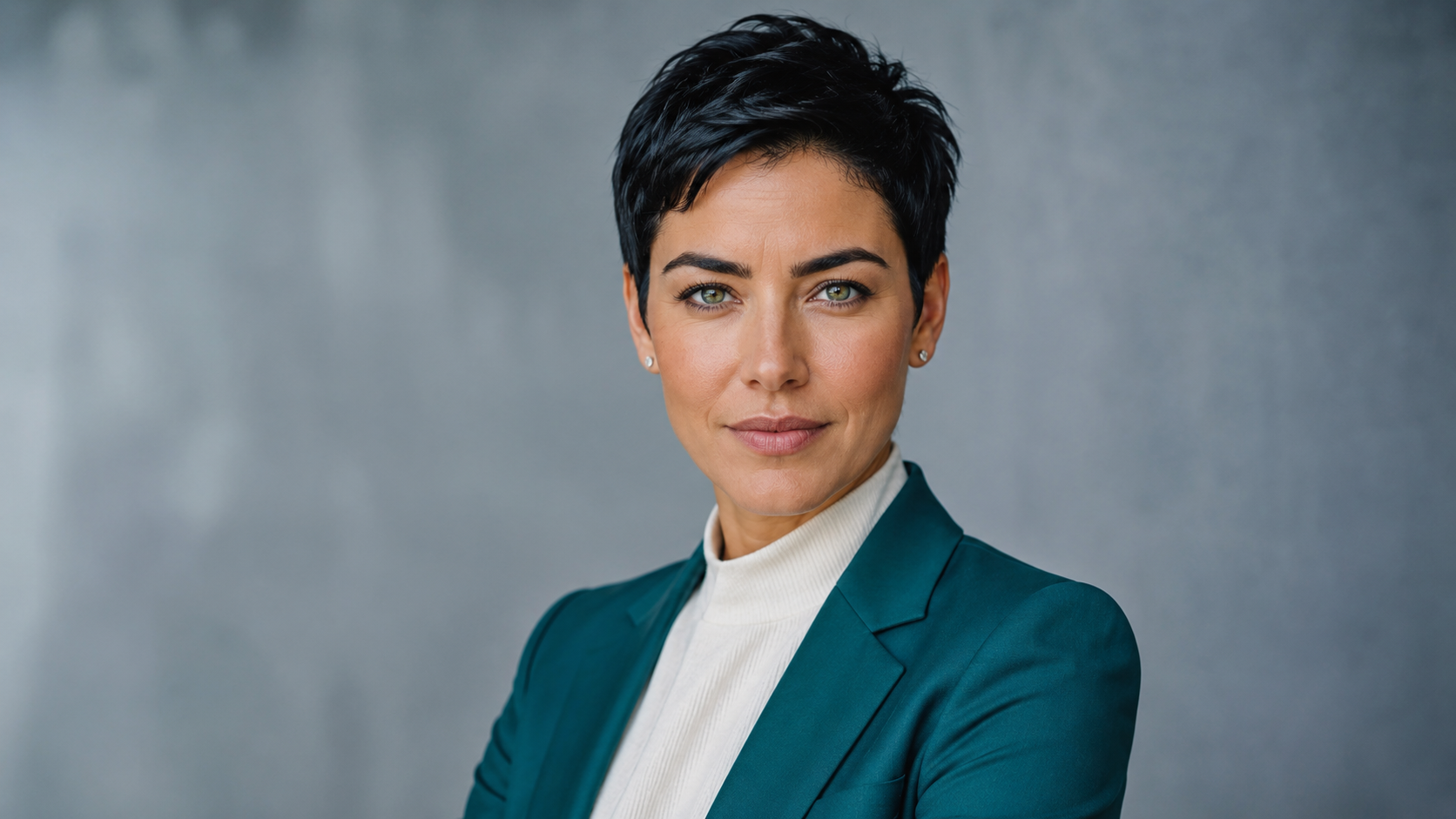

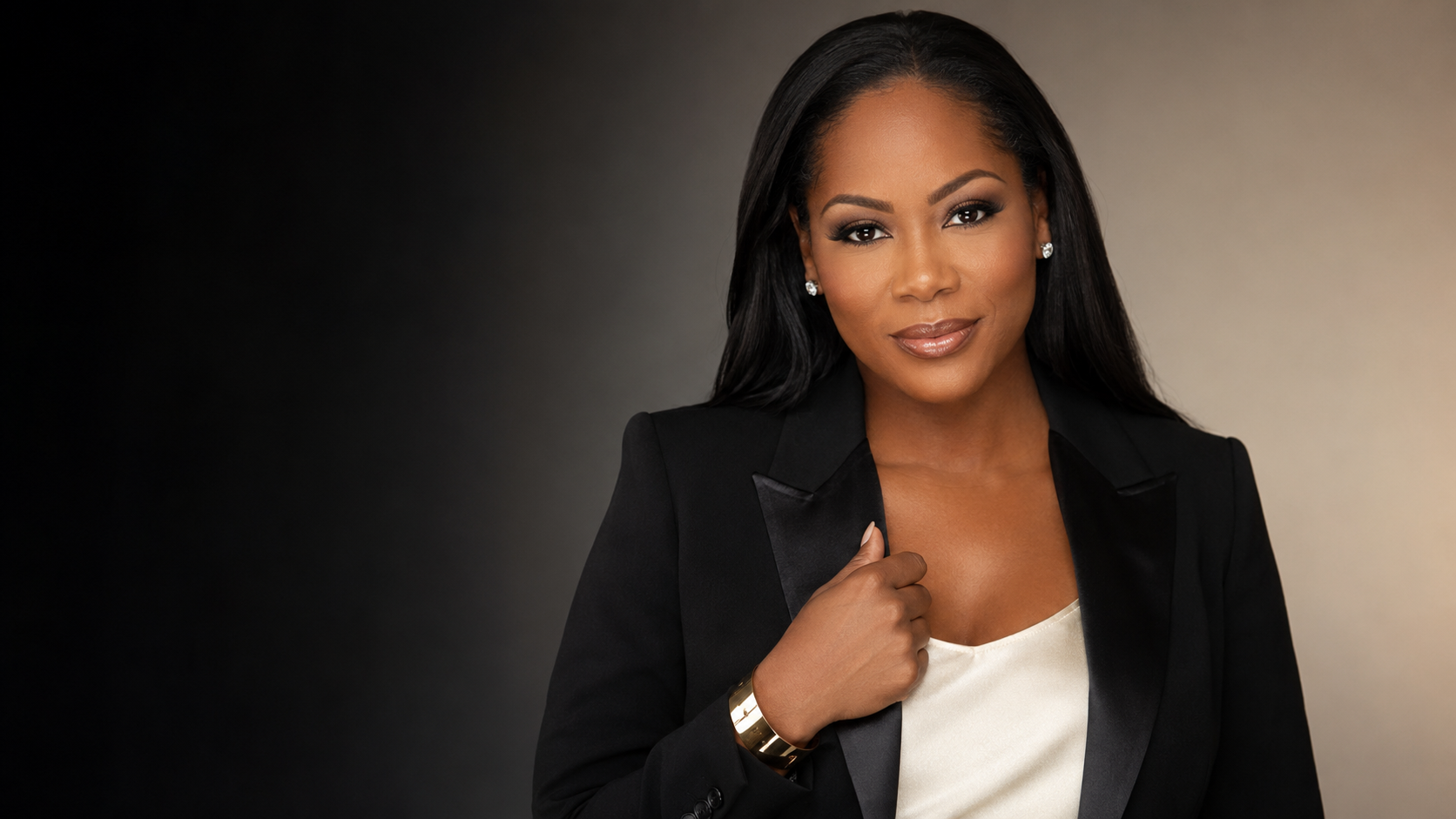
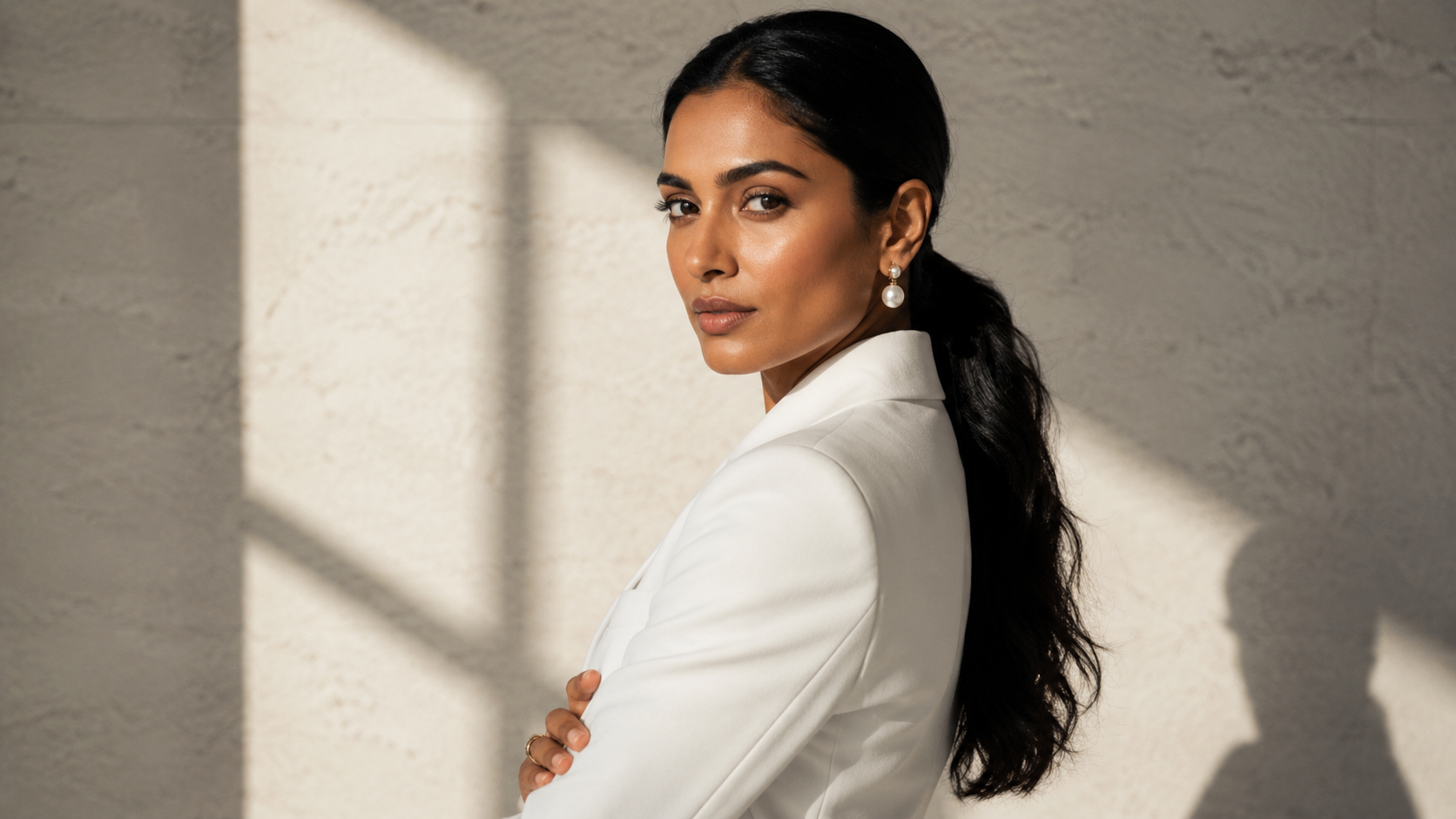
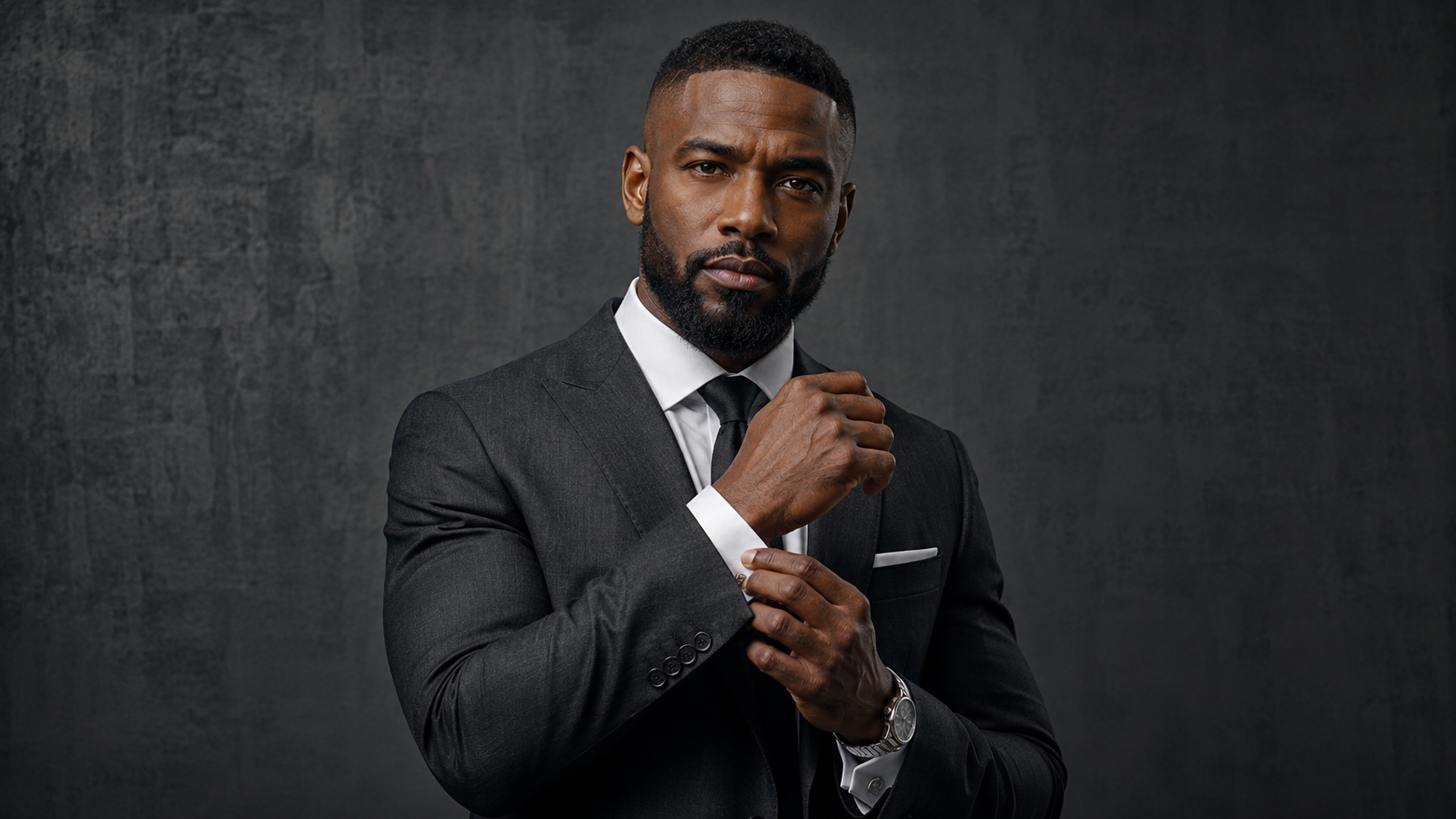
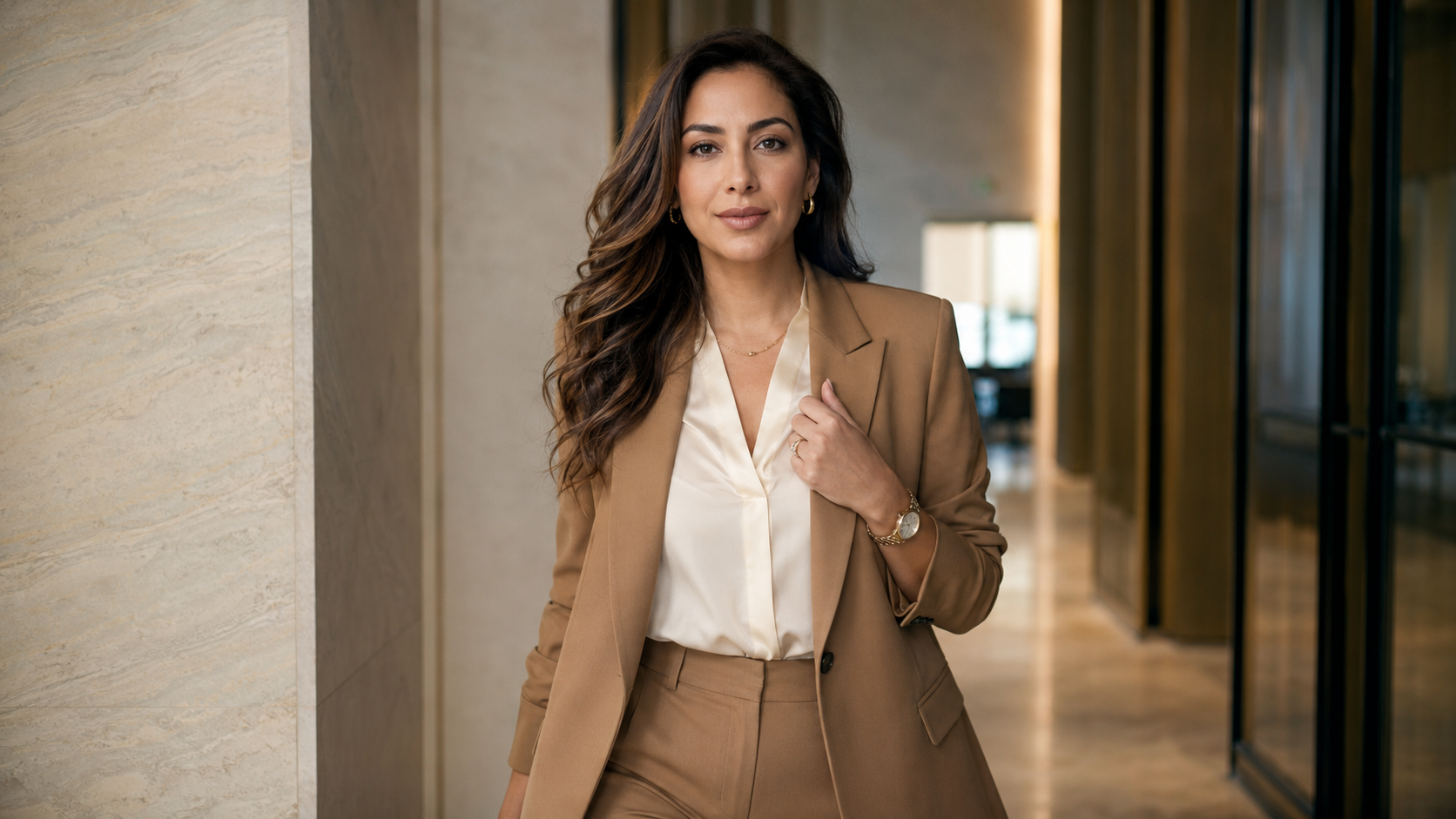
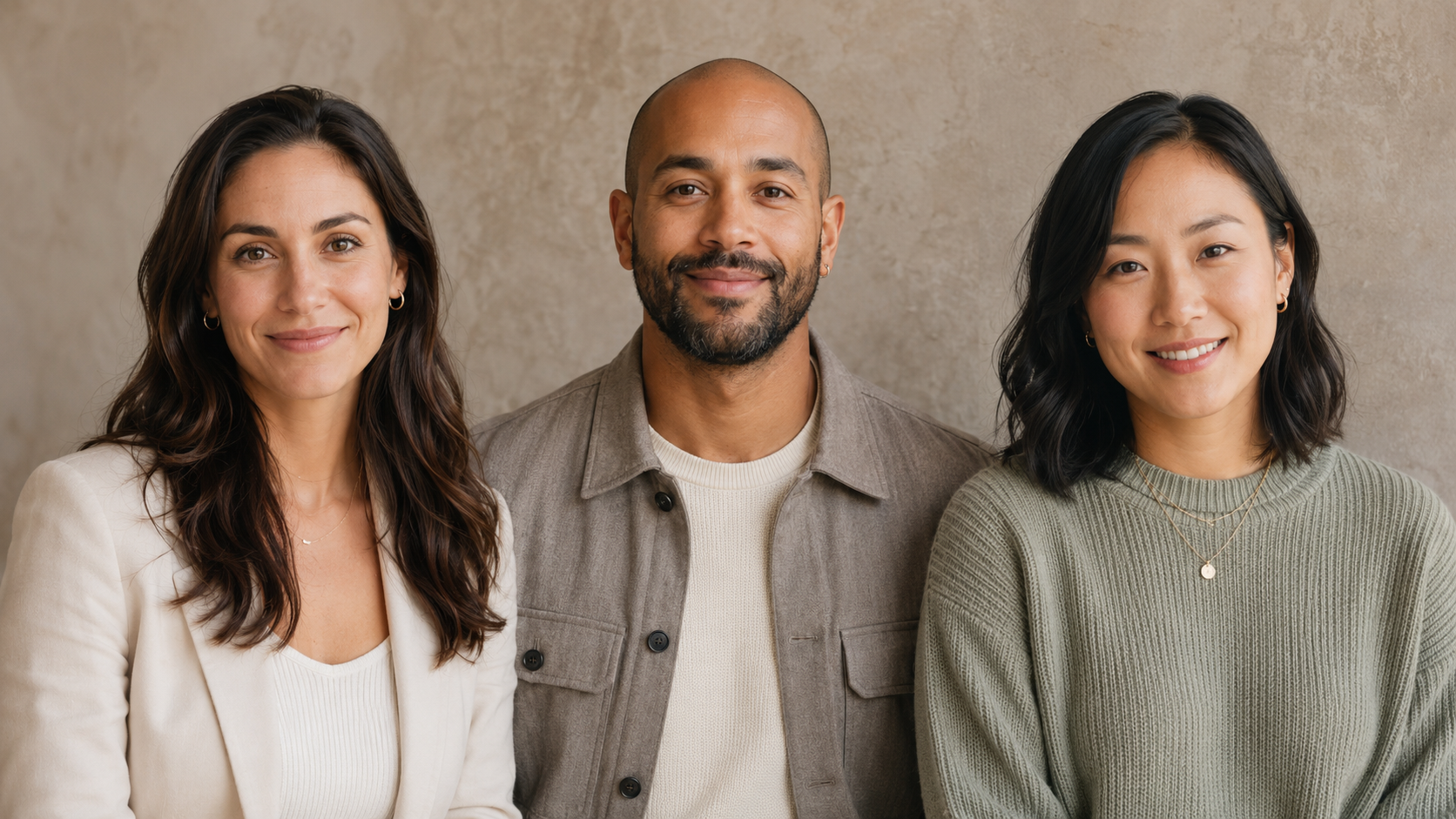
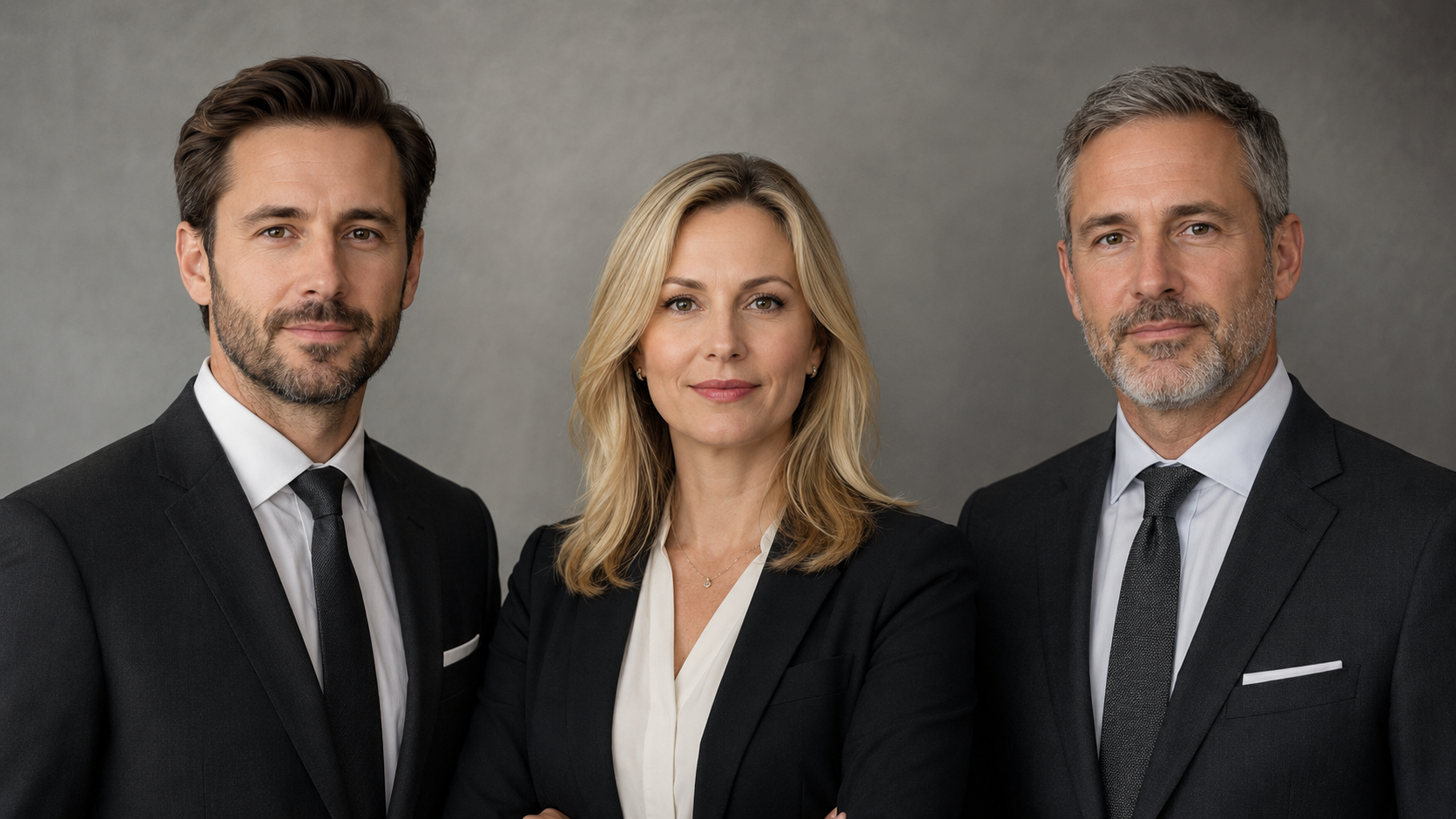
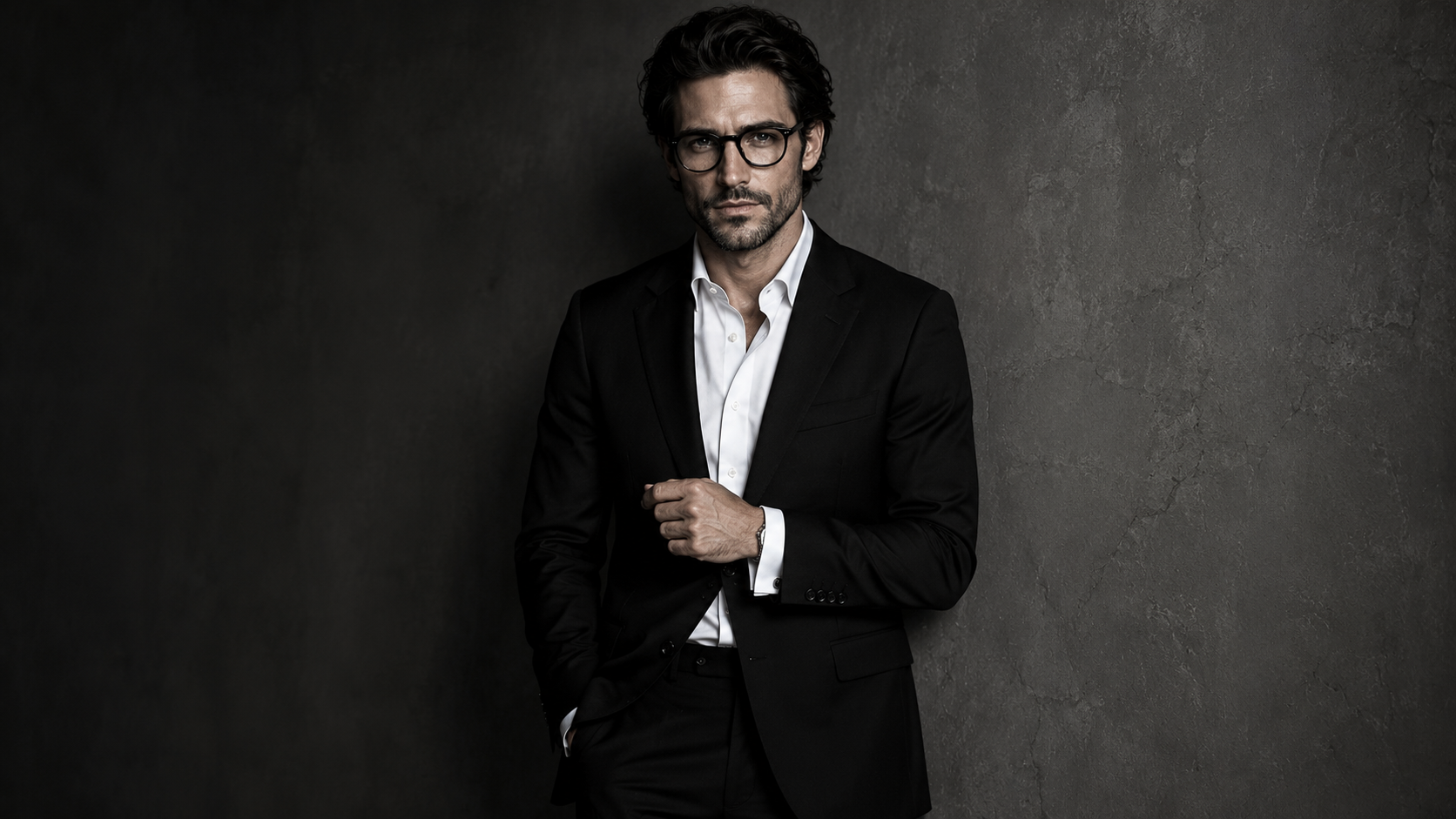
A Better Way to Create Consistent Company Photos for Remote, Hybrid, and Small Business Teams
Most small business team pages look accidental.
One person has a polished studio headshot.
One person cropped themselves out of a wedding photo.
One person is using a conference badge photo from 2019.
One person has a selfie in their car.
One person has no photo at all.
Nobody planned for it to look messy.
It just happened because getting everyone into the same studio, on the same day, wearing the right thing, under the same lighting, is a logistical circus. Add remote workers, contractors, sales reps, founders, part-time staff, or multiple cities, and the team photo project becomes one of those “we’ll handle it later” things.
Later becomes next quarter.
Next quarter becomes next year.
Meanwhile, your website, LinkedIn company page, proposals, email signatures, speaker bios, and company directory are all telling slightly different visual stories.
Remote team headshots solve that problem.
Not by pretending everyone was in the same room.
By creating a consistent visual system that works even when your team does not.
What Are Remote Team Headshots?
Remote team headshots are professional headshots created without requiring every team member to attend an in-person studio session.
Instead of coordinating a full photo day, each participant follows source photo and wardrobe guidelines from home. The final images are then styled, generated, edited, or curated into a consistent headshot set for business use.
For Booths by Christy, remote AI headshots are designed around consistency:
similar crop
similar lighting
similar background family
similar wardrobe direction
similar level of polish
realistic facial detail
human curation before delivery
The goal is not to make every person look identical.
That would be weird. Very “corporate clone army,” and we are not doing that.
The goal is to make every person look like they belong on the same team page.
Why Small Businesses Struggle With Team Headshots
Team headshots sound simple until someone tries to schedule them.
For small businesses, the problem is rarely that people do not care. The problem is that the workflow is annoying.
Someone has to find a photographer. Someone has to coordinate availability. Someone has to pick a background. Someone has to tell the team what to wear. Someone has to handle reschedules, late arrivals, new hires, retouching requests, and the one person who hates every photo ever taken of them.
Then the team changes.
A new employee joins. A contractor becomes client-facing. Someone gets promoted. A founder finally updates the website. Suddenly, the old headshot system does not match the new team.
That is how companies end up with patchwork headshots.
Not because they lack taste.
Because the old workflow is too heavy for how modern teams actually operate.
Why Consistent Team Headshots Matter
Consistent team headshots make a business feel more organized.
That matters because your team page is not just decorative. It helps visitors understand who is behind the company.
A strong team headshot system can support:
website about pages
company directories
LinkedIn profiles
proposal bios
email signatures
speaker bios
recruiting pages
pitch decks
sales materials
conference profiles
press kits
When everyone’s photo has a different crop, background, quality level, and lighting style, the business can look less coordinated than it actually is.
A small mismatch is normal.
A total visual mismatch can make the company feel underbuilt.
Consistent team headshots help create visual trust before anyone reads the copy.
Remote Team Headshots vs. Traditional Photo Day
A traditional photo day can work beautifully when everyone is local, available, and able to attend the shoot.
But many teams are not built that way anymore.
Small businesses may have a founder in one city, an assistant in another, a sales rep on the road, a designer working remotely, and a contractor who only joins client calls twice a month.
A traditional photo day asks the team to fit the shoot.
A remote headshot system lets the shoot fit the team.
That is the real shift.
Remote team headshots are useful when you need consistency without forcing everyone into the same physical location.
They are especially helpful for:
remote teams
hybrid teams
small businesses
startups
consulting firms
real estate groups
agencies
law firms
coaching companies
event teams
nonprofit teams
distributed leadership teams
The smaller the team, the less sense it makes to overcomplicate the process.
AI Team Headshots Still Need Human Curation
AI team headshots should not be treated like a vending machine.
Upload photos. Push button. Pray.
That is how you end up with one person looking like a movie villain, one person looking like a wax figure, and one person suddenly having a jawline from a different bloodline.
Remote AI headshots still need direction.
They need a system.
That system should include:
source photo guidelines
wardrobe direction
background selection
lighting style
crop standards
expression guidance
realism checks
identity consistency review
final human curation
AI can generate options quickly.
But a usable team gallery needs judgment.
Someone has to reject the images with plastic skin, fake teeth, warped collars, strange glasses, mismatched lighting, or faces that look almost like the person but not quite.
That “almost” matters.
For team pages, credibility lives in the details.
What Makes Remote Team Headshots Look Consistent?
Remote team headshots look consistent when the visual decisions are controlled before the images are created.
The biggest consistency factors are:
crop
background
lighting
wardrobe palette
expression
editing style
image quality
realism review
The background does not need to be identical in every image, but it should belong to the same family. Soft gray, greige, taupe, navy, graphite, or warm neutral backdrops can make the team feel cohesive without making every person look copied and pasted.
The wardrobe also does not need to match exactly.
In fact, it should not.
Coordinated is better than identical.
A strong remote team headshot direction might ask everyone to wear business casual or polished professional clothing in a shared color family: navy, charcoal, cream, soft blue, black, taupe, or deep green.
That gives the team structure without turning the headshots into uniforms.
What Should a Remote Team Wear for AI Headshots?
For remote team headshots, the safest wardrobe rule is this:
Everyone should dress at the same level of formality.
The problem is not usually color.
The problem is one person looking like they are going to a board meeting while another looks like they are joining a Zoom call from laundry day.
For most small business teams, good wardrobe direction includes:
solid colors
simple necklines
blazers or structured layers
clean knits
collared shirts
minimal jewelry
no large logos
no tiny high-contrast patterns
no wrinkled clothing
no neon colors unless intentionally branded
The goal is not to erase personality.
The goal is to keep the face, expression, and professional presence in focus.
For teams, wardrobe should support the group identity first and individual style second.
Best Remote Team Headshot Styles for Small Businesses
Different businesses need different headshot styles.
A law firm should not look like a creative agency.
A real estate team should not look like a SaaS startup.
A coaching company should not look like a finance board.
The best remote team headshot style depends on what the business needs to communicate.
Clean Professional Team Headshots
Clean professional headshots work best for general company websites, directories, LinkedIn profiles, and internal team pages.
This style usually uses soft lighting, neutral backgrounds, chest-up crops, and simple professional wardrobe.
It is the safest option for most small businesses.
Founder-Led Team Headshots
Founder-led team headshots work well when the company wants to feel personal, modern, and relationship-driven.
This style can include slightly warmer lighting, softer backgrounds, and more relaxed expressions.
It is a strong fit for coaches, consultants, creative studios, boutique agencies, and service providers.
Corporate Team Headshots
Corporate team headshots work well for law firms, finance companies, consultants, boards, healthcare-adjacent businesses, and B2B service teams.
This style usually uses more structured wardrobe, restrained backgrounds, and controlled expressions.
It should feel polished, not stiff.
Creative Team Headshots
Creative team headshots work well for agencies, studios, event brands, designers, photographers, content teams, and personal brand companies.
This style can use deeper backgrounds, subtle editorial lighting, and more expressive wardrobe.
It should still feel professional.
Creative does not mean chaotic.
Real Estate Team Headshots
Real estate team headshots need to feel approachable, polished, and recognizable.
This style usually benefits from brighter expressions, clean business attire, and backgrounds that feel professional but not cold.
The headshots should work across team pages, agent profiles, listing presentations, and social content.
How Remote Team Headshots Work
A remote team headshot process should be simple enough that people actually finish it.
Here is the clean version:
Step 1: Choose the Team Headshot Style
Before anyone uploads photos, choose the visual direction.
Decide whether the team needs to look corporate, warm, creative, premium, approachable, or founder-led.
This step matters because every decision after it depends on the style.
Step 2: Send the Team a Source Photo Guide
Each participant needs clear instructions before they upload photos.
The guide should explain lighting, angles, facial visibility, expressions, what to wear, what to avoid, and how many images to submit.
Good source photos create better AI outputs.
Bad source photos create chaos wearing a blazer.
Step 3: Collect Source Photos Remotely
Team members submit their photos from wherever they are.
This removes the need for travel, studio scheduling, and matching everyone’s calendar.
It also makes it easier to add new hires later.
Step 4: Create and Curate the Headshot Set
The images are created with a consistent visual direction.
Then the weak outputs are rejected.
That part is important.
A polished final set should not include identity drift, fake smiles, waxy skin, warped jewelry, melted hair, or backgrounds that look pasted behind the person.
Step 5: Deliver Platform-Ready Images
The final images should be cropped and organized for real business use.
That may include website headshots, LinkedIn crops, square crops, team page versions, and speaker or proposal images.
The delivery should make the next step easy.
Where Small Businesses Can Use Remote Team Headshots
Remote team headshots can support more than the website.
A good team headshot set can be used across:
website team pages
LinkedIn profiles
proposal bios
email signatures
company directories
press kits
speaker submissions
hiring pages
onboarding documents
client welcome decks
social media graphics
event or conference bios
This is why consistency matters.
The more places your team appears, the more obvious the visual mismatch becomes.
One polished headshot system gives everyone a usable baseline.
Remote Team Headshots for New Hires
New hires are where traditional team headshots often break.
The original photo day happened six months ago. The photographer is not available. The office has changed. The team member is remote. The lighting is different. The background is different.
Now the new person’s headshot looks like an afterthought.
A remote AI headshot system can make new hire updates easier because the style system already exists.
You can reuse the same visual direction, wardrobe guidance, crop family, and background family for each new person.
That helps the team page stay current instead of slowly falling apart one new hire at a time.
A little dramatic?
Maybe.
Accurate?
Unfortunately, yes.
Remote Team Headshots for Proposals and Sales Materials
Team headshots are not only for the website.
For service businesses, headshots often show up inside sales materials.
That includes consulting proposals, speaker decks, pitch decks, RFP responses, media kits, sponsorship decks, and client onboarding documents.
In those moments, consistency matters because the buyer is evaluating the team.
Not just the offer.
A proposal with clean, consistent team bios feels more prepared than one with mismatched screenshots, selfies, and old profile photos.
That does not mean the photos close the deal.
It means they remove visual friction.
Good headshots do not do the selling for you.
They make the selling feel more credible.
Remote Team Headshots for Company Culture
Some companies worry that consistent headshots will make the team look too polished or impersonal.
That depends on the direction.
Consistency does not have to mean sterile.
A warm, modern team headshot system can still show personality through expression, wardrobe, and styling. The point is to create a shared visual language, not flatten everyone into the same person.
The strongest team headshots usually balance:
individual personality
shared brand style
professional polish
realistic expression
consistent image quality
A good remote team headshot system should feel human.
Not like a fake corporate brochure.
Not like everyone was generated from the same prompt with different hair.
Human first. Consistent second.
When Remote AI Team Headshots Are a Good Fit
Remote AI team headshots are a good fit when your team needs professional images quickly, consistently, and without a full in-person shoot.
They work especially well when:
the team is remote or hybrid
people live in different cities
the company needs website updates fast
new hires are added often
headshots need to match a brand style
the old team page looks inconsistent
scheduling a photo day would slow everything down
the company wants multiple usable crops
the team needs LinkedIn, proposal, and website images
Remote AI headshots are also useful for small teams that want a polished look without turning a simple update into a production.
Sometimes the best system is the one people will actually complete.
When Remote Team Headshots May Not Be the Right Fit
Remote AI headshots are not the right fit for every situation.
You may want traditional photography if your team needs:
documentary workplace photos
culture photos in a real office
event photography
lifestyle photos with real interactions
campaign images in a specific physical location
official ID or compliance photos
images requiring exact documentary likeness
Remote AI headshots are best for professional branding, company pages, LinkedIn, bios, proposals, and team visibility.
They should not be used for passports, government IDs, legal documents, medical documents, or official credentials.
The right tool depends on the use case.
Remote AI headshots solve the consistency problem.
Traditional photography still wins when the physical environment itself is the story.
How Booths by Christy Creates AI Team Headshots at Scale
Booths by Christy creates remote AI headshots for teams that need consistent, professional images without scheduling a full photo day.
The process is built around visual direction and human curation.
That means the final images are reviewed for:
likeness
realism
crop consistency
lighting consistency
background fit
wardrobe alignment
expression
skin texture
hair detail
glasses and jewelry
overall professional credibility
The goal is not to overwhelm the team with hundreds of random generated images.
The goal is to deliver a polished set that makes the team easier to present across platforms.
For small businesses, that can mean a cleaner website.
For consultants, it can mean better proposal bios.
For real estate teams, it can mean more consistent agent profiles.
For founders, it can mean the company finally looks as organized as the work actually is.
Remote Team Headshot Checklist
Before updating your team headshots, answer these questions:
Where will the images be used?
Does the team need a clean, warm, corporate, creative, or premium style?
What background family fits the brand?
What colors should the team wear?
What level of formality should everyone follow?
Do you need LinkedIn crops, website crops, or both?
How will new hires be added later?
Who approves the final images?
What images should be rejected?
Does every final headshot still look like the actual person?
That last question matters most.
A team headshot should look polished.
It should not look like a stranger with your employee’s name under it.
Final Takeaway: Your Team Page Should Not Look Like a Patchwork Quilt
Remote team headshots give small businesses a practical way to look more consistent online.
No full photo day.
No calendar chaos.
No mismatched headshots from five different years.
Just a clear visual direction, remote source photos, AI-assisted image creation, and human curation.
The team still gets to look like real people.
The company gets to look more organized.
That is the point.
Ready to Update Your Team Headshots?
Booths by Christy creates AI Headshots at Scale for remote teams, small businesses, founders, consultants, real estate teams, and professional brands.
Use them for your website, LinkedIn profiles, team page, speaker bios, proposals, company directory, and client-facing materials.
Explore AI Headshots at Scale:
https://www.boothsbychristy.com/ai-headshots
Contact Booths by Christy:
https://www.boothsbychristy.com/contact
FAQ: Remote Team Headshots
What are remote team headshots?
Remote team headshots are professional headshots created without requiring every person to attend an in-person photo session. Team members submit source photos remotely, and the final images are created and curated into a consistent style for business use.
Are AI team headshots professional enough for a company website?
Yes, AI team headshots can be professional enough for a company website when they are realistic, recognizable, and curated for consistency. The strongest results use clear source photos, shared wardrobe guidance, consistent backgrounds, and human quality review.
How do remote team headshots help small businesses?
Remote team headshots help small businesses update website photos, LinkedIn profiles, proposal bios, email signatures, and company directories without coordinating a full photo day. They are especially useful for remote, hybrid, or growing teams.
What should a team wear for remote AI headshots?
A team should wear coordinated but not identical clothing. Solid colors, simple necklines, blazers, clean knits, collared shirts, and minimal jewelry usually work well. Everyone should dress at a similar level of formality.
Can new hires be added later?
Yes. One advantage of a remote AI headshot system is that new hires can be added later using the same visual direction, crop family, wardrobe guidance, and background style.
Are remote AI headshots the same as traditional photography?
No. Remote AI headshots are designed for professional profile and brand use, while traditional photography is still better for documentary workplace photos, real office culture images, and campaigns that require a specific physical location.
Can AI team headshots be used for official IDs?
No. AI team headshots should not be used for passports, government IDs, legal documents, medical documents, or official credentials. They are best for professional branding, websites, LinkedIn, team pages, and business materials.